Jump to content


Photo
- - - - -

How to get switch triggers to send signal to Backglass?

B2S design Animated Backglass

  • Please log in to reply
4 replies to this topic

#1 Screamindemon

Screamindemon

    Neophyte

  • Members
  • Pip
  • 3 posts

  • Flag: South Africa

  • Favorite Pinball: ............. Space Cadet

Posted 13 April 2025 - 07:00 AM

Hi Folks


I am reasonably competent using the B2S designer. I am able to use the stock signals from SI and Lamps. What I am seeking is to receive signals from switches to the BG for additional options to trigger animations :think:  :think:  :think: .


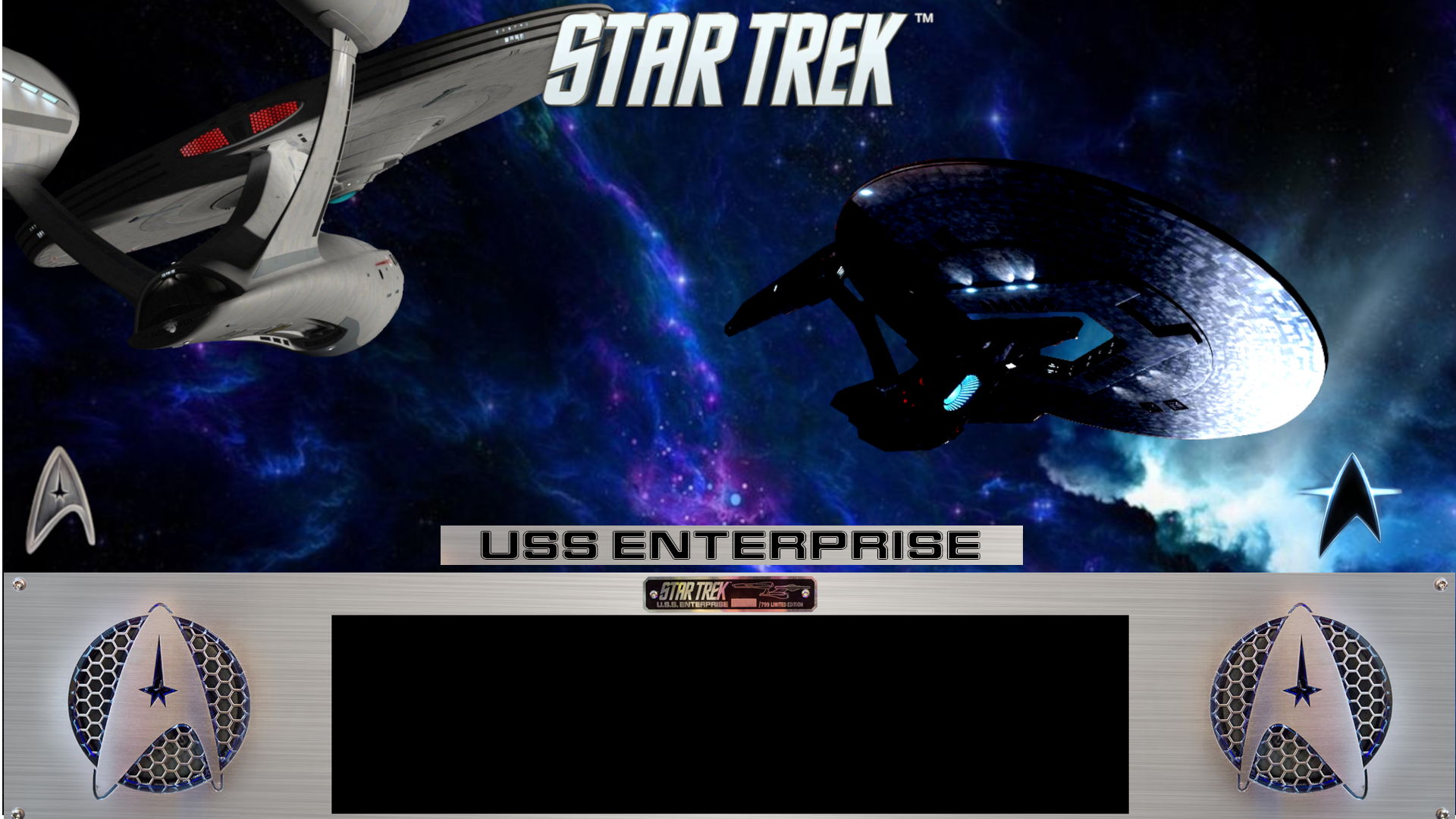
For example, with this BG I would like the Saucer movement on the table to trigger the animated photon and laser battle that I have animated.


https://vpuniverse.c...demon-alt2-v10/


Thanks

newSTwip1.png.db553876db74aa9cfa899cdb6e


#2 kiwi

kiwi

    Pinball Fan

  • VIP
  • 2,665 posts

  • Flag: Italy

  • Favorite Pinball: Star Trek 25th Anniversary


Posted 13 April 2025 - 04:09 PM

Trigger calls should be placed in the table scripts,

for example, as is done in the electromechanical or original tables. 


Example to turn on the bulb 10 of the backglass via the trigger 1 of the table


Sub Trigger1_Hit
If B2SOn Then
Controller.B2SSetData 10, 1
End If
End Sub

Edited by kiwi, 13 April 2025 - 04:11 PM.


#3 Itchigo

Itchigo

    Pinball Wizard

  • Members
  • PipPipPipPipPip
  • 2,752 posts
  • Location:Chicago, Illinois

  • Flag: United States of America

  • Favorite Pinball: All


  • Trophies:

Posted 13 April 2025 - 04:09 PM

Hi Folks


I am reasonably competent using the B2S designer. I am able to use the stock signals from SI and Lamps. What I am seeking is to receive signals from switches to the BG for additional options to trigger animations :think:  :think:  :think: .


For example, with this BG I would like the Saucer movement on the table to trigger the animated photon and laser battle that I have animated.


https://vpuniverse.c...demon-alt2-v10/


Thanks

newSTwip1.png.db553876db74aa9cfa899cdb6e


Just add your b2s command in the same sub where the saucer is hit.


Saucer1_Hit

Do normal stuff

run animation


End Sub


Founder of Rogue Pinball! https://roguepinball.com/index.php                 Making Pinball great again!!


partylikeits1776-.jpg


#4 xenonph

xenonph

    I have Pinball Fever!

  • VIP
  • 4,129 posts
  • Location:Castle Rock, WA.

  • Flag: United States of America

  • Favorite Pinball: TRON Classic-Congo-Xenon-PINBOT-BOP-LOTR-A Real American Hero OPERATION PINBALL-Millionaire-Whirlwind-Krull-NFL-BlackKnight-FishTales

Contributor

Posted Today, 03:47 AM


Trigger calls should be placed in the table scripts,

for example, as is done in the electromechanical or original tables. 


Example to turn on the bulb 10 of the backglass via the trigger 1 of the table


Sub Trigger1_Hit
If B2SOn Then
Controller.B2SSetData 10, 1
End If
End Sub

Having a problem with backglass I am working on.

I am trying to call a snippit using the above method, and not getting any results.

I am fairly good at using snippits that use rom ID's, but this method doesn't use rom ID.

There is only 1 snippet in the backglass and no other lamps.

So using the method above, it should look like this after changing 10 to 1 because it is lamp 1 (The only thing added to backglass.)....


Sub Trigger1_Hit
If B2SOn Then
Controller.B2SSetData 1, 1
End If
End Sub


Is there a different way to type the command when using a snippit?

I am also assuming you would use Controller.B2SSetData 1, 0 command to shut it off?

Thanks for any other helpful info!


CHECK OUT THIS TUTORIAL http://www.vpforums....howtopic=32515
TO USE DB2S BACKGLASS PROGRAM WITH DESKTOP TABLES ON 1 MONITOR
 

#5 kiwi

kiwi

    Pinball Fan

  • VIP
  • 2,665 posts

  • Flag: Italy

  • Favorite Pinball: Star Trek 25th Anniversary


Posted Today, 09:10 AM

The snippit works the same way as the lights, make sure the "B2S ID" in the snippit panel (Illumination) is 1, like your light.

And yes, 0 is off and 1 is on.


Also tagged with one or more of these keywords: B2S design, Animated Backglass