Jump to content


Photo
* * * * * 2 votes

Yet another build thread - getting things running

Pinball Wizard DIY Pinball Controls Small Box

  • Please log in to reply
71 replies to this topic

#21 gtxjoe

gtxjoe

    VPF Veteran

  • VIP
  • 5,143 posts

  • Flag: United States of America

  • Favorite Pinball: Medieval Madness, AbraCadabra


Contributor

Posted 21 May 2014 - 09:39 PM

For coin door switch, here was a recent post:

http://www.vpforums....=27063&p=257023



#22 rasm

rasm

    Enthusiast

  • Members
  • PipPipPip
  • 128 posts
  • Location:Hamburg

  • Flag: Germany

  • Favorite Pinball: currently Fish Tales

Posted 21 May 2014 - 10:50 PM

Chapter 14 - LEDWiz


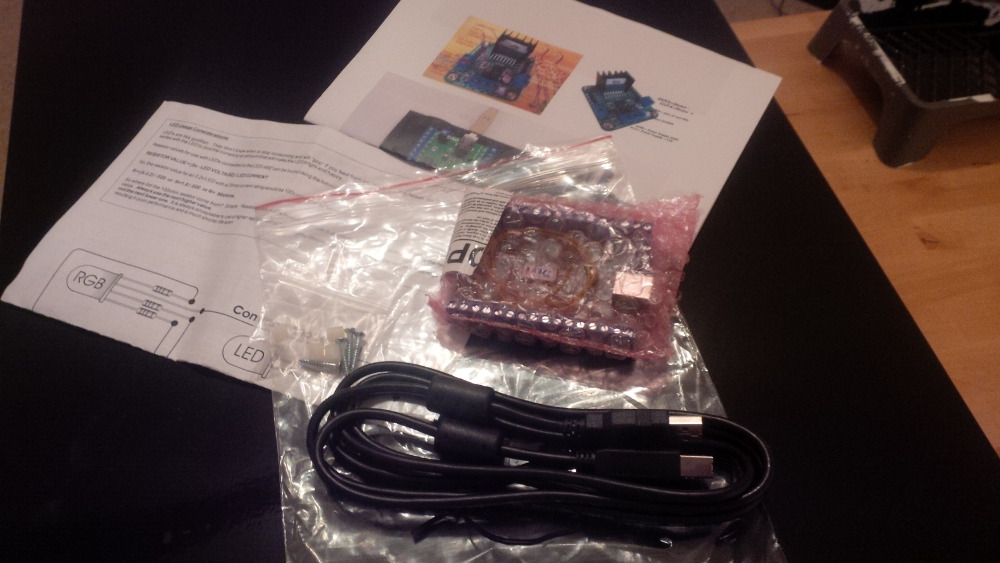
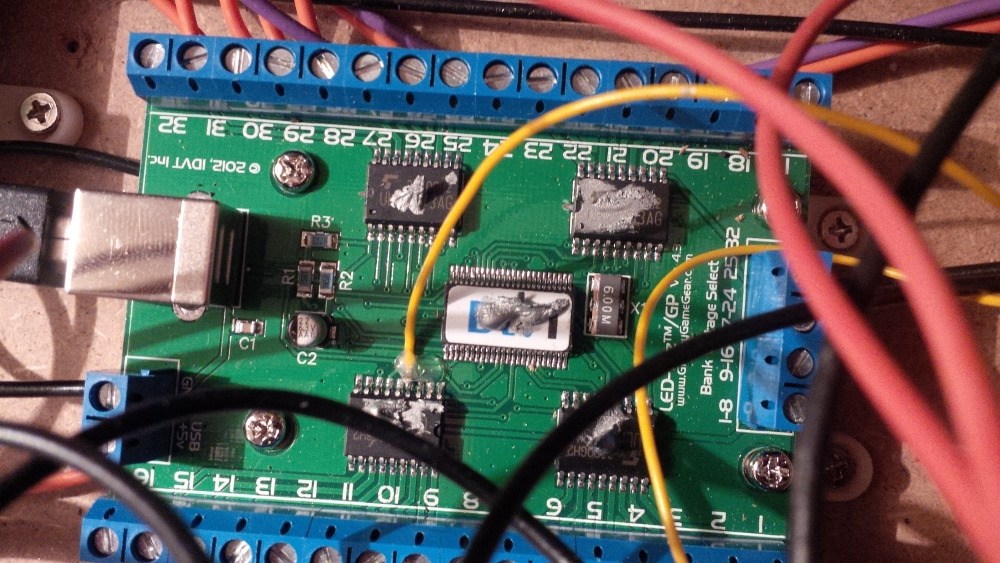
Uhhhh, I got excited... my LEDWiz arrived!


chapter-14-01-ledwiz-arrived.jpg


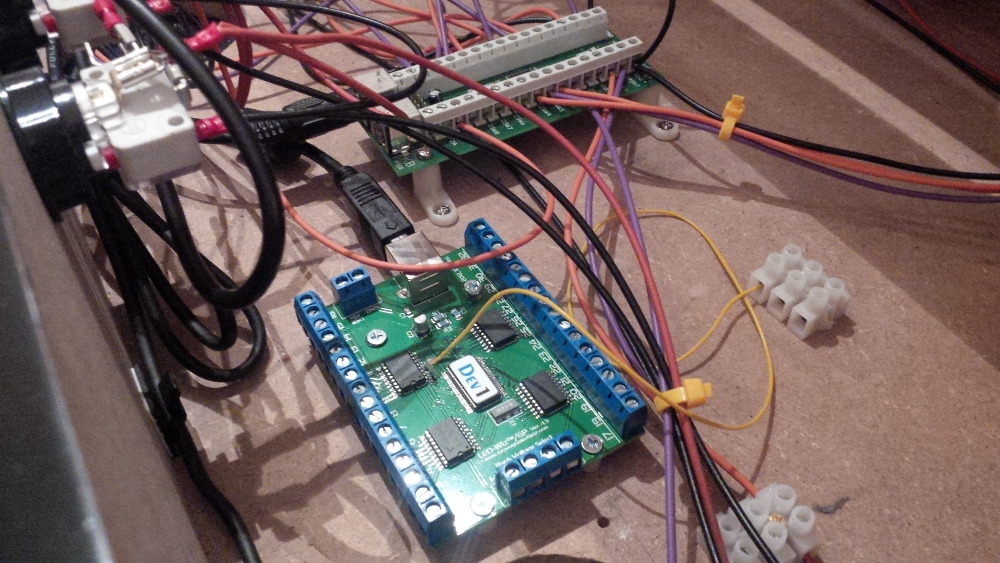
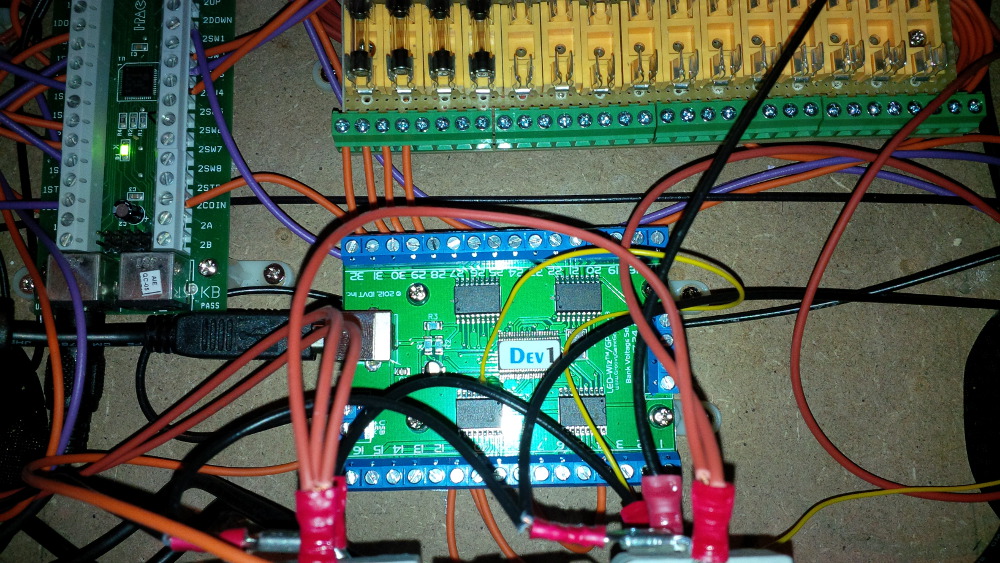
I directly mounted the LEDWiz, because it was the one and only task I could do. Without the accessoires like fuses I cannot use it.


chapter-14-02-ledwiz-mounted.jpg


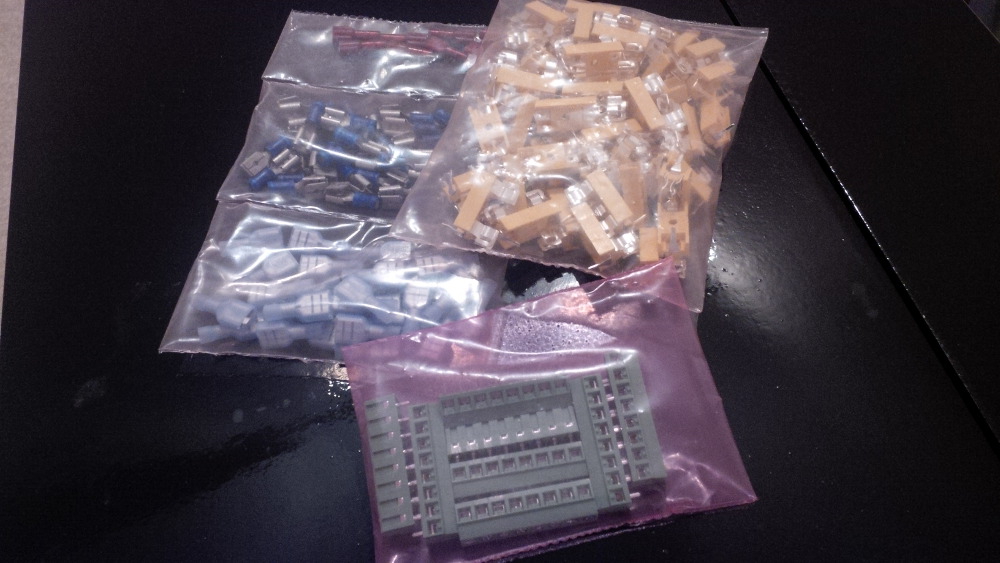
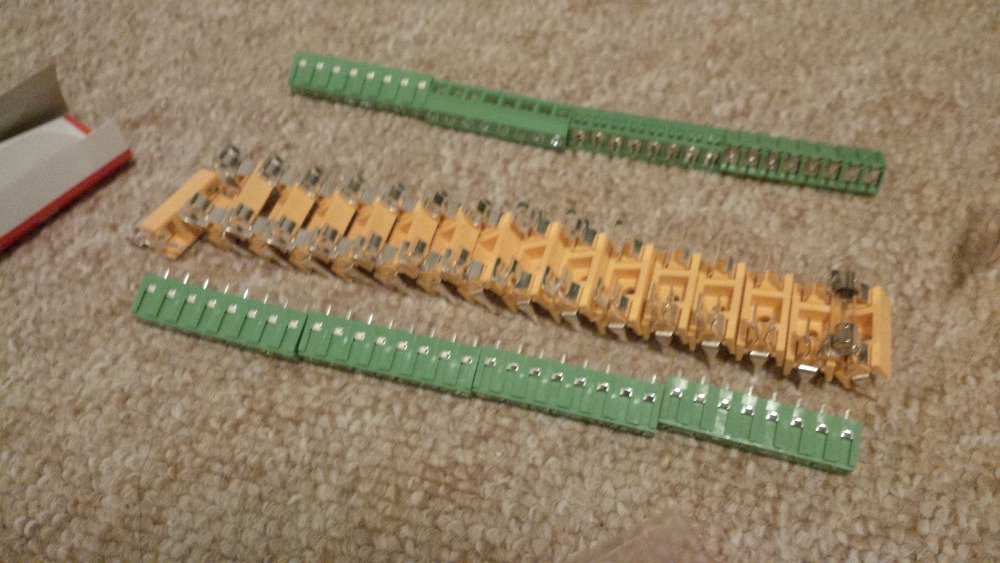
One or two days later I got the fuse holders and terminal blocks.


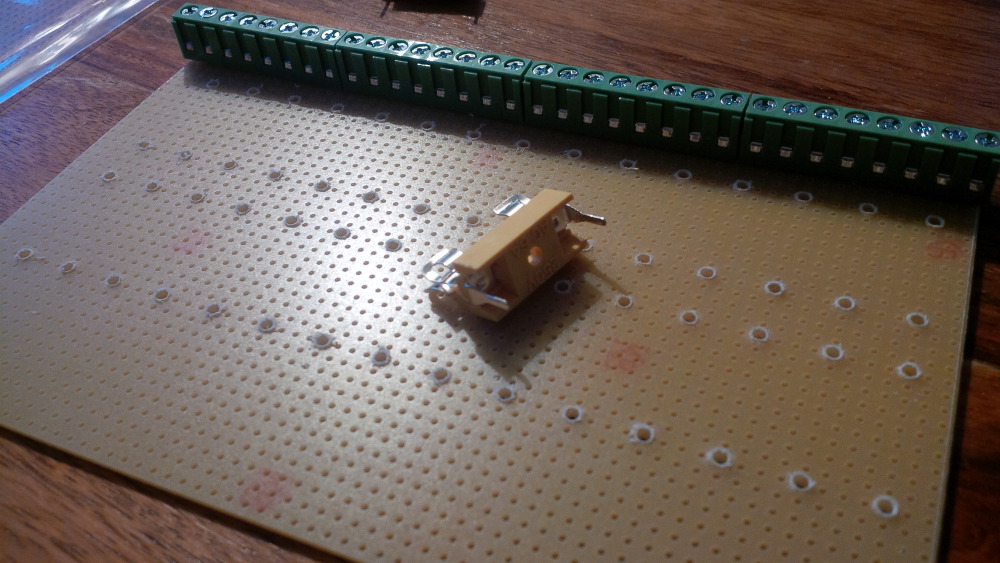
chapter-14-03-fuse-holders.jpg


But the fuses and the blank board to setup a fuse block were still missing.


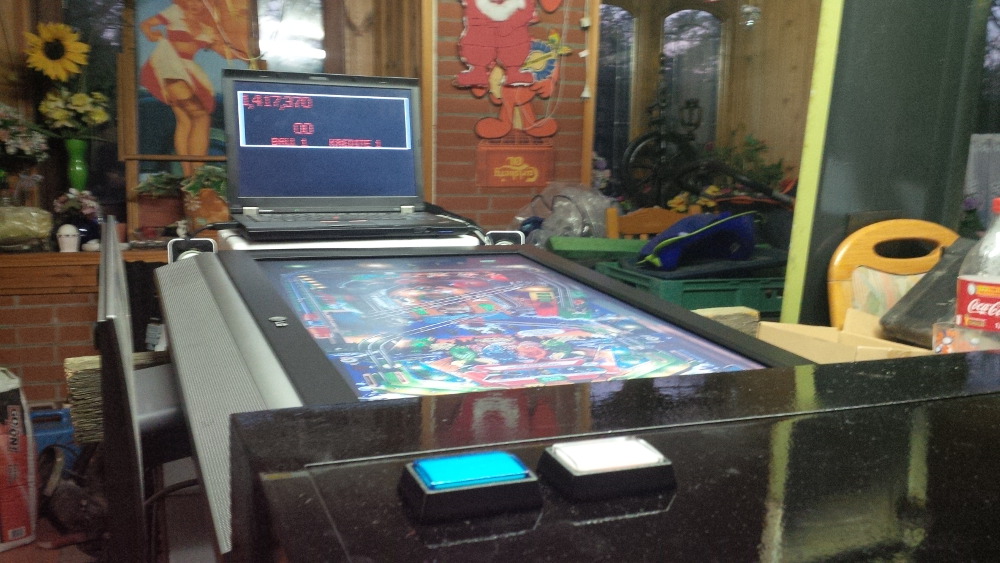
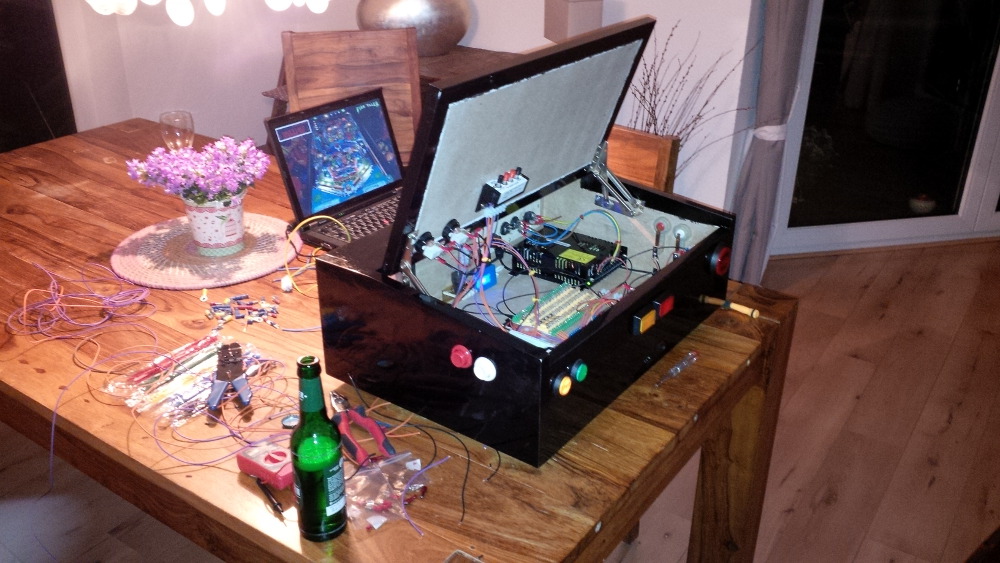
At this time I realized a big benefit of a small case instead of a real full size cab. We planned a short trip as family to visit friends for a whole weekend. And taaaadaaa, while my wife was rolling her eyes I put my pinball box in the luggage space, grab my notebook and made my baggage complete by the speaker/subwwofer set and some cables, hihihi. A real cab is always the best option, except you travel around.

After we arrived my friend heat up the BBQ and we moved an old LCD to a makeshift table in his party loggia and setup the pinball box fasten. He was impressed and we had a lot of fun with the tables we played together as children.


chapter-14-04-short-trip.jpg


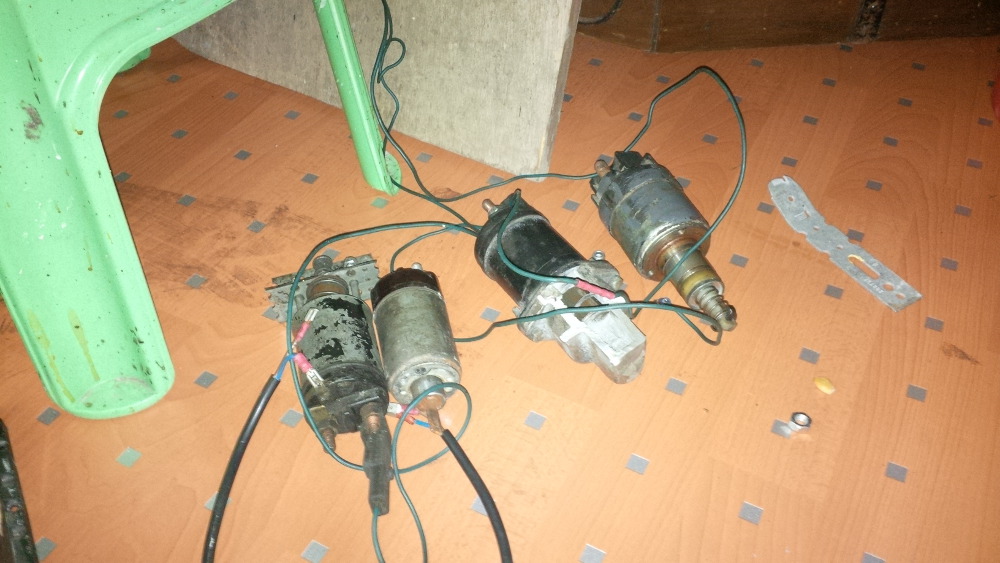
It wasn't a surprise (at least for him) that I had my box with me, because we had some calls about it. He's a mechanic and I thought this could be the best man to organize some starter solenoids to support my force feedback plans. Yea, he was absolutely willing to support me and I am pleased to say thank you on this way. I was very interessted what solenoids he got and I promised two bottles of wine. He prepared all solenoids together with a car battery to demonstrate the firing effects. When I saw his setup I couldn't believe my eyes. My requirement was that these solenoids must really give a feedback and he absolutely fulfilled this need. How I could mount this stuff in my box? No idea. For what effect could I use these impressive big slow solenoids? No idea.


chapter-14-05-solenoids.jpg


Maybe I could wire them in a sequence to replace a shaker motor ;-). Any ideas are welcome.


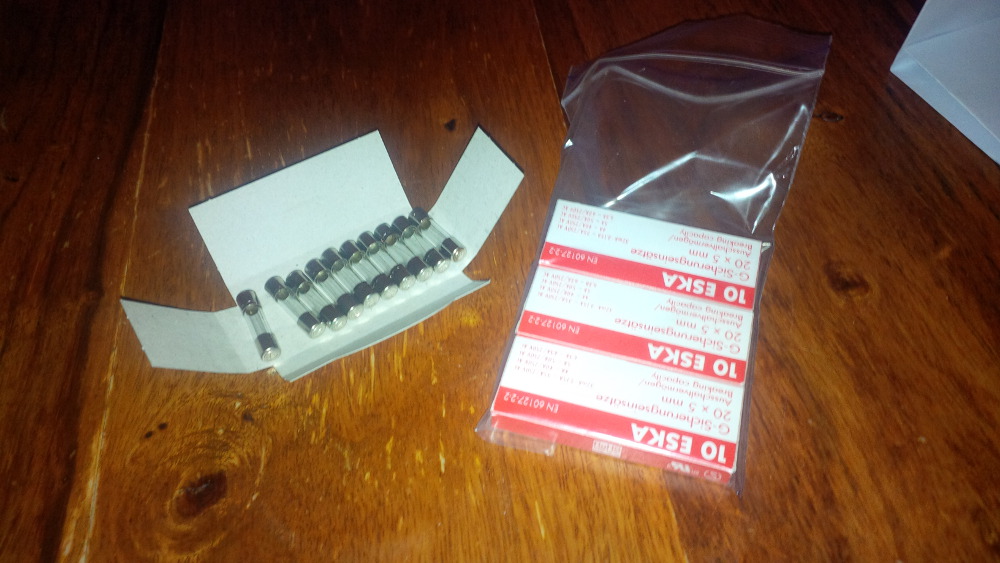
Back at home I searched at ebay for contactor auctions and made a bet on a set of four 24V Siemens Sirius at least for the flipper and slingshot effects. Furthermore I was happy that the fuses was arrived.


chapter-14-06-fuses-arrived.jpg


I started to plan my fuse block especially the size, because it is limited in my setup when I want to integrate more toys.


chapter-14-07-planning.jpg


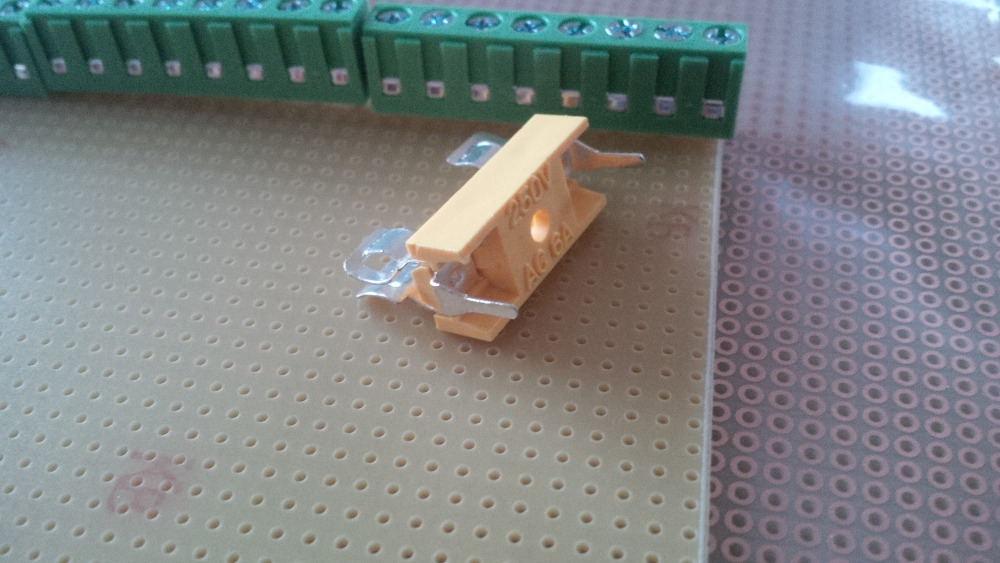
A few days later I got a set of blank boards and I directly began to solve the precondition to see my LEDWiz in action. The fuse holder pins were a bit to big for the board holes, but luckily I own a drill.


chapter-14-08-blank-board-arrived.jpg


chapter-14-08-widen-board-holes.jpg


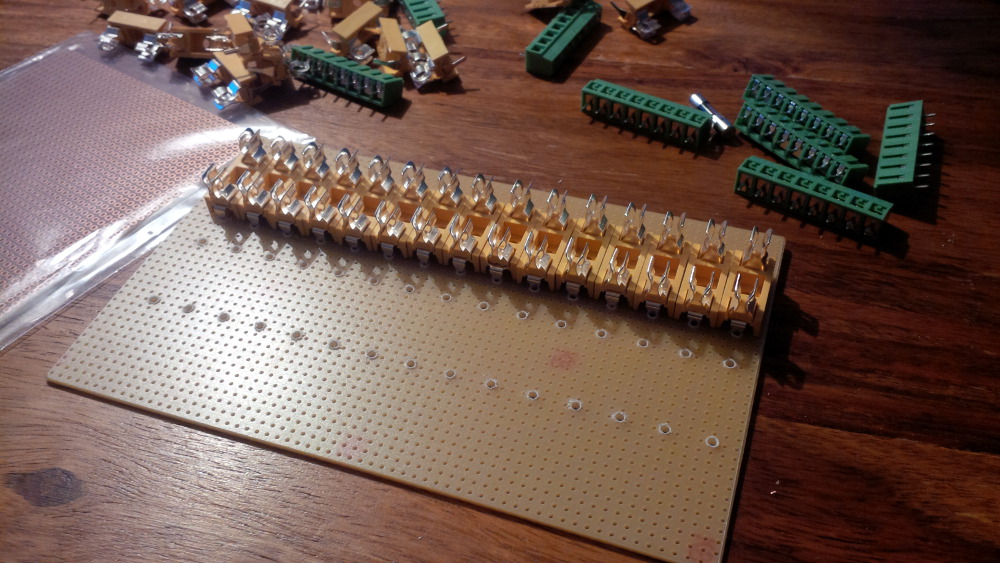
I only got 30 fuse holders on the board size. But okay, than two toys will get dedicated fuses if needed. I put the first row holders on the board...


chapter-14-09-first-row-fuse-holders.jpg


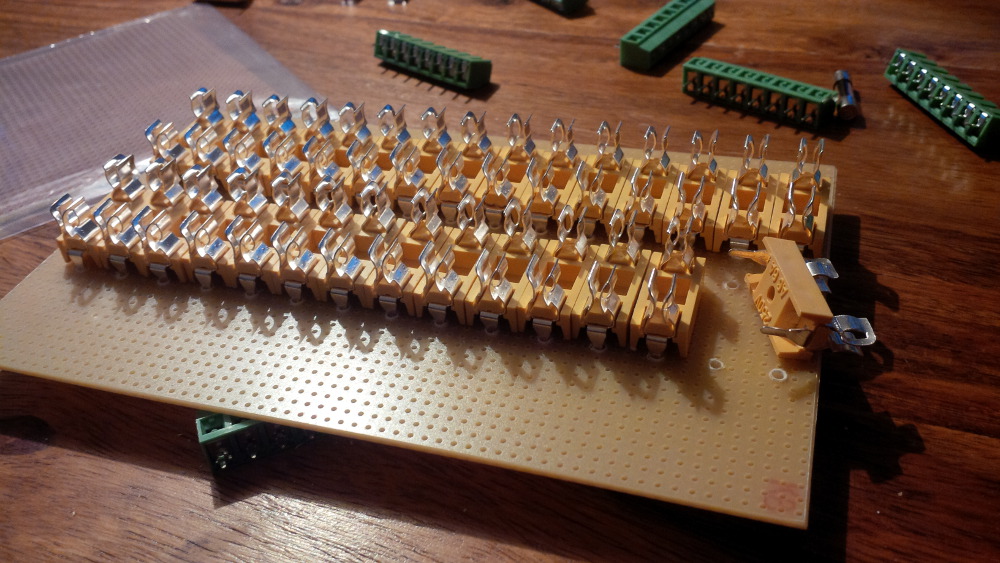
...and a second one...


chapter-14-10-second-row-fuse-holders.jp


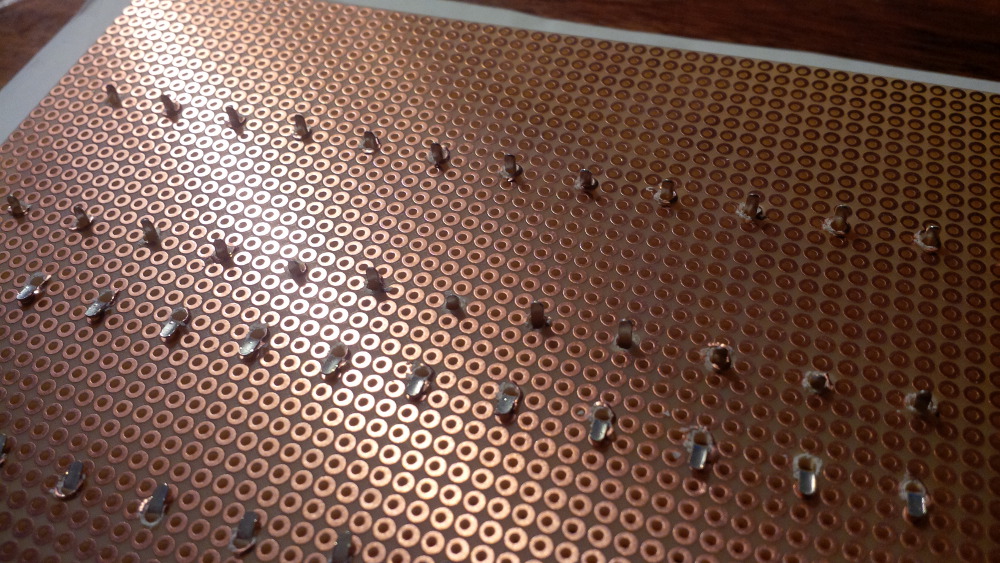
...and quickly fastening them by crippling the pins.


chapter-14-11-fuse-holders.jpg


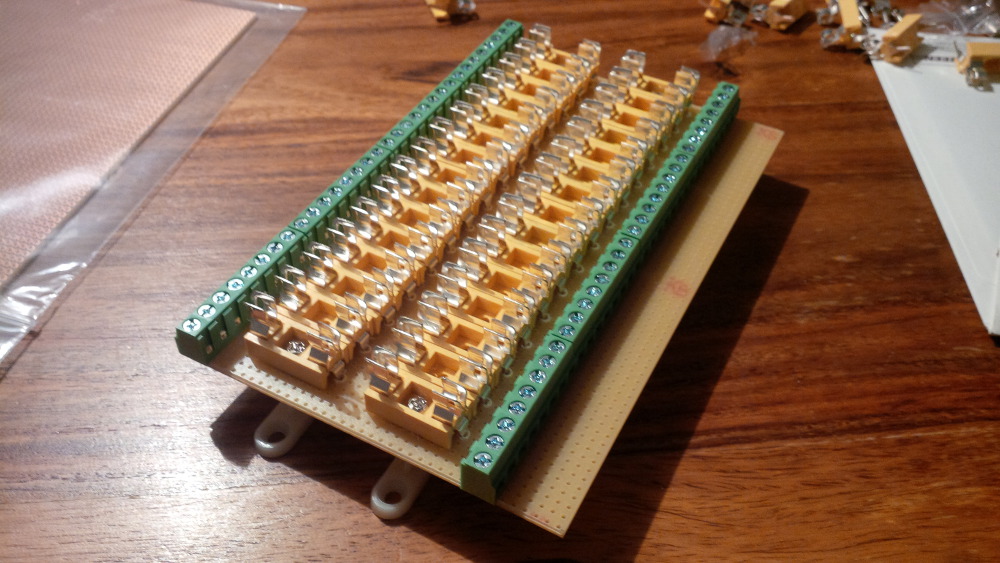
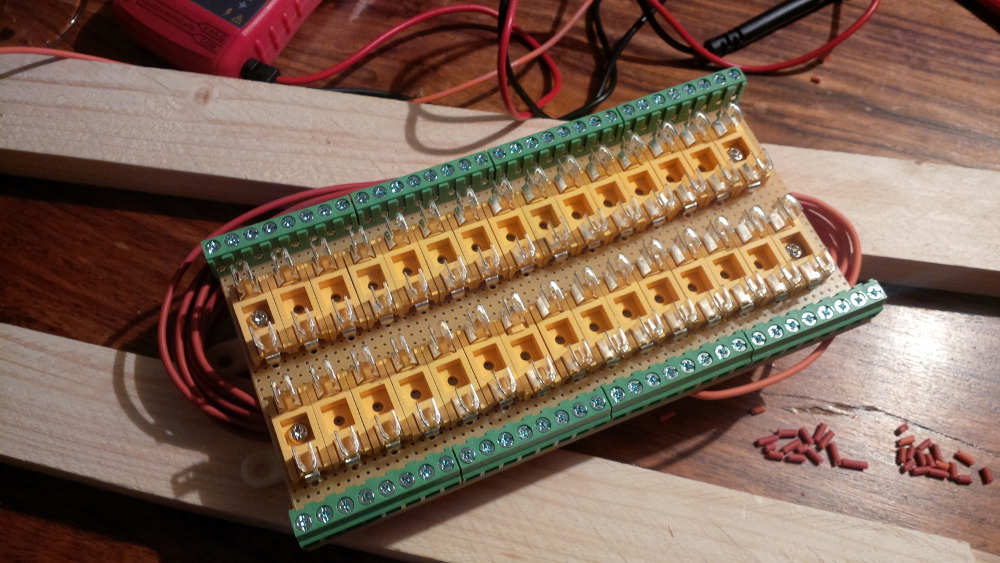
After putting in the terminal blocks the board layout looks fine - my fuse block.


chapter-14-12-fuse-block.jpg


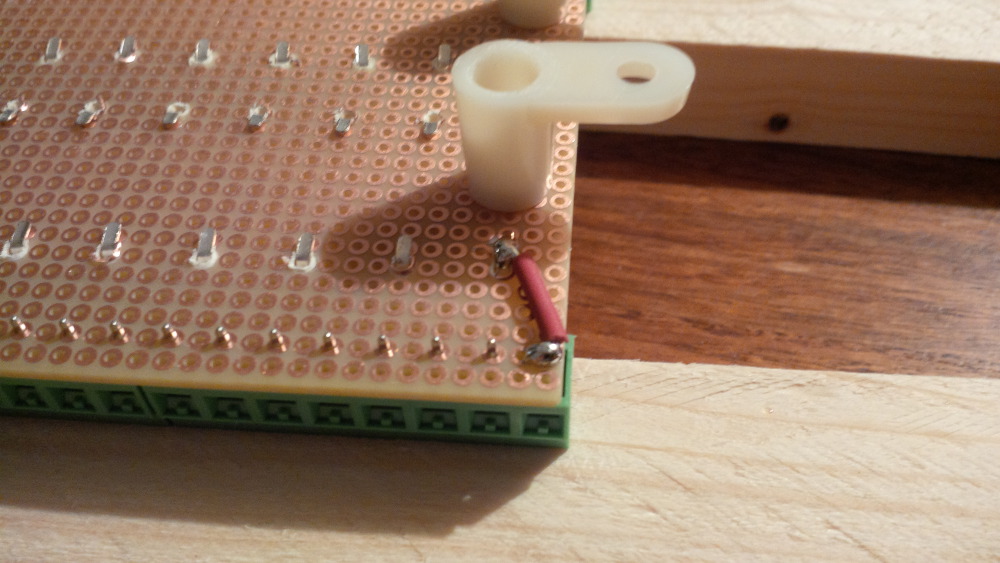
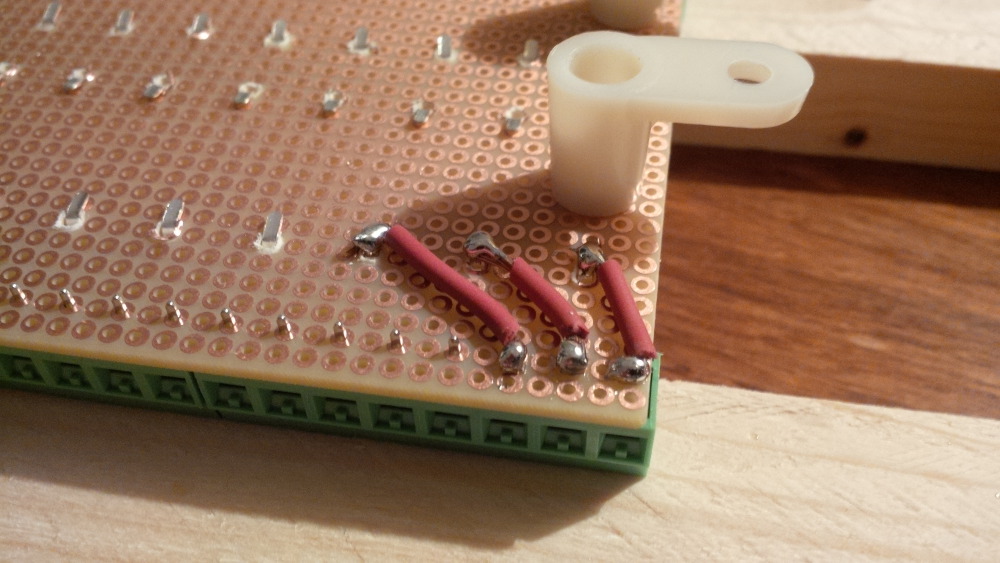
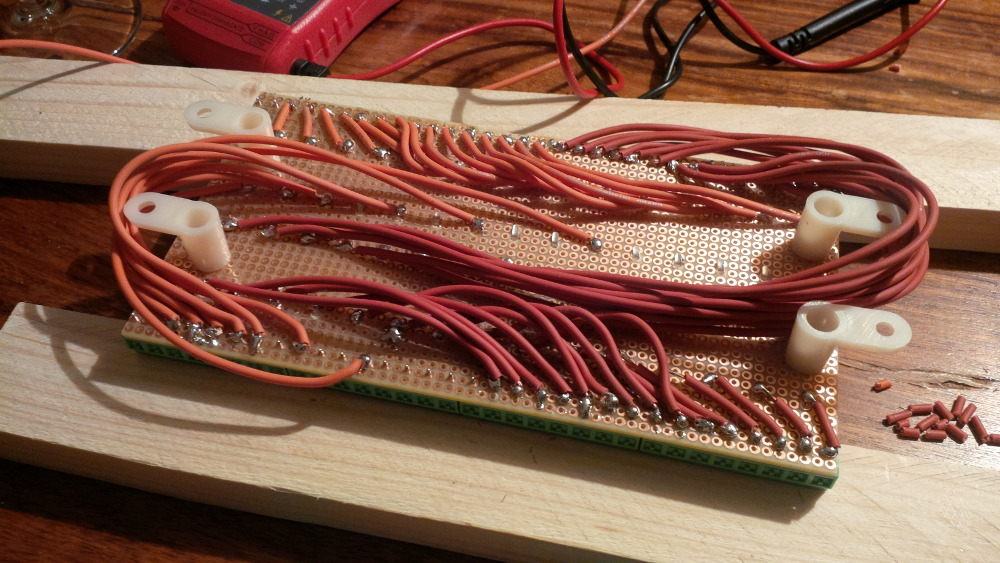
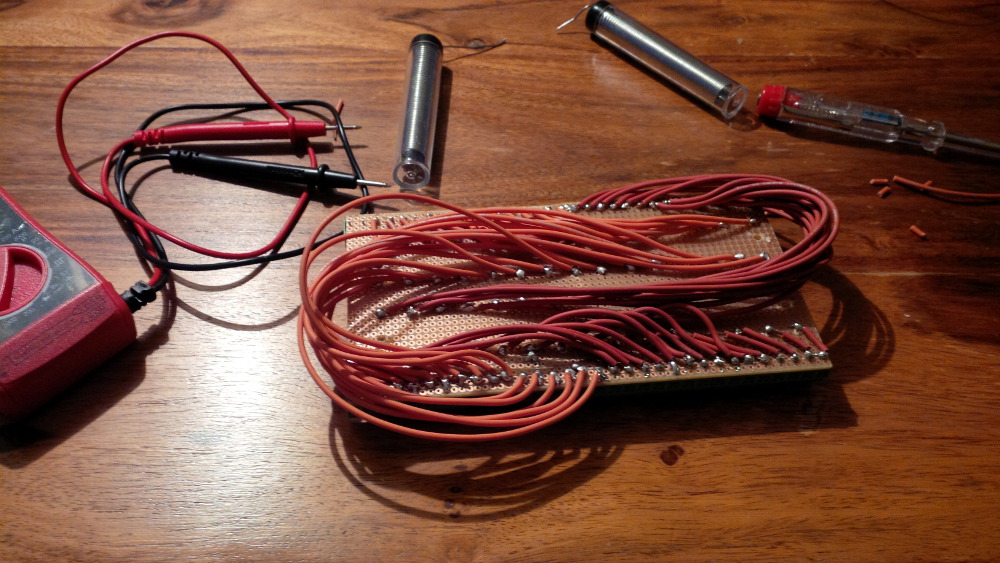
It looks almost finished, but the real effort behind this component still waits for me. Probably it was a really stupid idea, but I thought it makes sense to solder wire connections between the terminal blocks and every single fuse holder. Uhhh, that means 30 input connections + 30 outputs = 60 small wires to solder. I was motivated while having my LEDWiz in mind and started the marathon.


The first wire...


chapter-14-13-soldering.jpg


Some more wires...


chapter-14-14-soldering.jpg


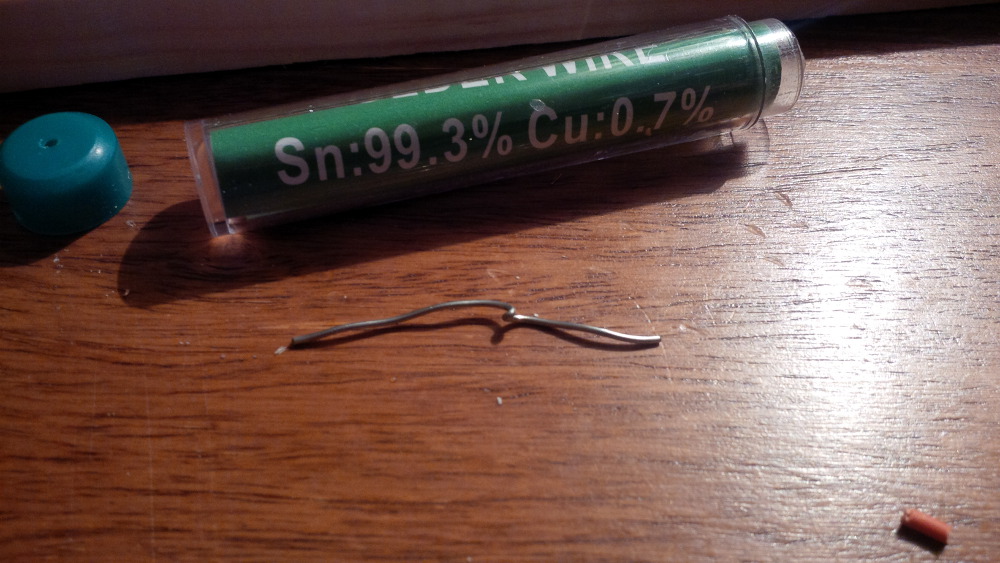
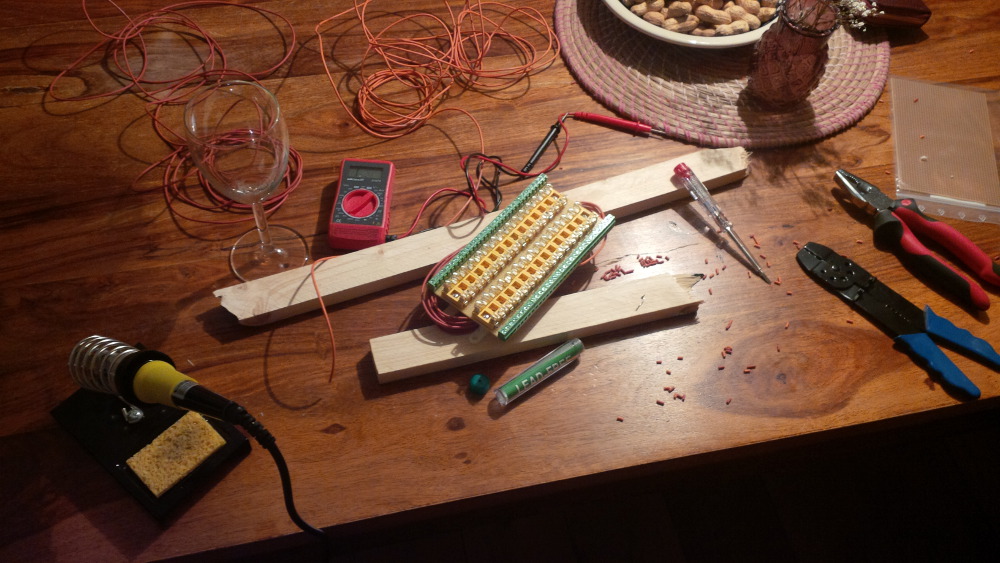
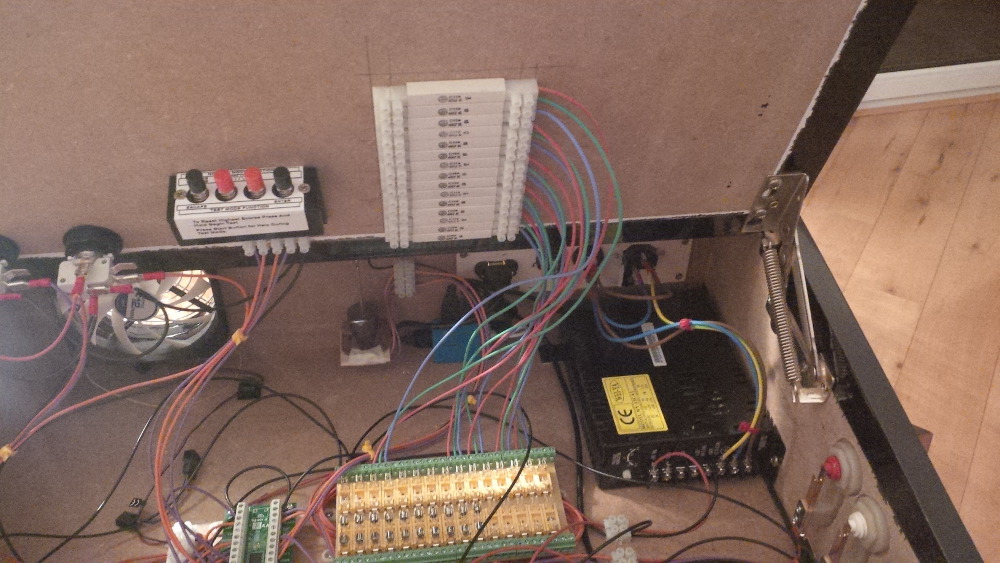
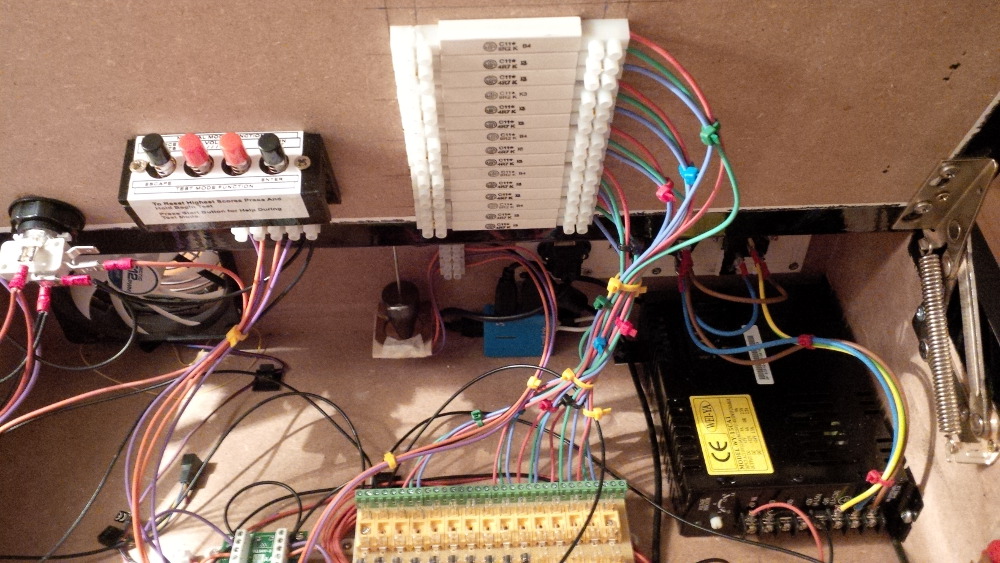
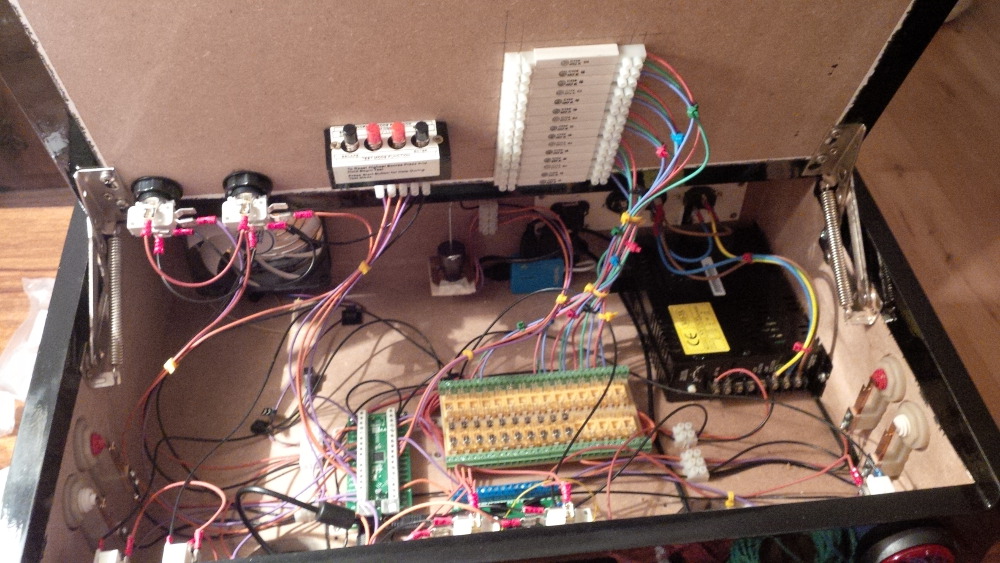
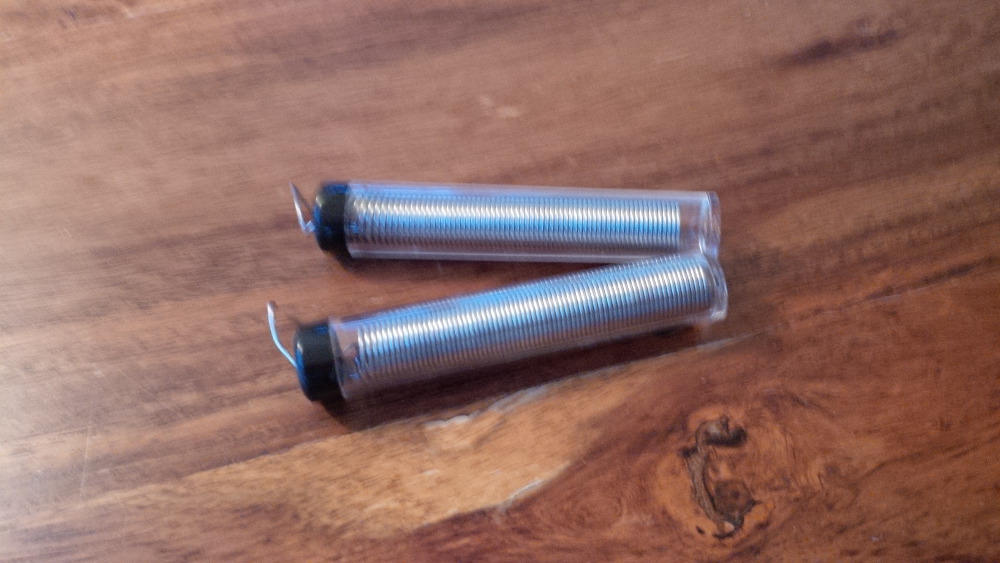
This task takes several hours and feels like crochet job. I stopped very lately when my tin-solder was empty.


chapter-14-15-empty-tin-solder.jpg


So I ordered some more of these stuff, took a last look of the result and went to sleep.


chapter-14-16-intermediate-result.jpg


chapter-14-17-intermediate-result.jpg


chapter-14-18-a-lot-of-work.jpg


Visit my build: Yet another build thread


#23 rasm

rasm

    Enthusiast

  • Members
  • PipPipPip
  • 128 posts
  • Location:Hamburg

  • Flag: Germany

  • Favorite Pinball: currently Fish Tales

Posted 21 May 2014 - 11:03 PM

On the next day I got a brand new power supply (a real one yet) and an USB hub, so that I am able to connect both boards (IPac + LEDWiz) with my single USB connector. Additionally you will get a nice side effect by using an USB hub for your hobby projects. If something went wrong you won't blow the USB controller of a mainboard, you only would blow a hub that costs a few bucks.


chapter-14-19-new-power-supply.jpg


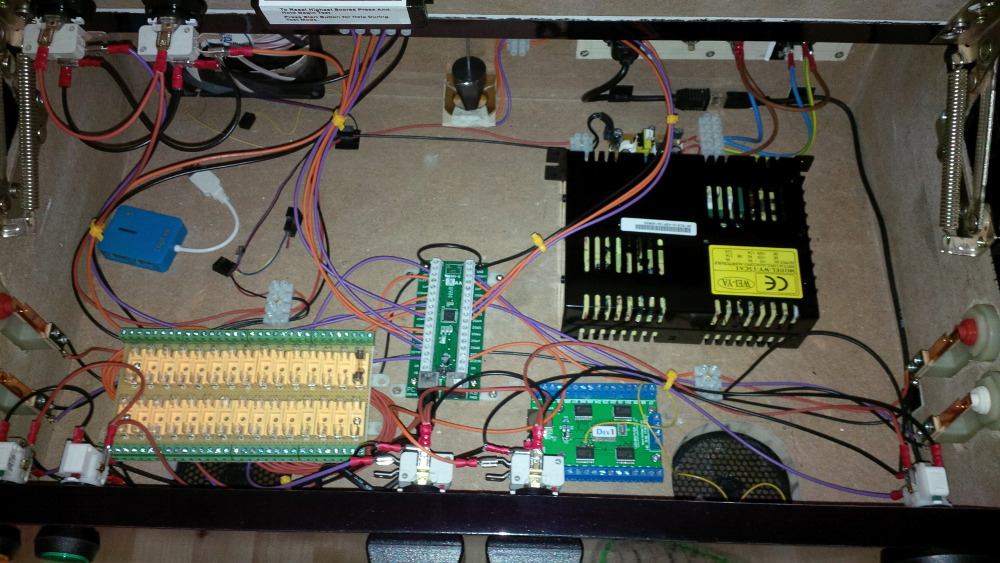
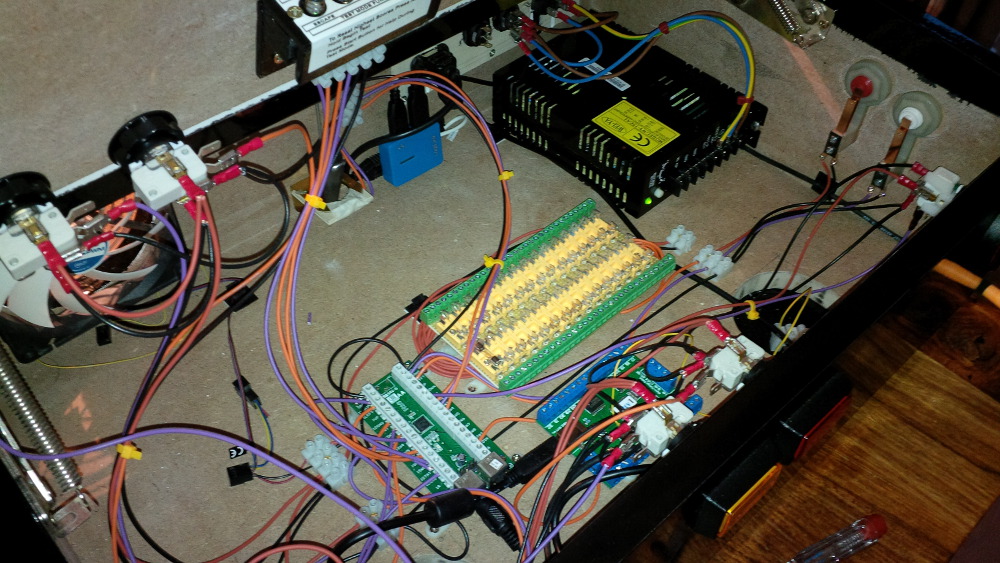
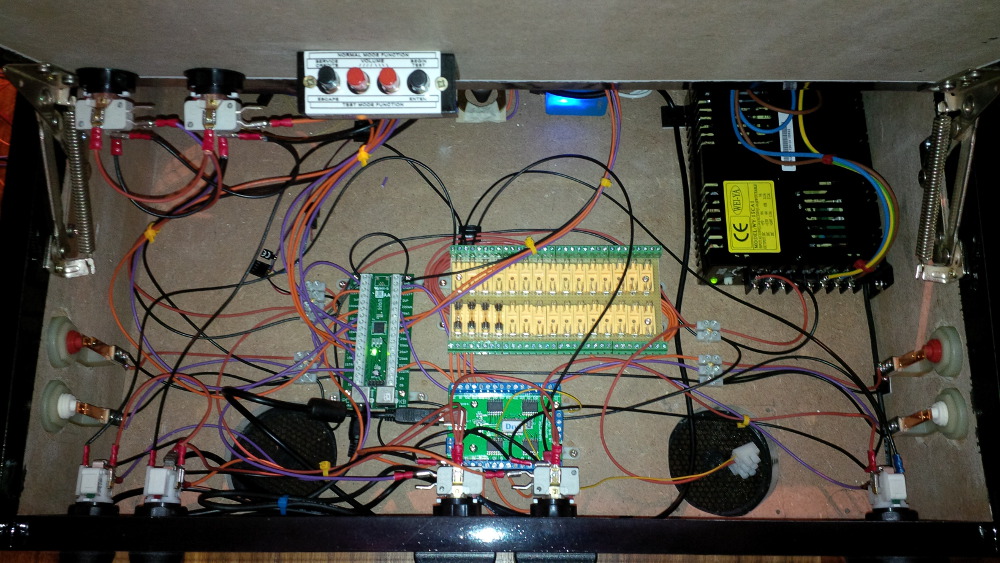
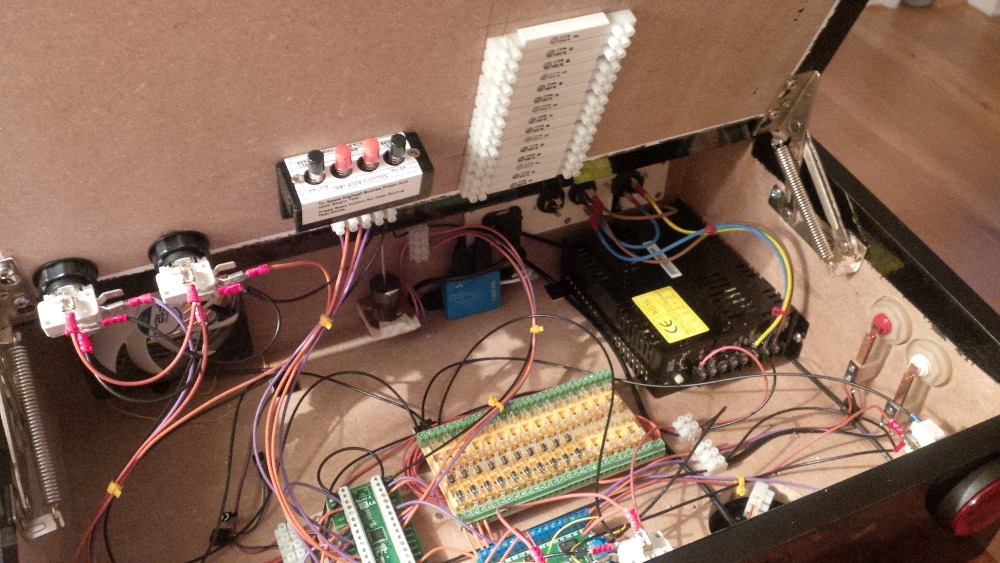
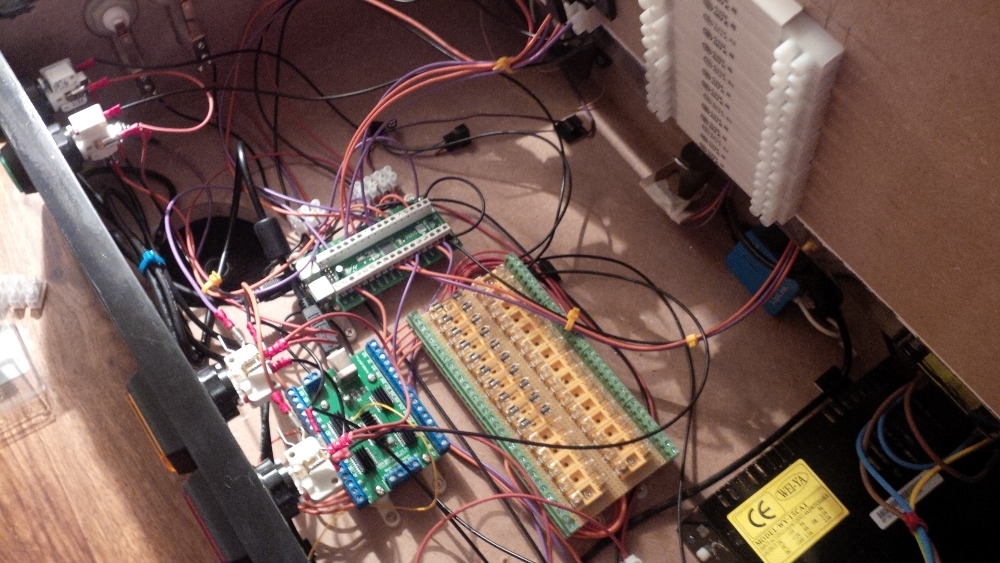
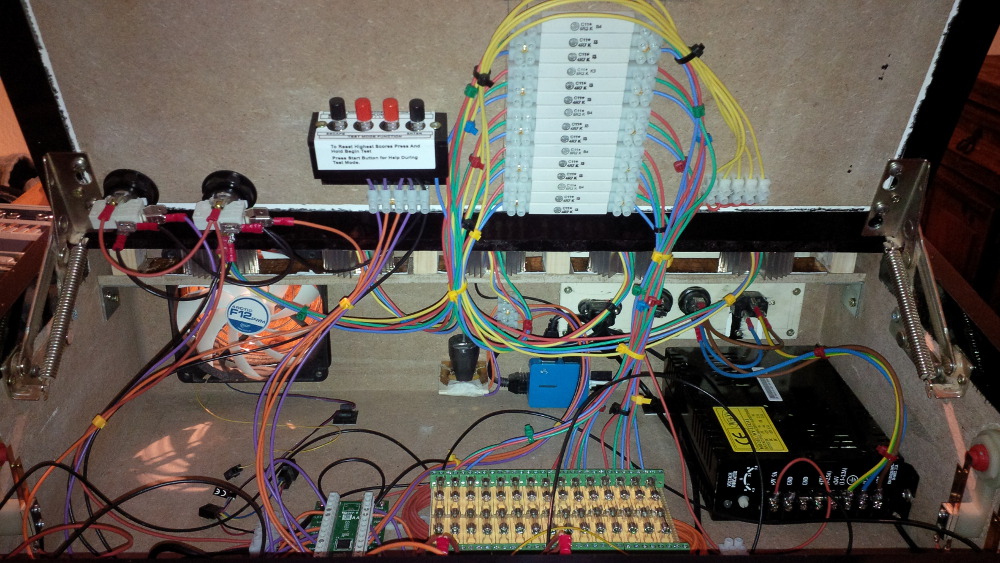
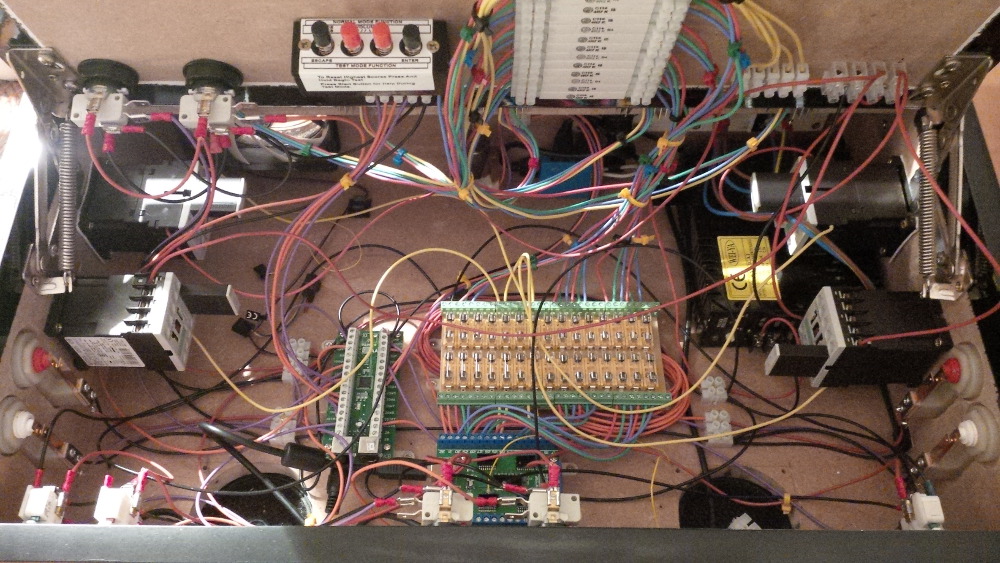
After moving around the components in my case I noticed that it is small (but not too small). I decided to mount the power supply near to the main power connection. I moved the IPac a bit more to the left and got place to keep LEDWiz and fuse block close together.


chapter-14-20-power-supply.jpg


chapter-14-21-new-layout.jpg


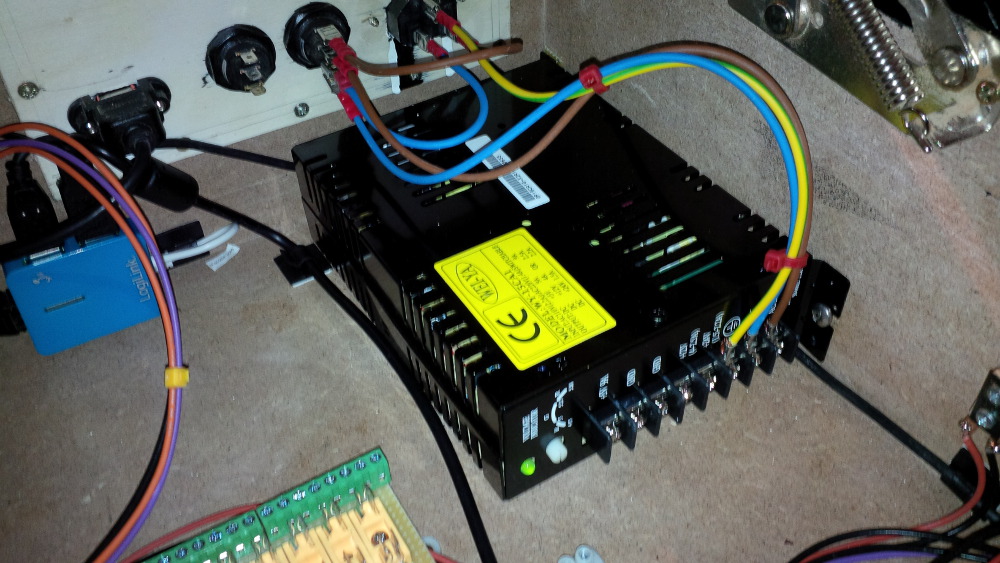
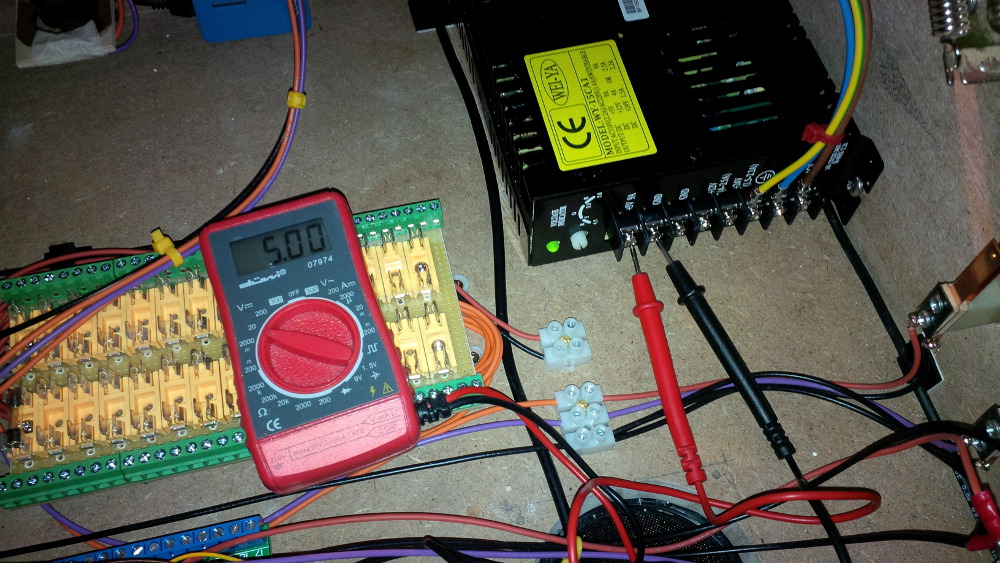
The power supply from arcadeshop looks quite nice. I chose a variant with 130 watt that delivers 9A on +5V, 4A on +12V and 1.5A on 24V, so that I could use a wide range of toys. The +5V output can be accurately adjusted.


chapter-14-22-5v.jpg


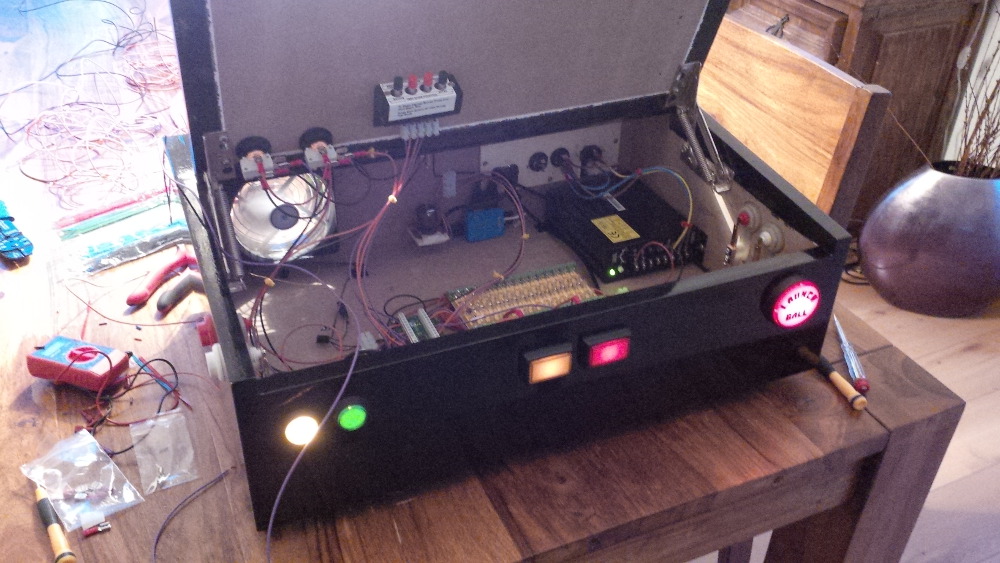
I connected the 5v line and got my buttons lights on as expected. The yellow start button is still brighter...


chapter-14-23-power-supply-connected.jpg


Sure, the fuse block isn't complete, but I have enough ports finished to start wiring the LEDWiz. To keep things simple I connected my buttons to let them blink rom controlled.


chapter-14-24-wired-ledwiz.jpg


chapter-14-25-wired-ledwiz.jpg


And yes! It works! I reached milestone III.


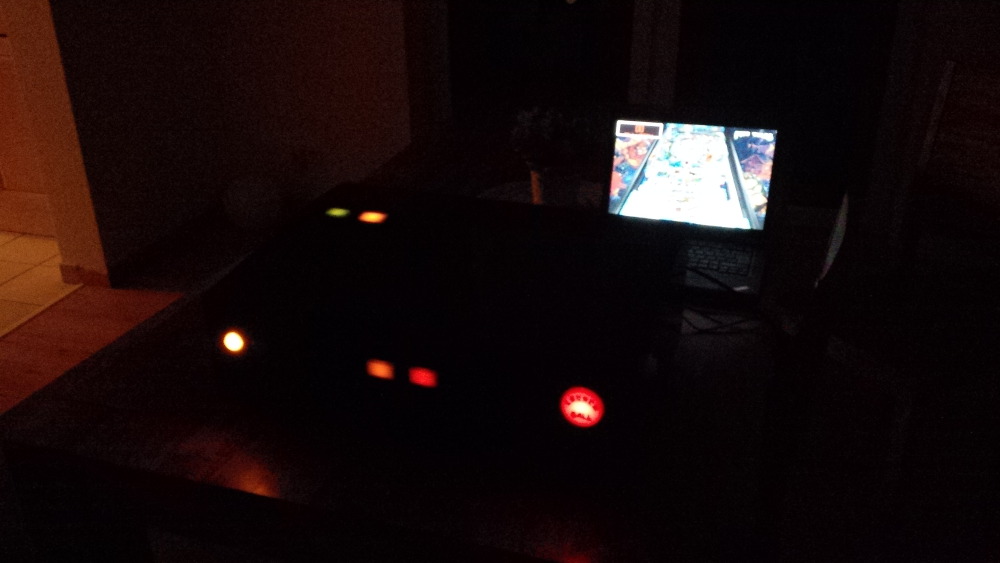
chapter-14-26-blinking-buttons.jpg


chapter-14-27-blinking-buttons.jpg


I connected the following buttons to my LEDWiz:

  1. Start button. Effect really cool: it's off if you've no more credits, it's blinking if you could start a game, it's on while you're in game and having remaining credits.
  2. Extra ball button. No significant effect on the tables I played. (And I only used this button/function one time to test it - I don't need it.)
  3. Coin buttons (both on one LEDWiz port). No effect on the tables I played.
  4. Launch button: Cool effect: it is blinking when you can shoot a ball.

I will disconnect the extra ball button and the coin buttons from my LEDwiz and wire them directly to the power supply later. Related LEDWiz ports can I use for more fancy effects.


Ahhhhh, it felt good to make progress.


Coming soon: Chapter 15 - Resistors and some heat sinks


For coin door switch, here was a recent post:

http://www.vpforums....=27063&p=257023


Nice.Thx, I will try this approach.


Edited by rasm, 22 May 2014 - 06:10 AM.

Visit my build: Yet another build thread


#24 freneticamnesic

freneticamnesic

    A Faint Ghost Through the Raindrops

  • VIP
  • 3,369 posts
  • Location:Portland, OR

  • Flag: United States of America

  • Favorite Pinball: Star Trek, Black Hole, AFM, Fast Draw, Tron, AMH

  • 360 Gamer Tag: sixgunsounddd

Posted 22 May 2014 - 05:14 AM

Very cool. I have created traveling pinball controllers as well, my first one was a bit ugly but it did the job.


I should make a new version, this was just using arcade buttons, I want to get real flipper buttons. This was tailor made to this TV as well, so it clamps around the end. Arduino controller inside.


Ql1n950.jpg


#25 rasm

rasm

    Enthusiast

  • Members
  • PipPipPip
  • 128 posts
  • Location:Hamburg

  • Flag: Germany

  • Favorite Pinball: currently Fish Tales

Posted 22 May 2014 - 06:17 AM

Very cool. I have created traveling pinball controllers as well, my first one was a bit ugly but it did the job.


I should make a new version, this was just using arcade buttons, I want to get real flipper buttons. This was tailor made to this TV as well, so it clamps around the end. Arduino controller inside.

...


Thx. Wow - the build of tailor is very small. Arduino is currently a kind of magic for me. Together with some relays I think it should be able that a single controller replaces IPac and LedWiz - probably it's more hard to get enough output current, but for this case relays could be used.


I slowly recognized at this stage of my build that I have not much space in the case to integrate a lot of toys. When screwing something to the case I would have to break my fingers. Luckily I got enough motivation to at least try to integrate as much as possible. And I was really looking forward to setup force feedback... Next chapter coming soon...


Visit my build: Yet another build thread


#26 rasm

rasm

    Enthusiast

  • Members
  • PipPipPip
  • 128 posts
  • Location:Hamburg

  • Flag: Germany

  • Favorite Pinball: currently Fish Tales

Posted 22 May 2014 - 10:13 PM

Chapter 15 - Resistors and some heat sinks


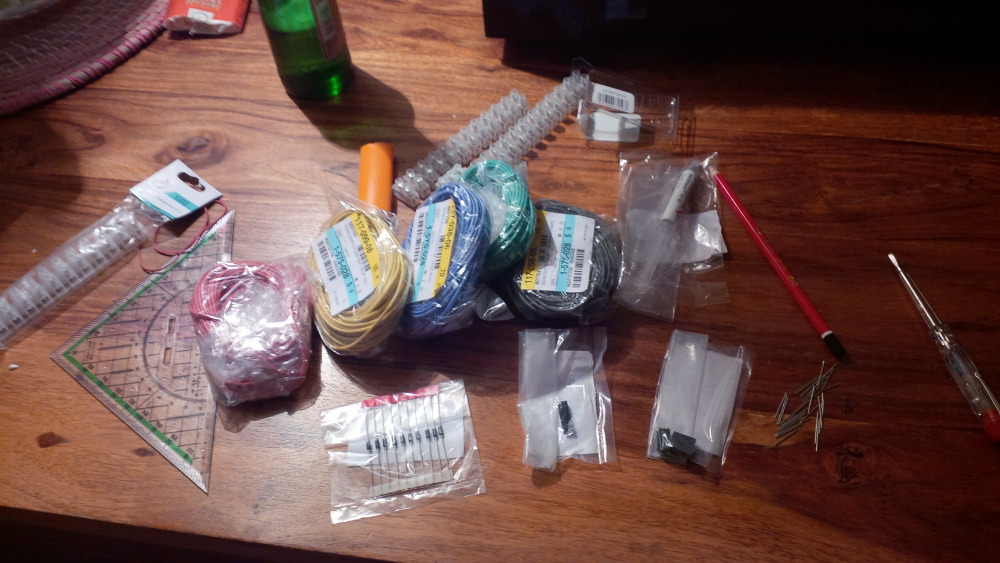
While I waited for the final period of my contactor auction, I ordered a set of RGB flashers and some accessoires that I woul dneed for my next tasks like diodes to protect my setup of capacity load of contactors, heat sinks for my LEDWiz, more wire, terminal blocks and a set of high load resistors for my flashers.
 
So let's start with the resistors. I know the specs of ordered LEDs, so it isn't a big deal to caclulate needed resistance:
 
LED: 5x high power RGB LED 350ma 3W - red 2.4V, green/blue 3.4V
 
I will use the 5V line to provide needed power, because it is bound to the highest max load (9 amps) of my power supply. Furthmore I keep the 12V and 24V line free for other toys like contactors and motors.
 
To calculate needed resistance you use following formula:
R      = (USupply - UNeed) / I
RRed   = (5V - 2.4V) / 350ma = 2.6V / 0.35A = 7.43ohm
RGreen = (5V - 3.4V) / 350ma = 1.6V / 0.35A = 4.57ohm
RBlue  = (5V - 3.4V) / 350ma = 1.6V / 0.35A = 4.57ohm
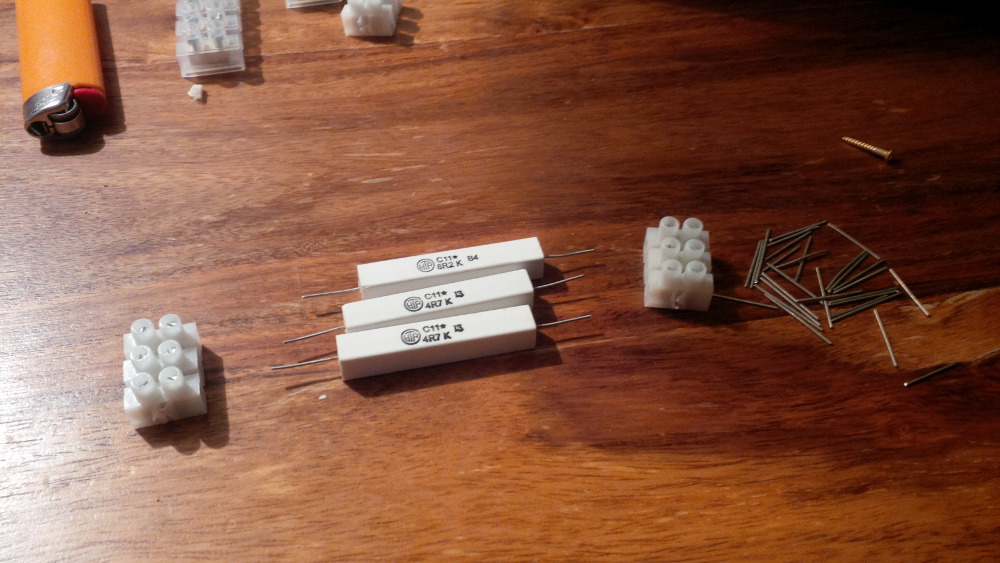
You won't be able to get resistors exactly on your needed resistancy, so you've to choose the higher available model. I found some 11W resistors close to my needs with 8.2ohm (near to 7.43ohm) and 4.7ohm (very close to 4.57ohm).
 
It's clear that three resistors are need for one RGB flasher, becaus einternally are three diodes working. So I ordered 15 resistors (5x 8.2ohm + 10x 4.7ohm) for my planned 5 flasher setup.
 
Instead of starting the next big crochet job that could easily get on my nervs I followed the approach of one community member. Unfortunately I can't remeber the thread, but his idea was sensational pragmatic and saves a lot of time. You can simply mount your resistors between to terminal blocks without any need of soldering. Thx for this impression.
 
chapter-15-01-resistors.jpg
 
Because three resistors are a bit longer than three ports of my terminal block I decided to bundle them in blocks whith 3 resistors (one LED) each. To put them into a terminal block it makes sense to cut these long legs a bit.
 
chapter-15-02-cut-legs.jpg
 
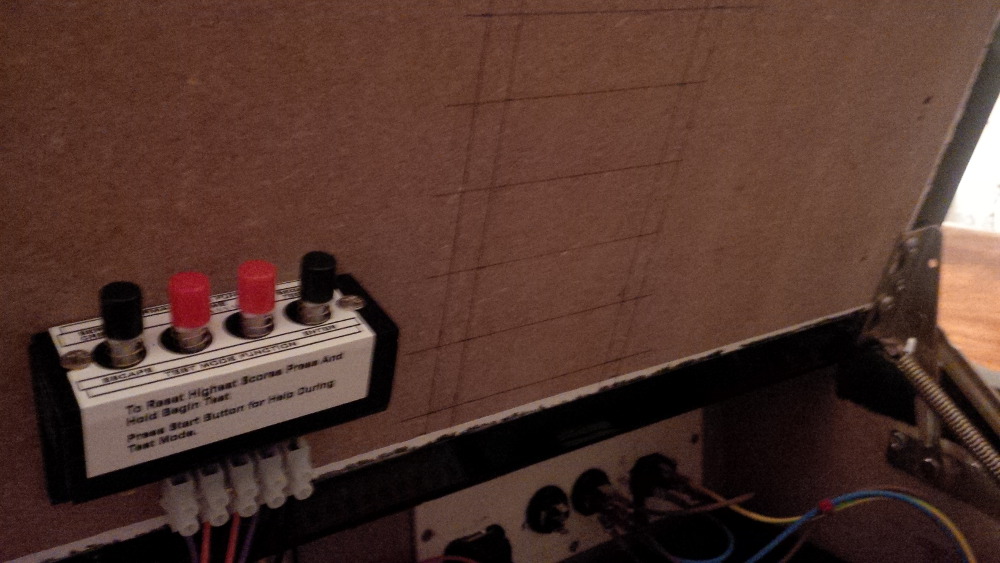
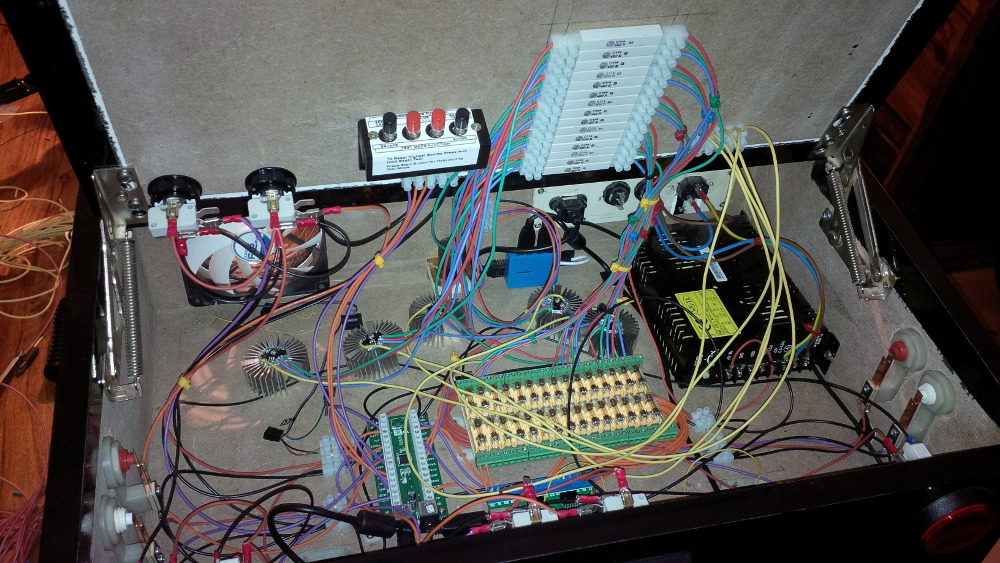
And I found a fitting location in my case for this battery of resistors. I planned to mount them on the door plate.
 
chapter-15-03-planning.jpg
 
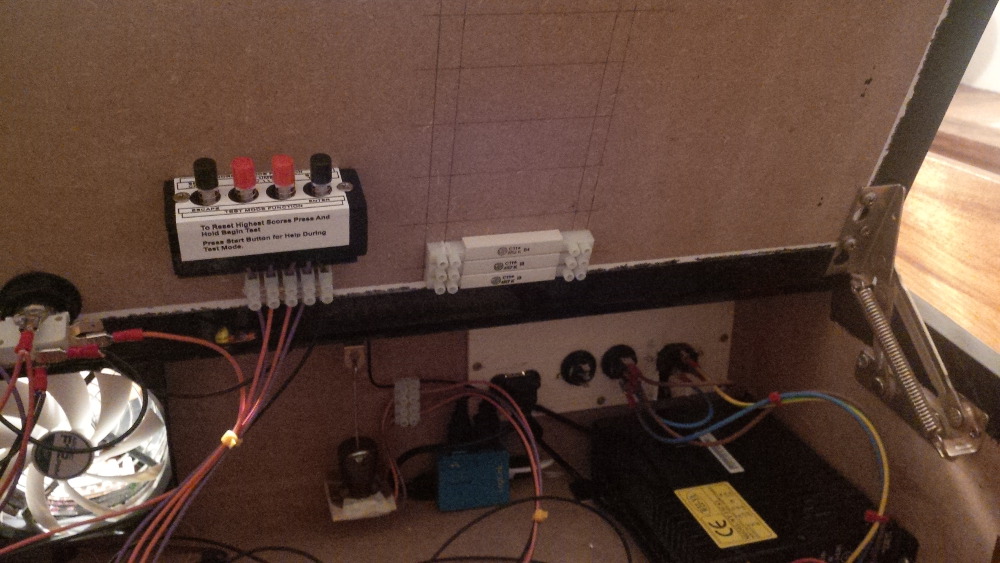
Here's the first mounted LED resistor block.
 
chapter-15-04-first-block-mounted.jpg
 
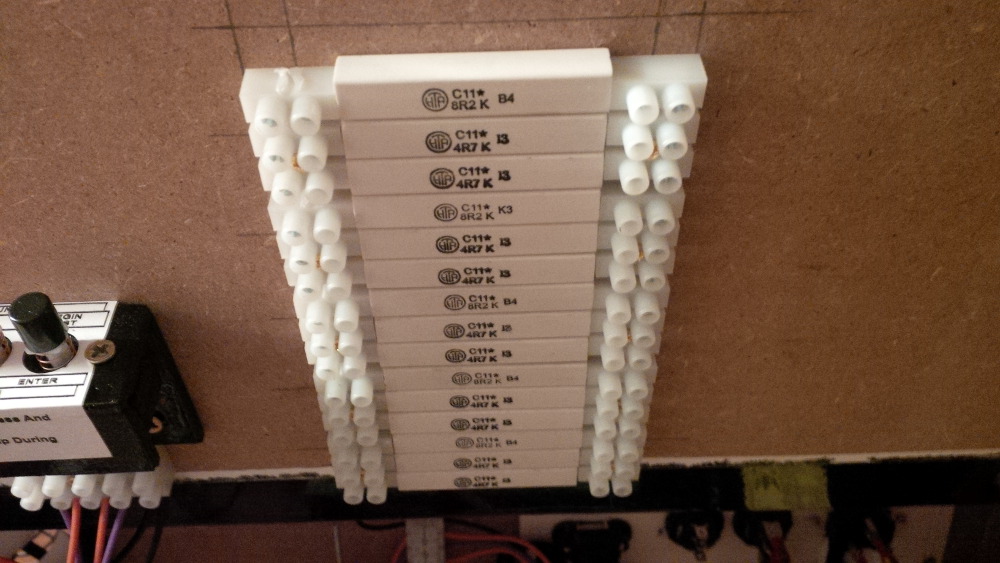
And the rest of blocks.
 
chapter-15-05-resistors-mounted.jpg
 
chapter-15-06-resistors-mounted.jpg
 
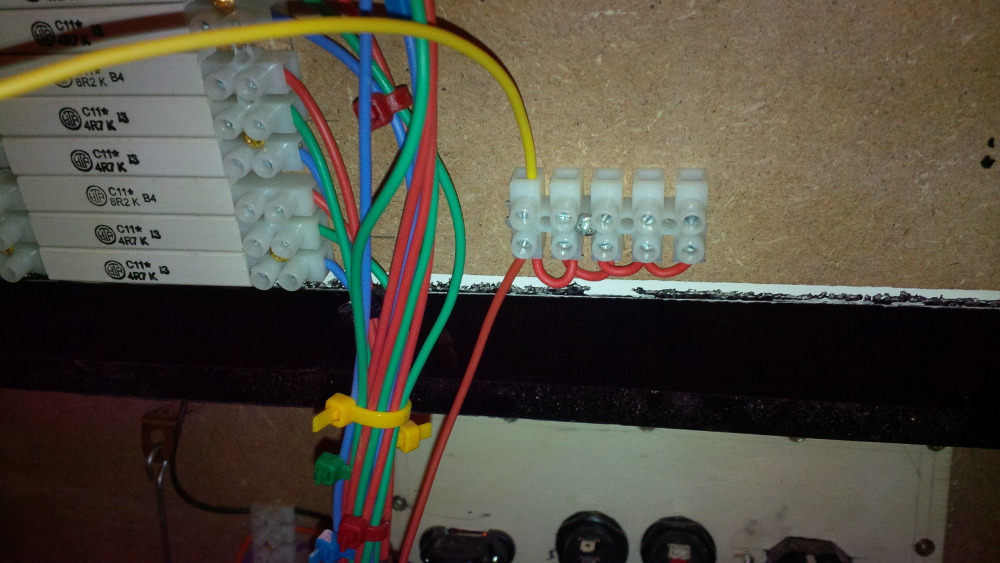
Hmmm, probably it's not the right time to wire the resistors yet, because you know that my fuse block isn't completed soldered in case of missing tin-solder, so that I would have to deconnect and connect all wires again. But at least I got a set of wires that I planned in RGB colors to support potential debugging.
 
chapter-15-07-accessoirs.jpg
 
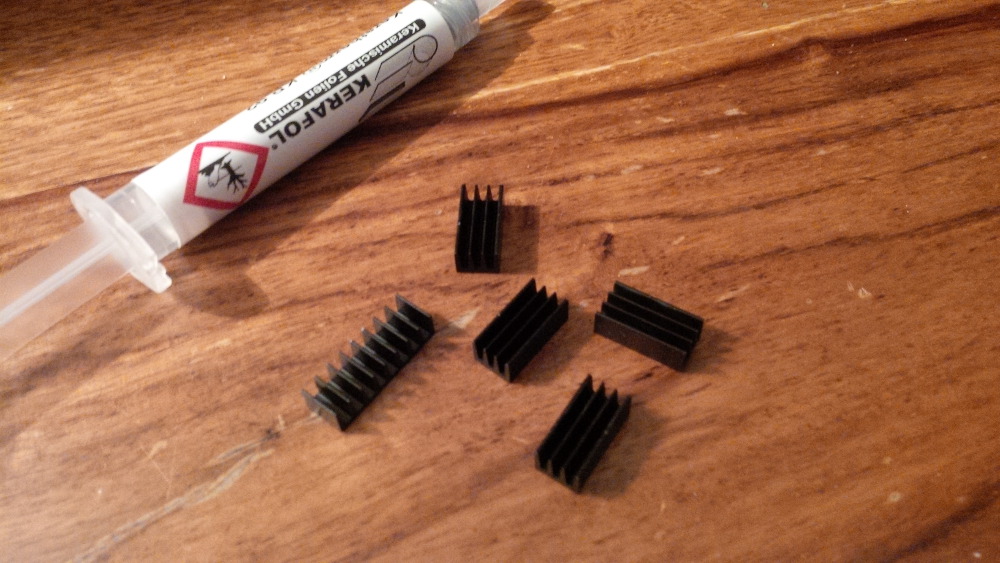
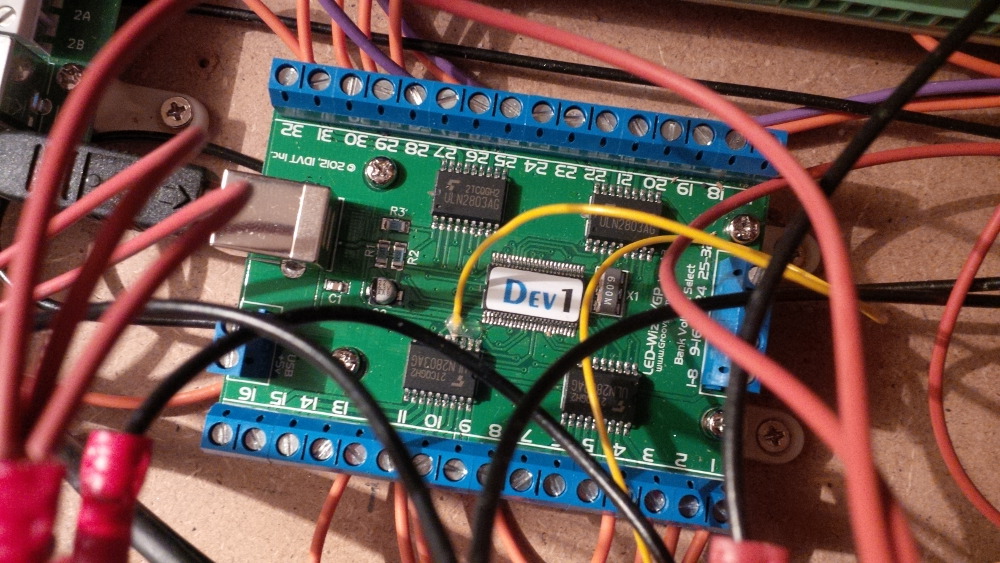
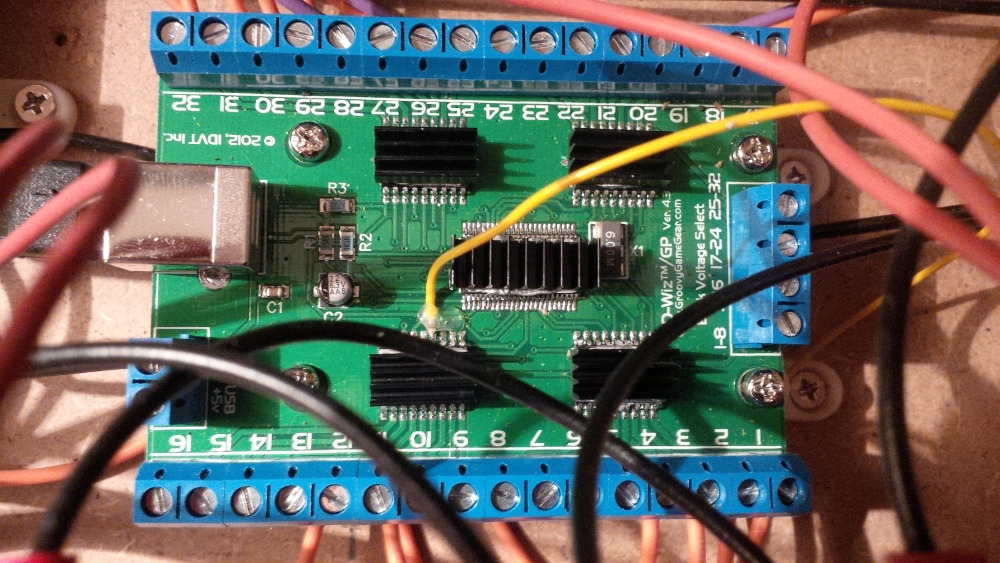
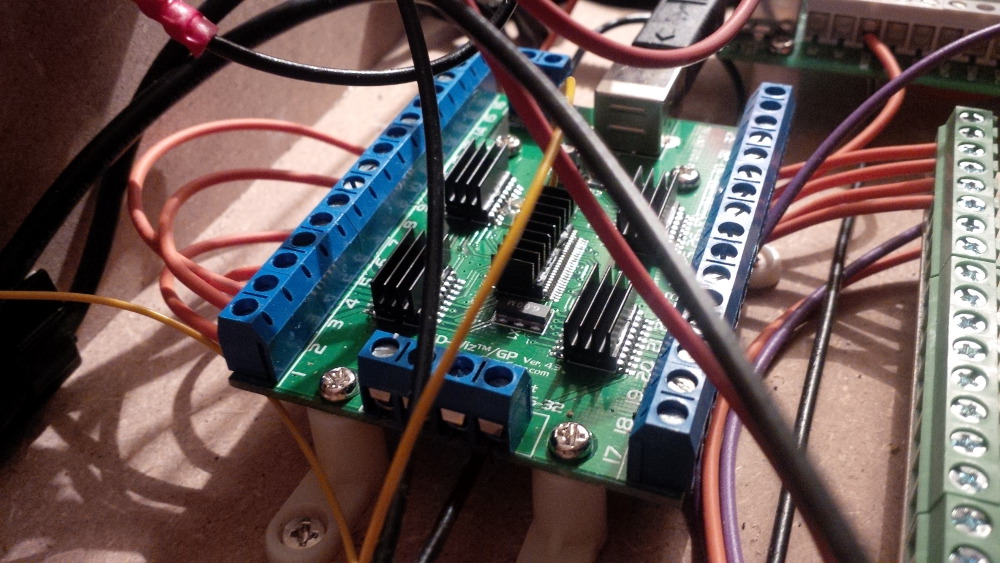
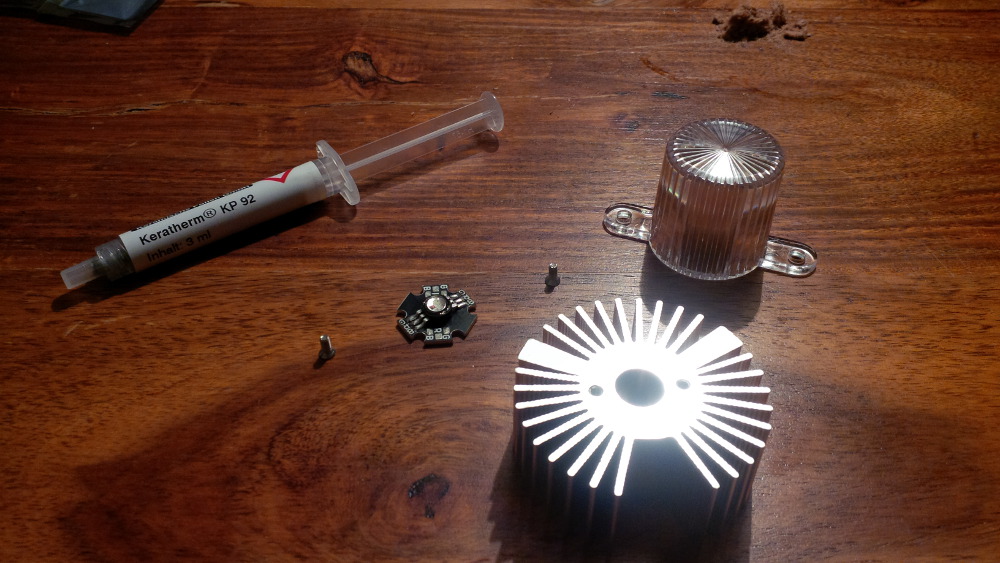
In the same package I also got some heat sinks for the LEDWiz. Let's quickly mount them. I bought a heat-conductive paste (I would need it anyways to mount LED heat sinks). A regular paste is cheaper than a heat-conductive glue. I thought that it is maybe also drying, so that the heat sinks will be glued to the LEDWiz chips. Unfortunately this paste won't dry and I am able to move the heat sinks around and also it isn't a good idea to keep such a soft connection if you really need cooling. I am fine with this for now, because I never recognized some heat near the LEDWiz. (Better than nothing.)
 
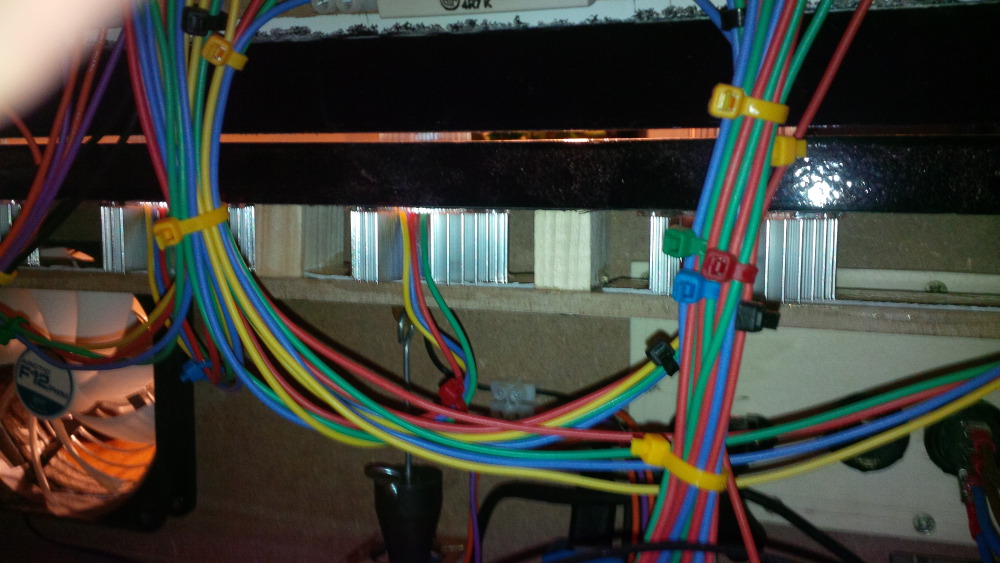
chapter-15-08-ledwiz-heat-sinks.jpg
 
chapter-15-09-ledwiz-cooling.jpg
 
chapter-15-10-ledwiz-cooling.jpg
 
chapter-15-11-ledwiz-cooling.jpg
 
chapter-15-12-ledwiz-cooling.jpg
 
Okay that's done for now. While looking to my result I abandoned myself to an impulse of doing more and wired the resistors - maybe ineffective but funny.
 
chapter-15-13-missing-wires.jpg
 
chapter-15-14-resistor-wiring.jpg
 
chapter-15-15-wired-resistors.jpg
 
chapter-15-16-wired-resistors.jpg
 
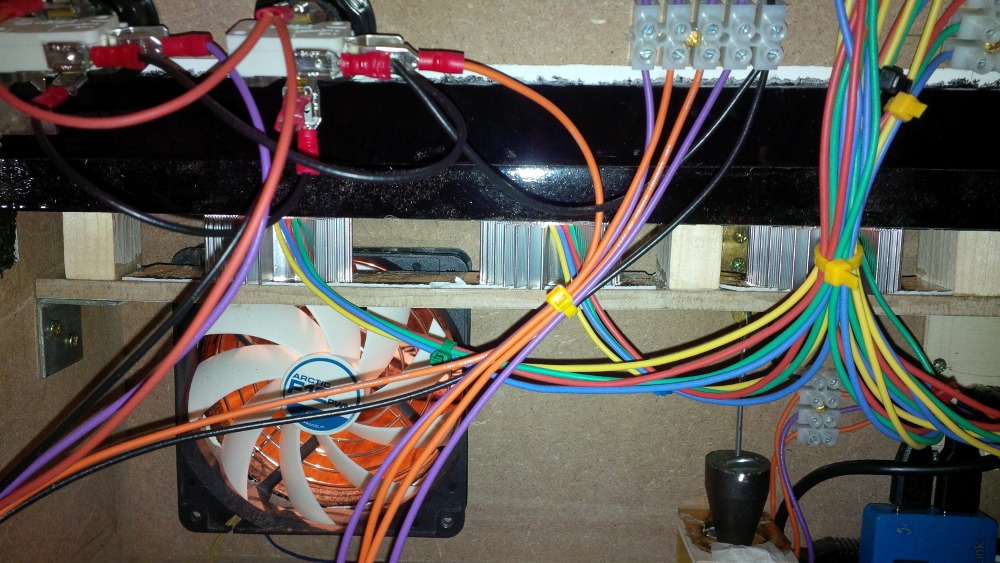
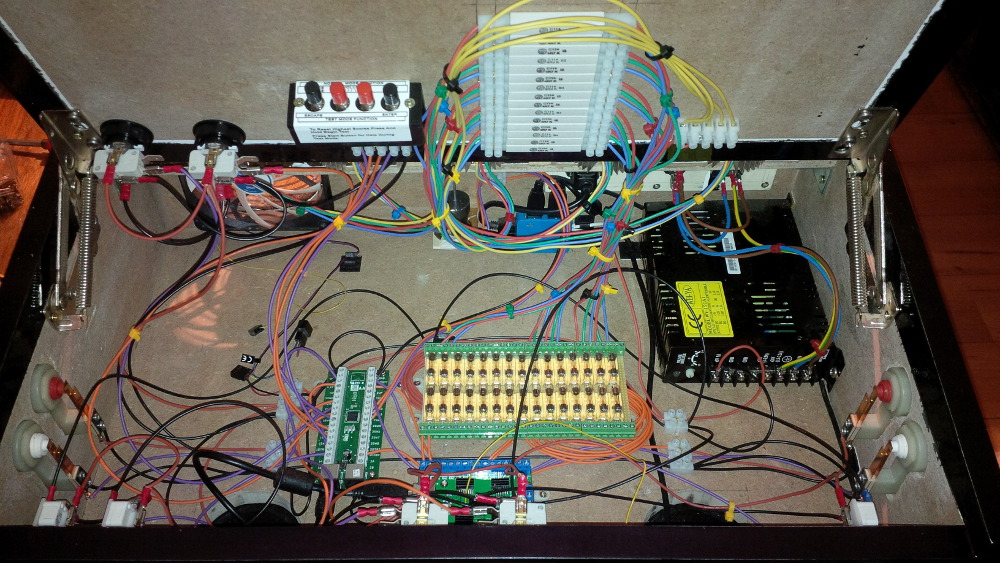
Ensure that you wire the three cables of one RGB flasher in a sequence (R->G->B) to directly neighboured LEDWiz ports. That will make your live more easy when configuring the LEDWiz outputs. Addionally it's a good idea to distribute your flashers across your LEDWiz banks to avoid too much current on a single LEDWiz bank (500ma per output, but please not all at the same time and not more than 2W per bank). I know that it sounds hard to ensure these maximums. Don't be afraid to blowing your hardware. Here're enough well running examples within our community. My fast blowing 500ma fuses protect the board at least against too much current on a single port.
 
Coming soon: Chapter 16 - Crocheting

Visit my build: Yet another build thread


#27 rasm

rasm

    Enthusiast

  • Members
  • PipPipPip
  • 128 posts
  • Location:Hamburg

  • Flag: Germany

  • Favorite Pinball: currently Fish Tales

Posted 22 May 2014 - 10:27 PM

Chapter 16 - Crocheting


Okay, this chapter is a bit boring, but I want to share a full documentation. If you read this thread you know that my fuse block isn't completly finished. I got new tin-solder and did it.


Last status...
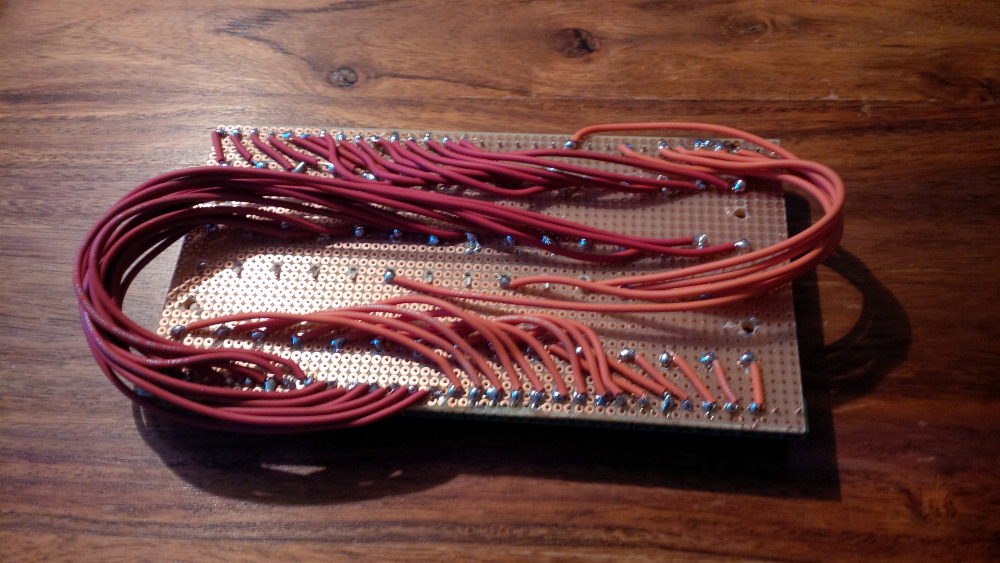
 

chapter-16-01-fuse-block.jpg


New tin-solder...


chapter-16-02-tin-solder.jpg


Hopefully a last time crocheting...


chapter-16-03-fuse-block.jpg


Done! 30 mounted fuses to have safe fun.
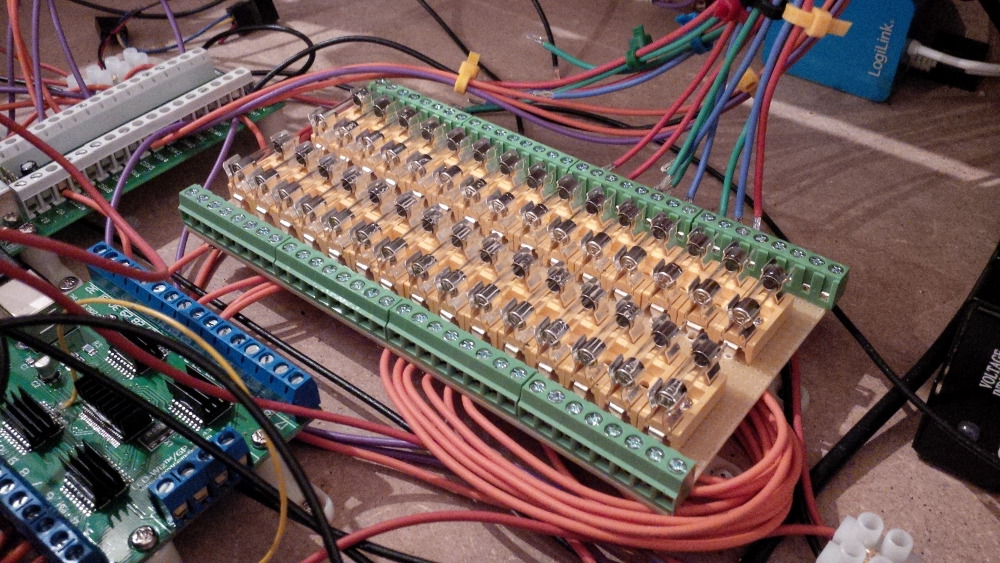
 

chapter-16-04-fuse-block-ready.jpg


Coming soon: Chapter 17 - Flasher


Visit my build: Yet another build thread


#28 gtxjoe

gtxjoe

    VPF Veteran

  • VIP
  • 5,143 posts

  • Flag: United States of America

  • Favorite Pinball: Medieval Madness, AbraCadabra


Contributor

Posted 23 May 2014 - 12:29 AM

Nice build

Wire 1 flasher first and test it before proceeding with all of them. Some of the cheap LEDs are marked incorrectly.
For testing the LEDs try using the "SimpleLEDTest.exe" that comes with the LEDBlinky app (http://www.ledblinky.net/Download.htm).

#29 rasm

rasm

    Enthusiast

  • Members
  • PipPipPip
  • 128 posts
  • Location:Hamburg

  • Flag: Germany

  • Favorite Pinball: currently Fish Tales

Posted 24 May 2014 - 08:35 PM

Chapter 17 - Flasher
 
Okay, this is a really flashing chapter...
 
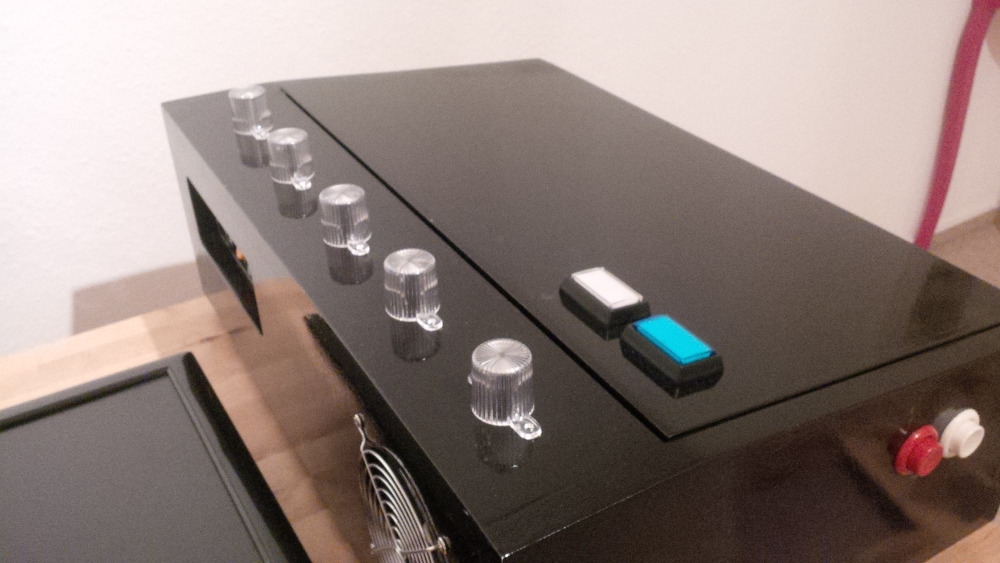
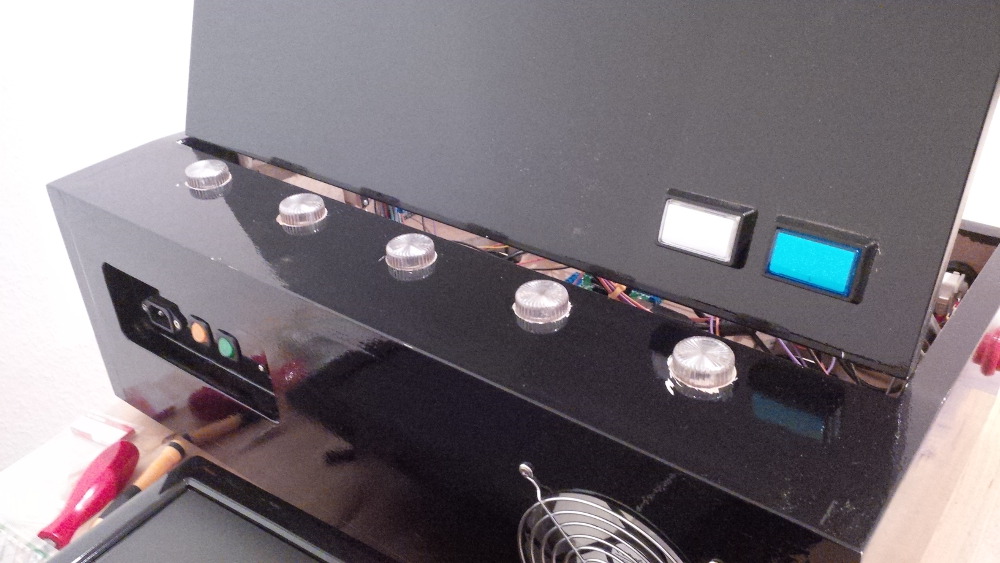
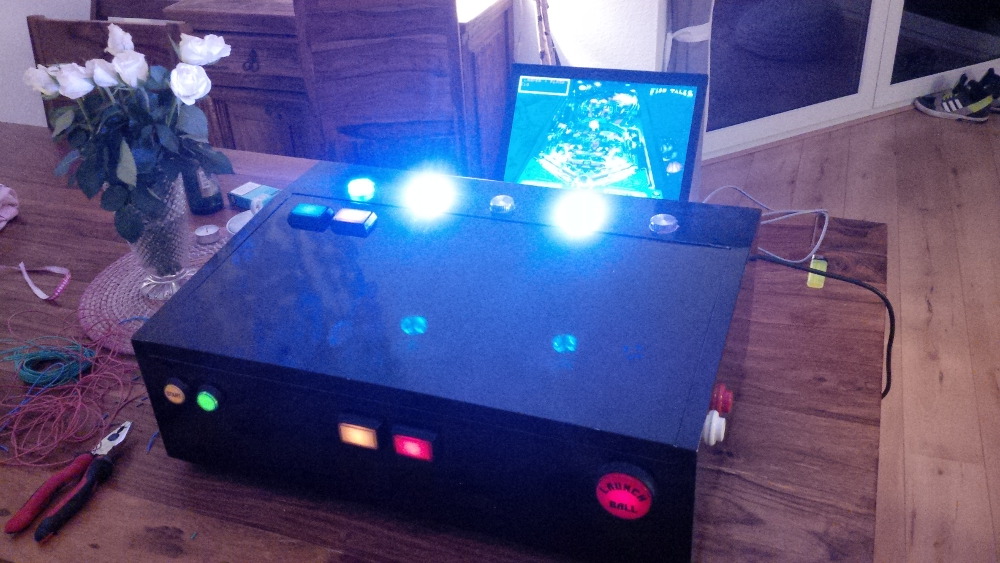
Here are my five clear flasher cabs. I planned to mount them on the small top plate behind the door.
 
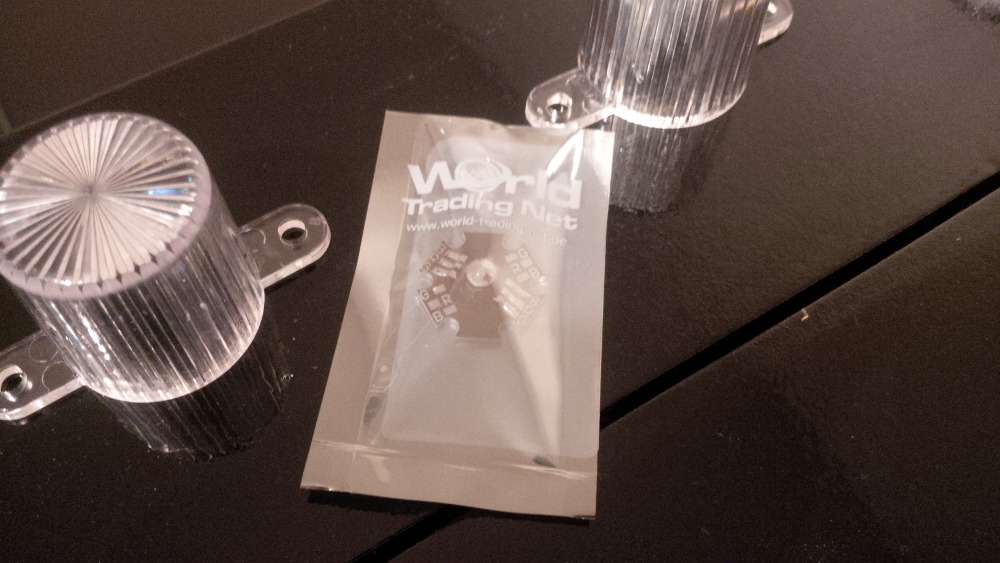
chapter-17-01-flasher-caps.jpg
 
After drilling the holes and mounting the caps I am looking forward to play with the 3W RGB LEDs mounted on a star board. I bought cheap 350ma LEDs from ebay. Sure, the often recommended CREE LEDs have a look of high quality, more power and trustful specs, but unfortunately CREE stuff is much more expensive.
 
chapter-17-02-flasher-led.jpg
 
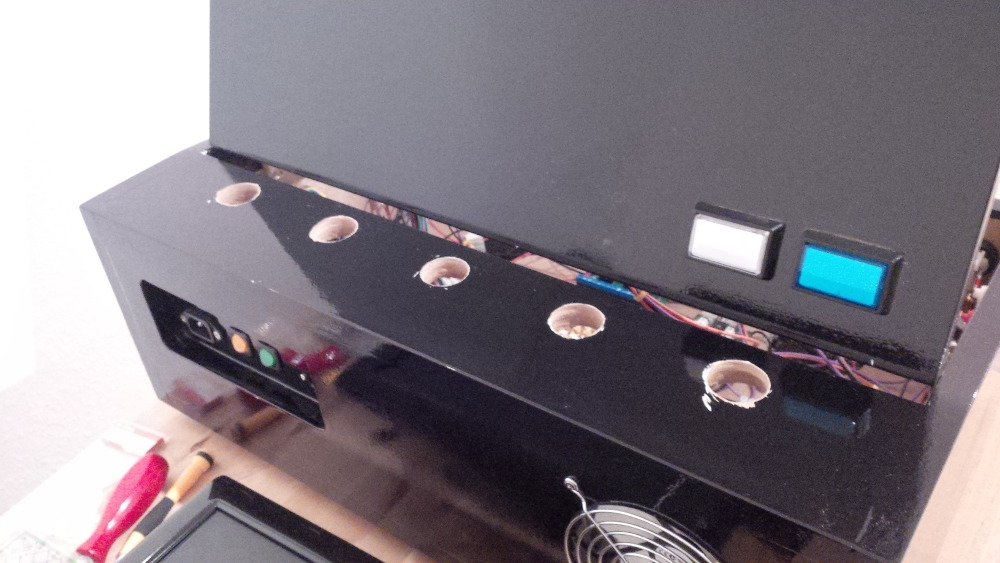
First things first. Let's start by drilling more holes in the already painted case.
 
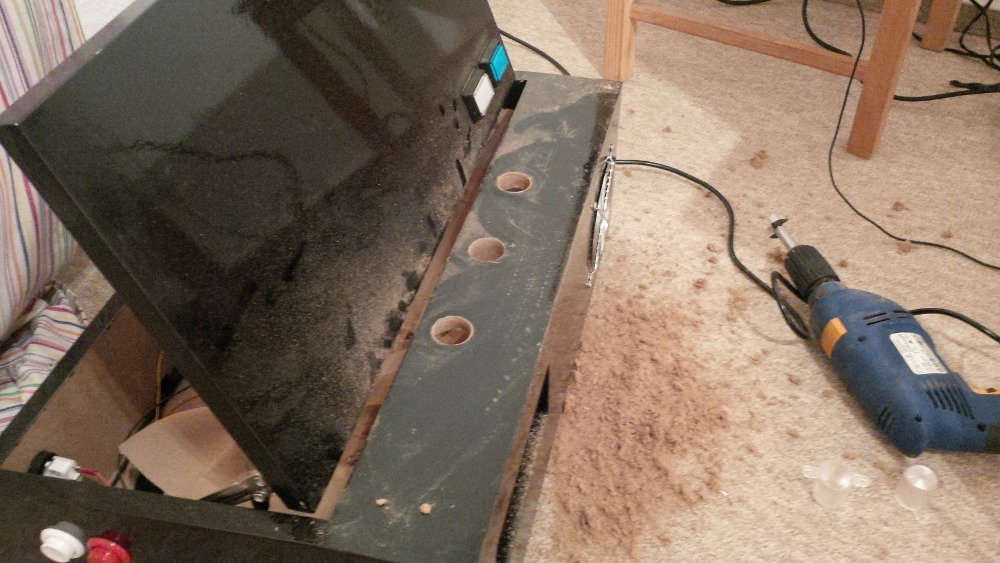
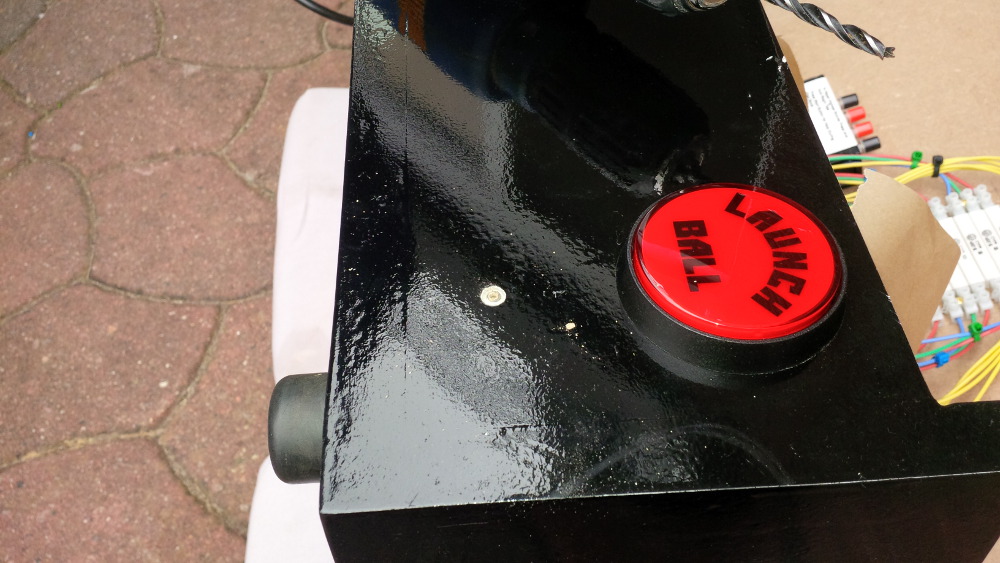
chapter-17-03-flasher-drilling.jpg
 
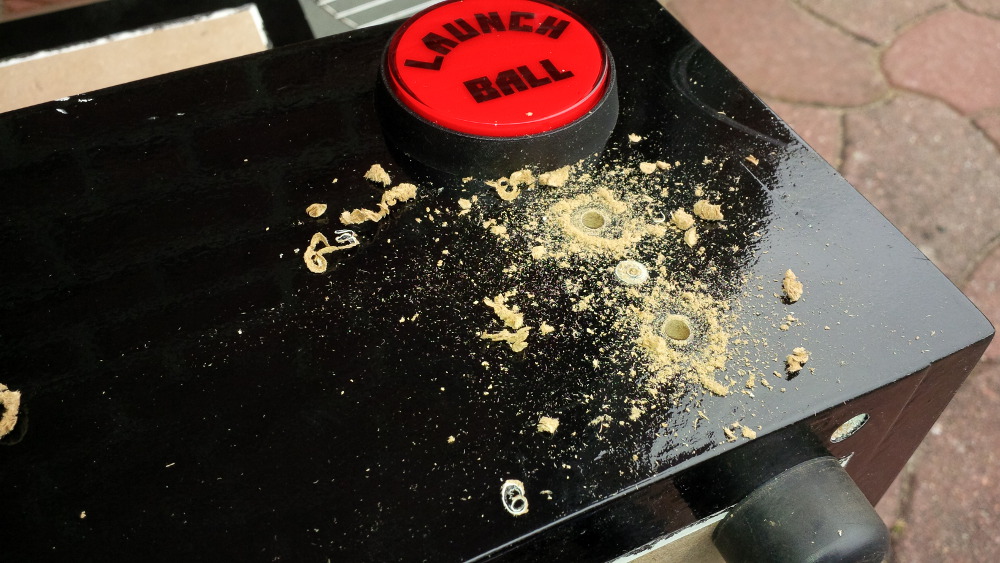
To prevent my electronics from too much dirt and shavings I used some backing paper.
 
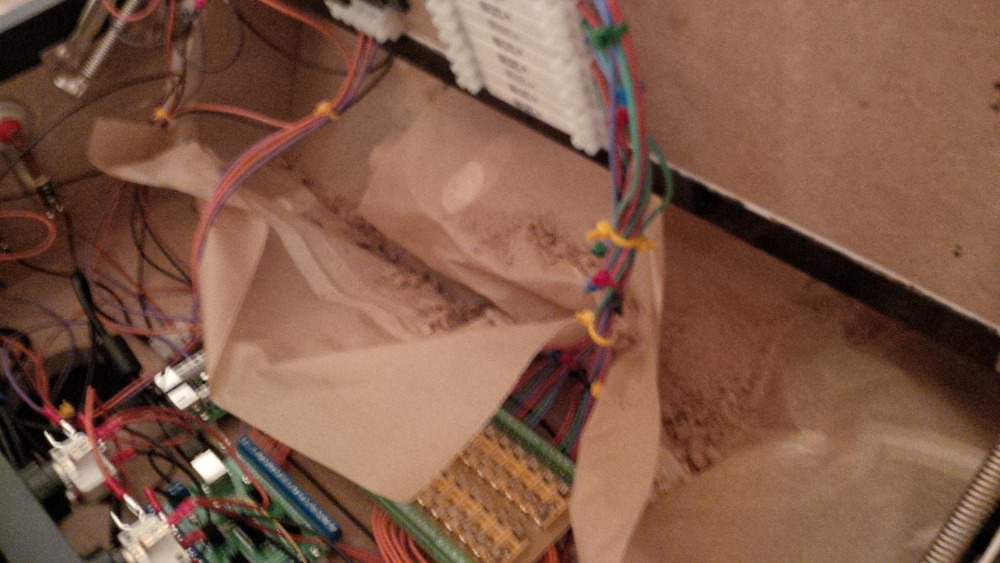
chapter-17-04-flasher-drilling.jpg
 
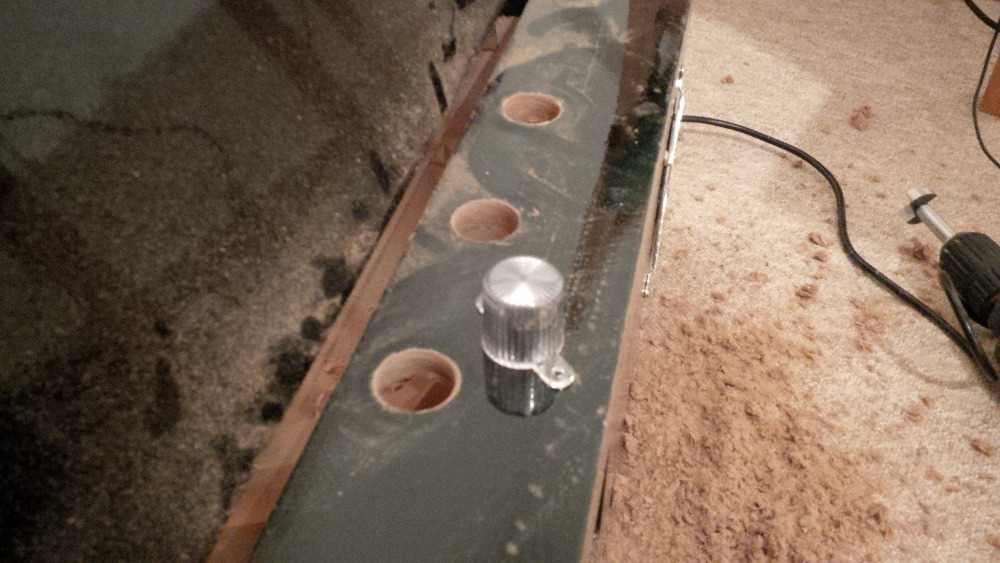
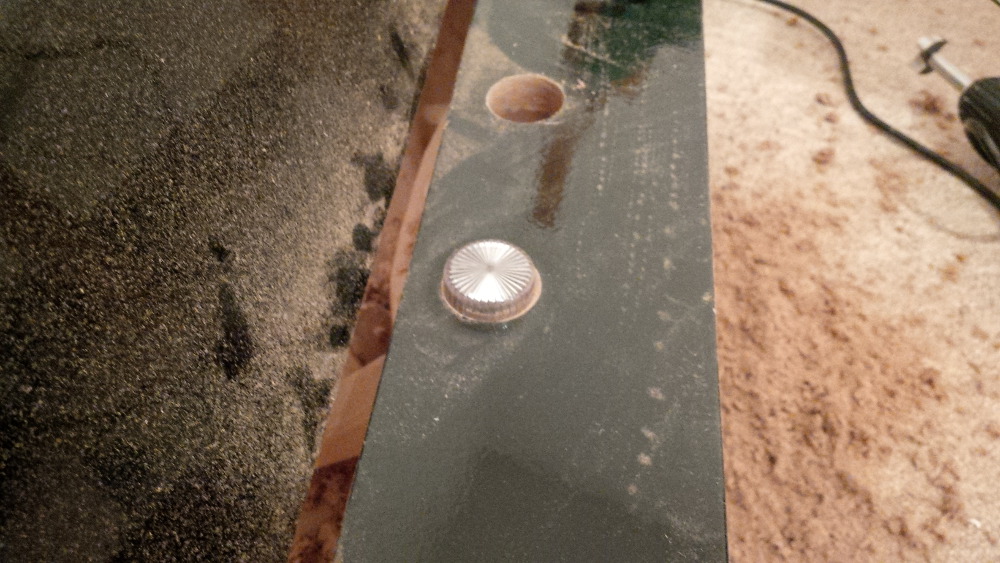
And than I tested to mount the first cap. These caps are a bit cone-shaped (top diameter 30mm, bottom diameter 32mm). I drilled 30mm holes and punched the drill in a low angular in all directions to make the hole a bit wider on the inner side. I thought a long time how to mount the caps, because I can only work from the top side everything is already glued and screwed and the inner space is very small. But this pragmatical dirty drill approach works well.
 
chapter-17-05-flasher-drilling.jpg
 
chapter-17-06-flasher-drilling.jpg
 
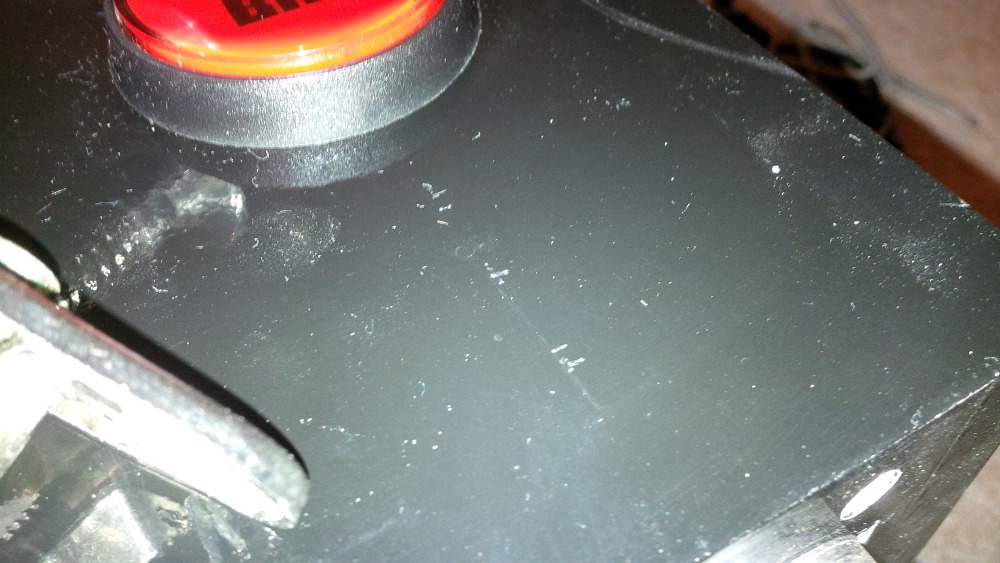
In case of well drilled holes I started to work more careless and unfortunately damaged my paint. From my optimistic view I increased the character of the case by such small failures.
 
chapter-17-07-ready-to-mount.jpg
 
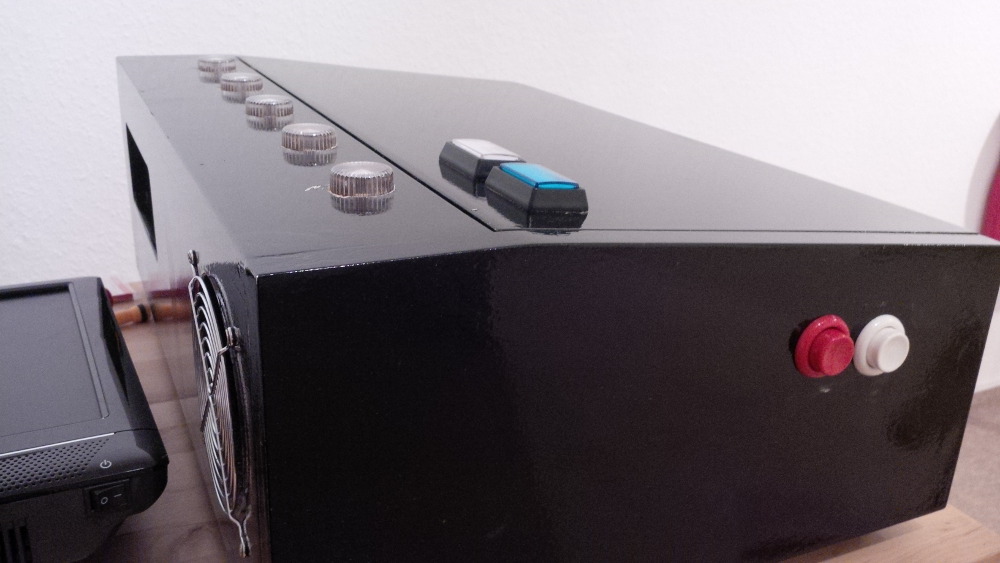
Here's the result of mounting the caps.
 
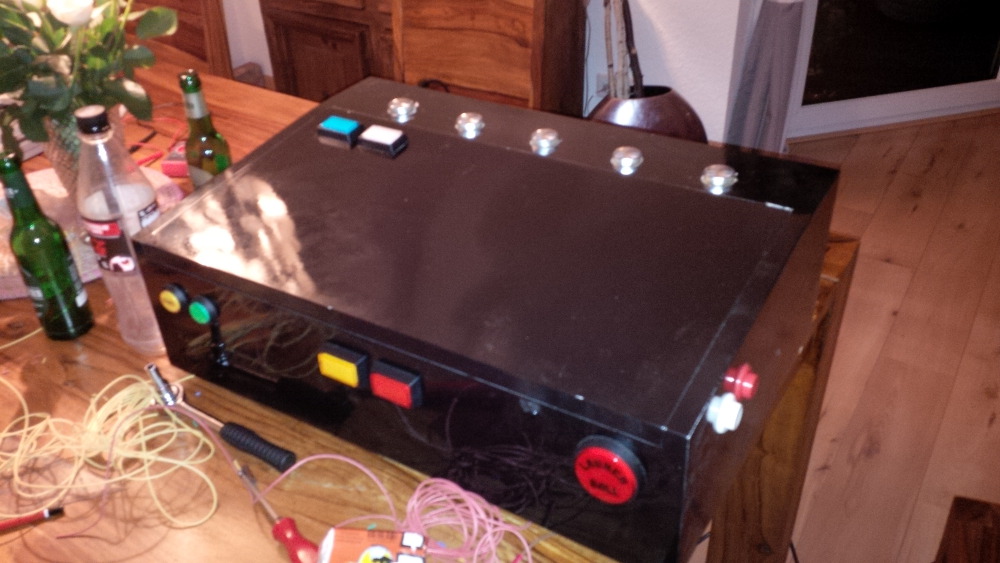
chapter-17-08-mounted-flasher-caps.jpg
 
chapter-17-09-mounted-flasher-caps.jpg

Visit my build: Yet another build thread


#30 rasm

rasm

    Enthusiast

  • Members
  • PipPipPip
  • 128 posts
  • Location:Hamburg

  • Flag: Germany

  • Favorite Pinball: currently Fish Tales

Posted 24 May 2014 - 09:28 PM

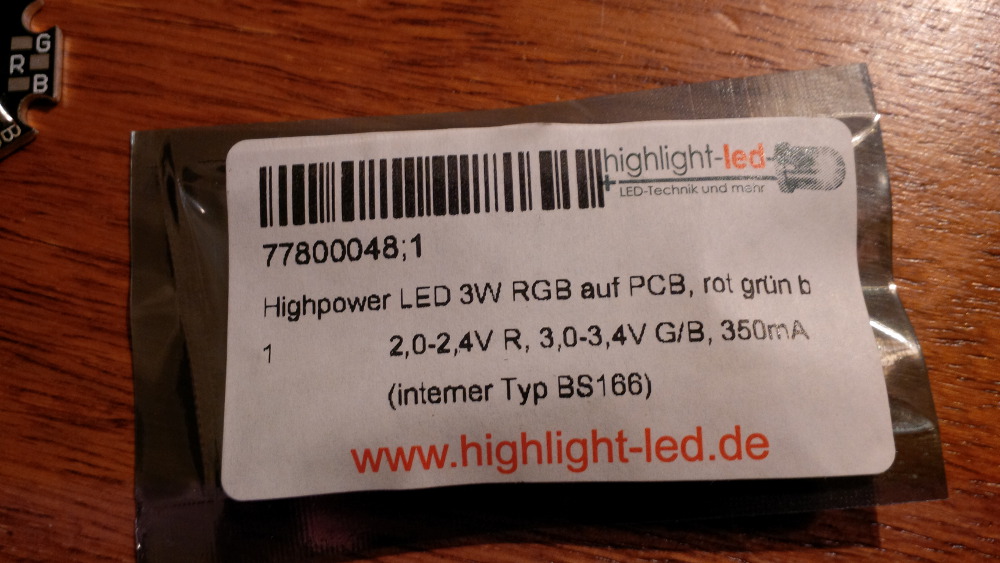
So, now I had to wire these high power LEDs.
 
chapter-17-10-led-details.jpg


Nice build

Wire 1 flasher first and test it before proceeding with all of them. Some of the cheap LEDs are marked incorrectly.
For testing the LEDs try using the "SimpleLEDTest.exe" that comes with the LEDBlinky app (http://www.ledblinky.net/Download.htm).


Thx, gtxjoe. You're absolutely right. I had to test my LEDs before wire them to prevent errors or effort on defected components. I simply checked every color of every LED to...
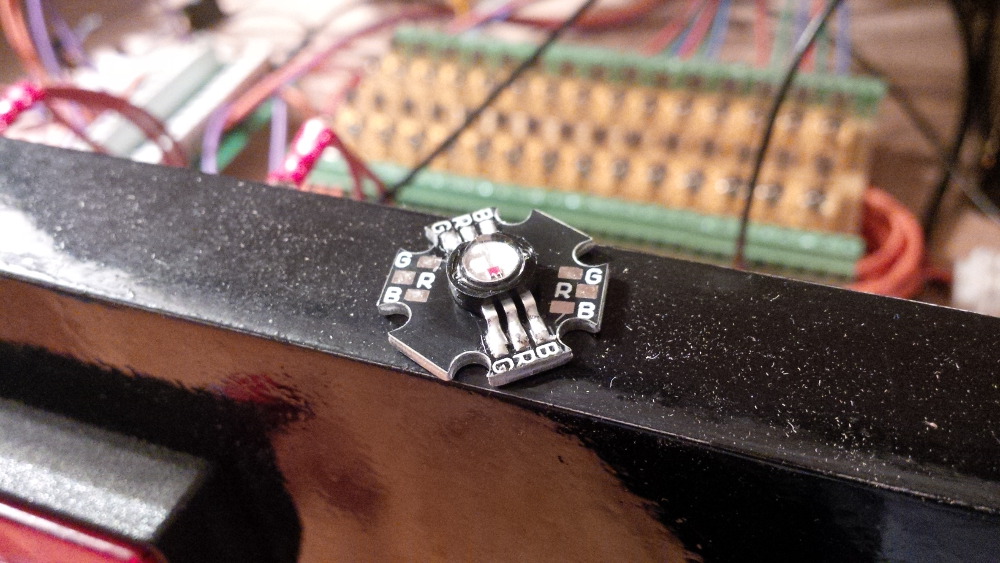
  1. ...check if it is working.
  2. ...check where anode and cathode are located. I found no label on the board and you know that a diode only works if you connect it the right way.
Tipp: Test every single LED, not only for one. Don't look directly to the LED, these high power parts are very bright!
 
chapter-17-10-led-testing.jpg
 
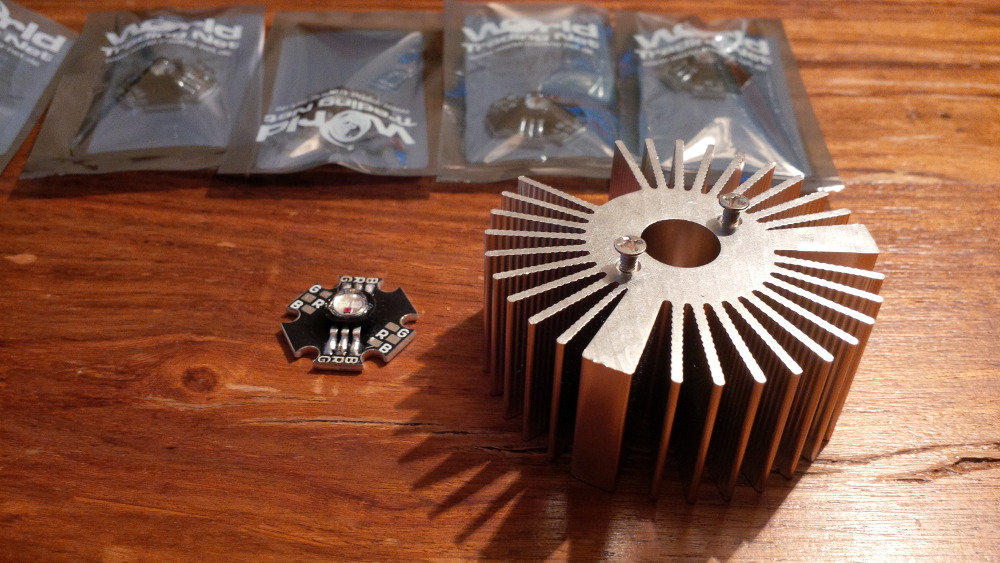
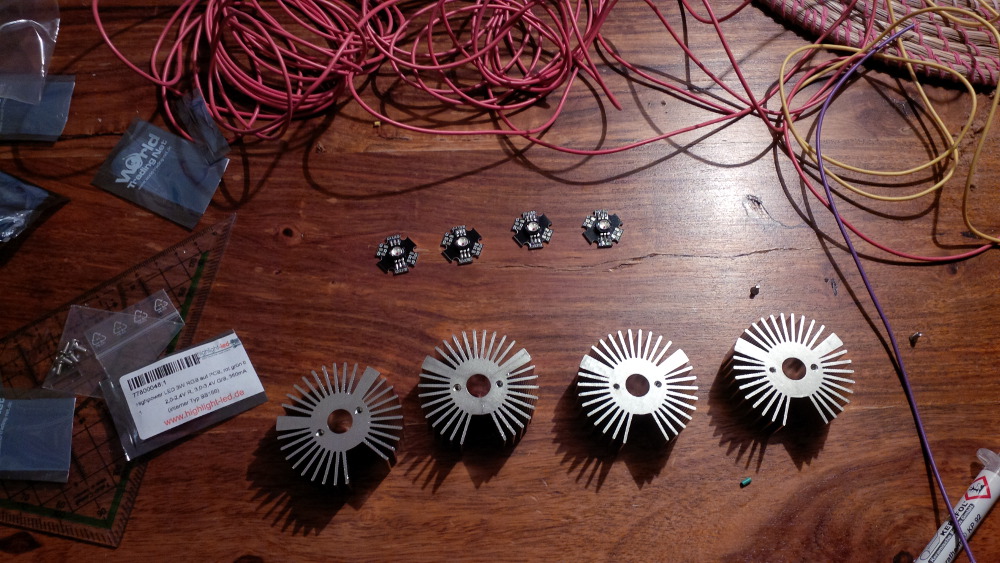
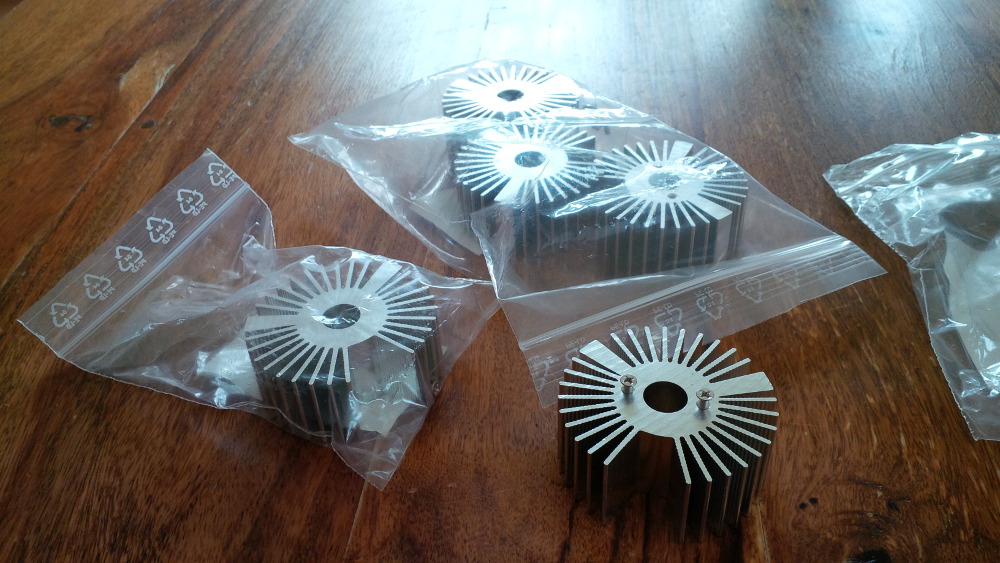
All my LEDs were tested. Now I had to mount them to heat sinks otherwise I could blow the LEDs quite easily, because they could get really hot.
 
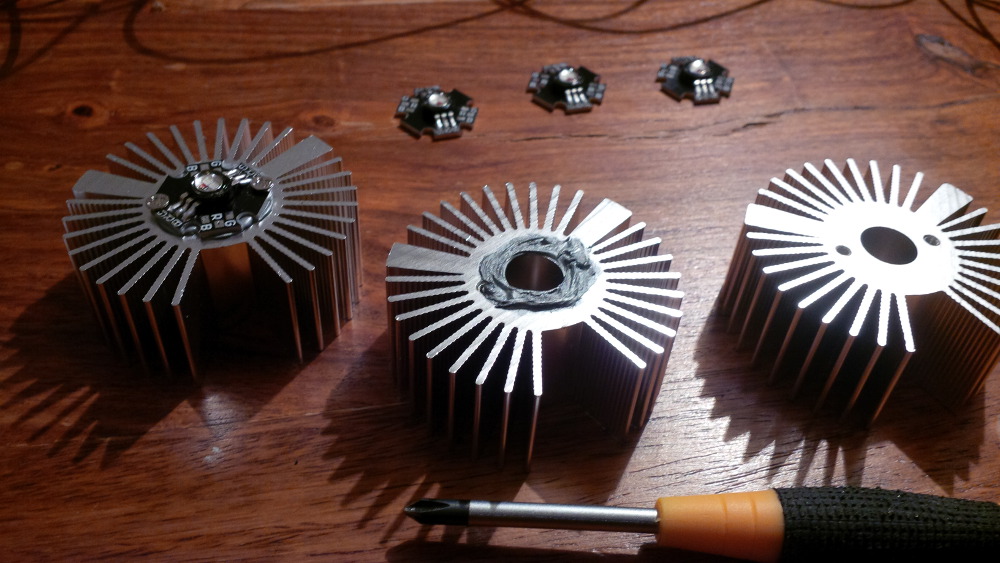
These were the cheapest heat sinks I found.
 
chapter-17-11-led-heat-sink.jpg
 
chapter-17-12-led-heat-sink.jpg
 
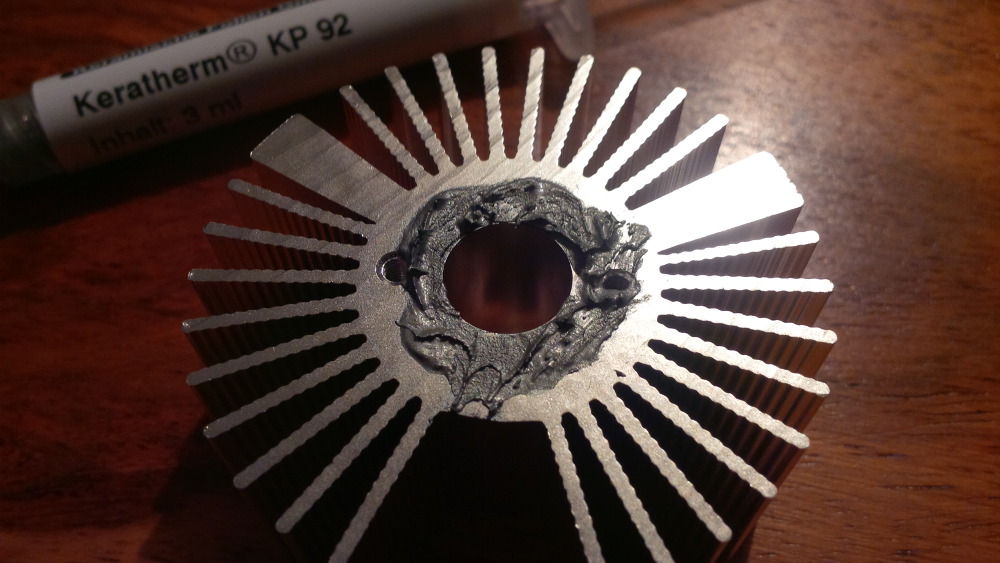
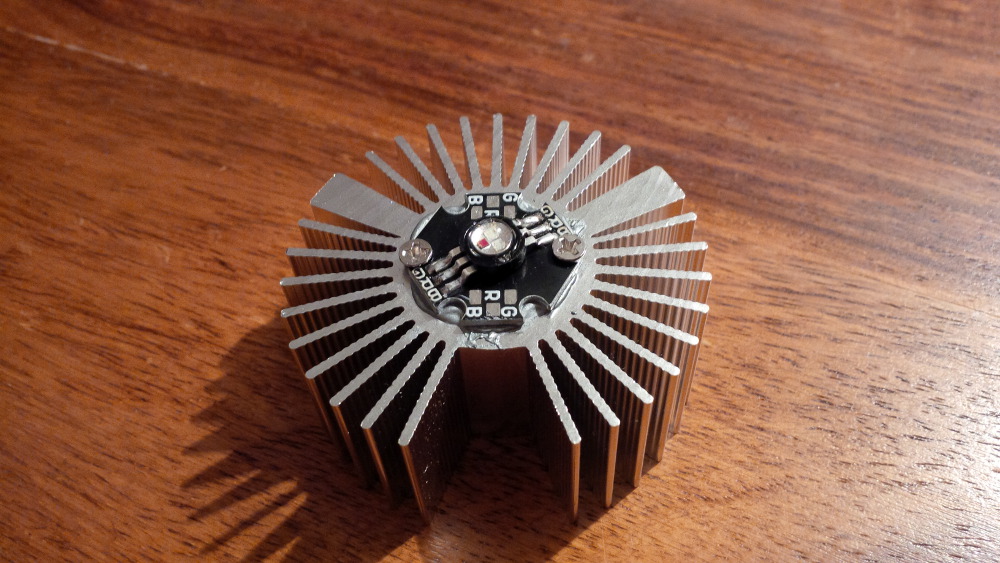
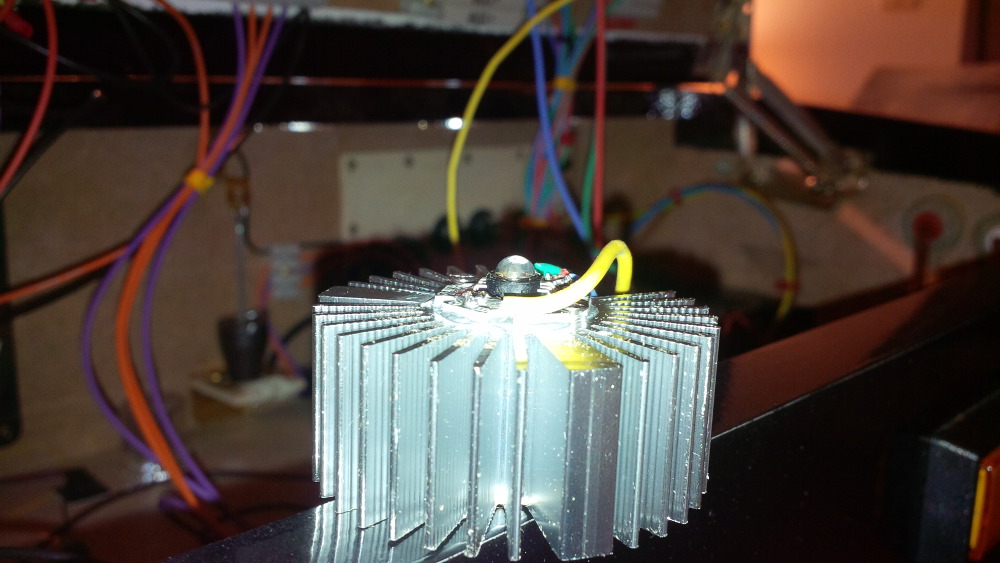
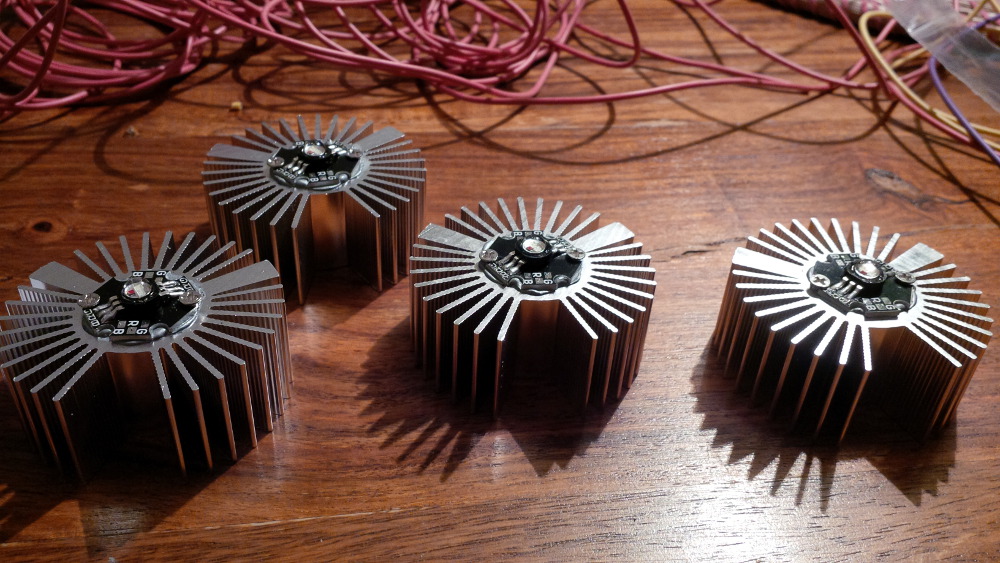
I used thermal-conductive paste to optimize cooling. The star board can be simply screwed to the heat sink (the predrilled holes fit exactly).
 
chapter-17-13-led-heat-sink.jpg
 
chapter-17-14-led-heat-sink.jpg
 
chapter-17-15-led-heat-sink.jpg
 
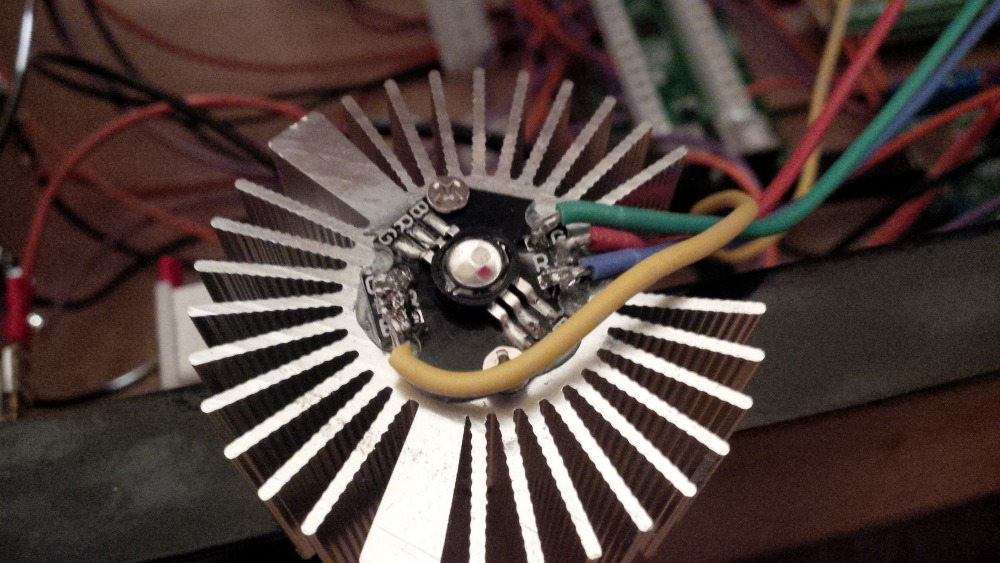
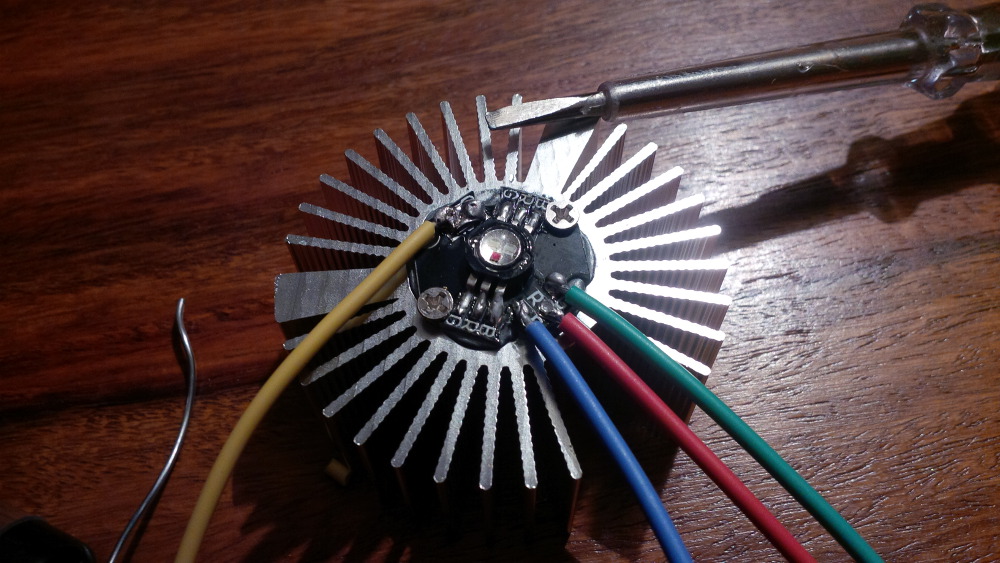
Than I started to sweat, because I had to use my cheap big solder iron to solder wires to the really small contacts without much space in between. I soldered one single cable on the DC+ side and separated cables for ech color on the DC- side that will be connected to the resistors and be switched by the LEDWiz.
 
chapter-17-16-soldering.jpg
 
I put dedicated terminal block next to the resistors for sharing 5V power with my LEDs.
 
chapter-17-17-power-terminal.jpg
 
Yes, the first LED was completely wired.
 
chapter-17-18-first-led-wired.jpg
 
chapter-17-19-first-led-wired.jpg
 
Now, I had to wire four more LEDs to complete the task.
 
chapter-17-20-four-more.jpg
 
chapter-17-21-four-more.jpg
 
chapter-17-22-four-more.jpg
 
Soldering of the second LED,...
 
chapter-17-23-soldering.jpg
 
...second LED ready...
 
chapter-17-24-second-led-wired.jpg
 
...aaaaaaaaaand done! Five wired and cooled high power RGB flashers.
 
chapter-17-25-all-wired.jpg

Edited by rasm, 24 May 2014 - 09:29 PM.

Visit my build: Yet another build thread


#31 rasm

rasm

    Enthusiast

  • Members
  • PipPipPip
  • 128 posts
  • Location:Hamburg

  • Flag: Germany

  • Favorite Pinball: currently Fish Tales

Posted 24 May 2014 - 09:59 PM
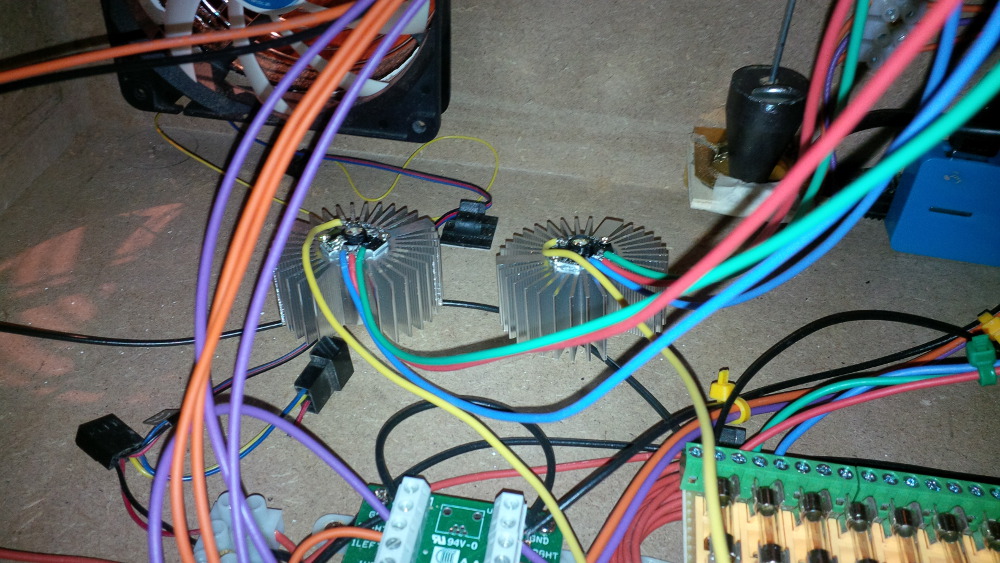
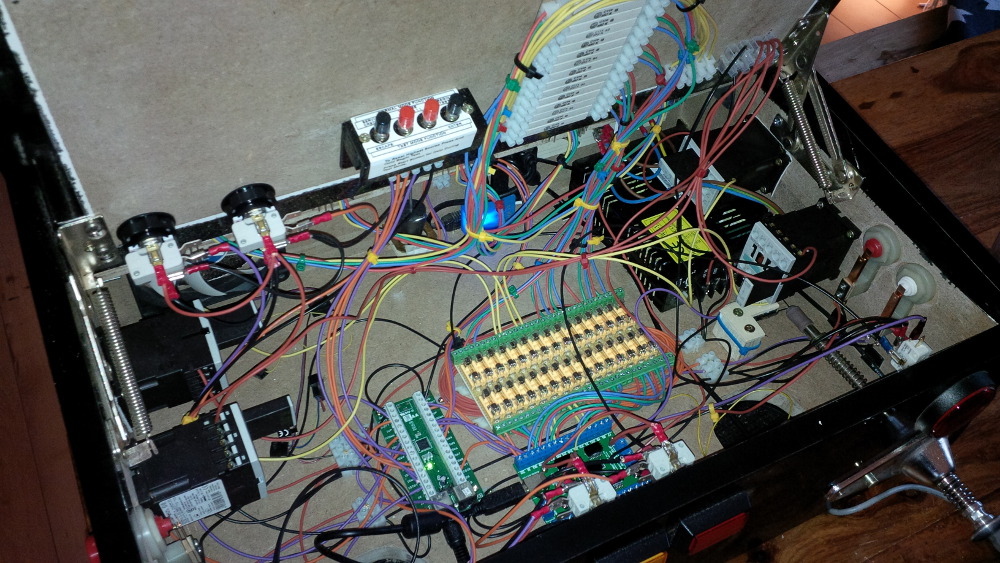
So, at this stage I got stuck on thinking about how to mount the LEDs incl. heat sinks to my case.
 
chapter-17-26-led-mounting.jpg
 
I don't have a screw driver that is small enough to fit for a screwing job in the small case. It really got on my nervs to finger around with screws without enough space. I tried a lever brace, but I can't push it hard enough to the case to a screw in my wood while holding a heat sink in parallel.
 
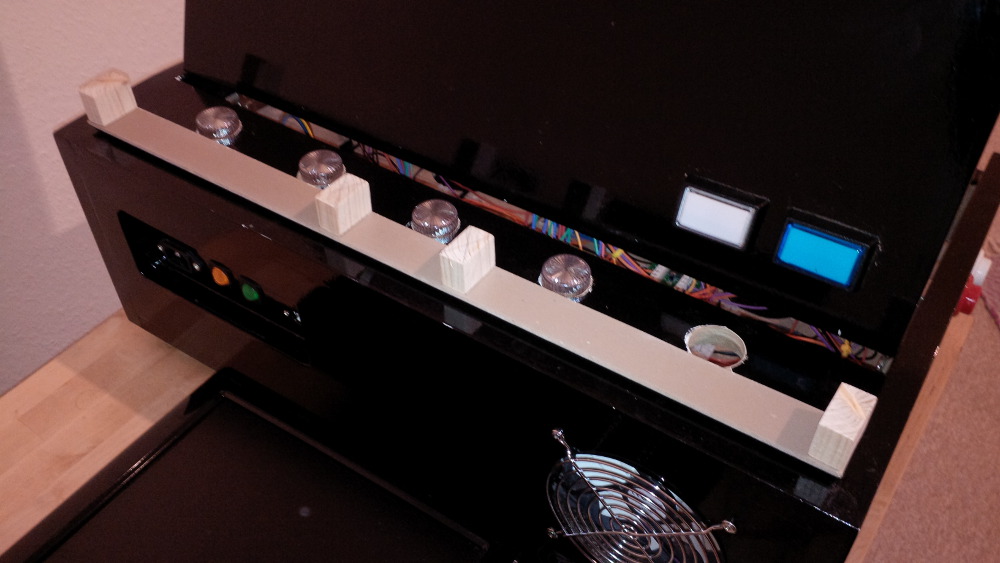
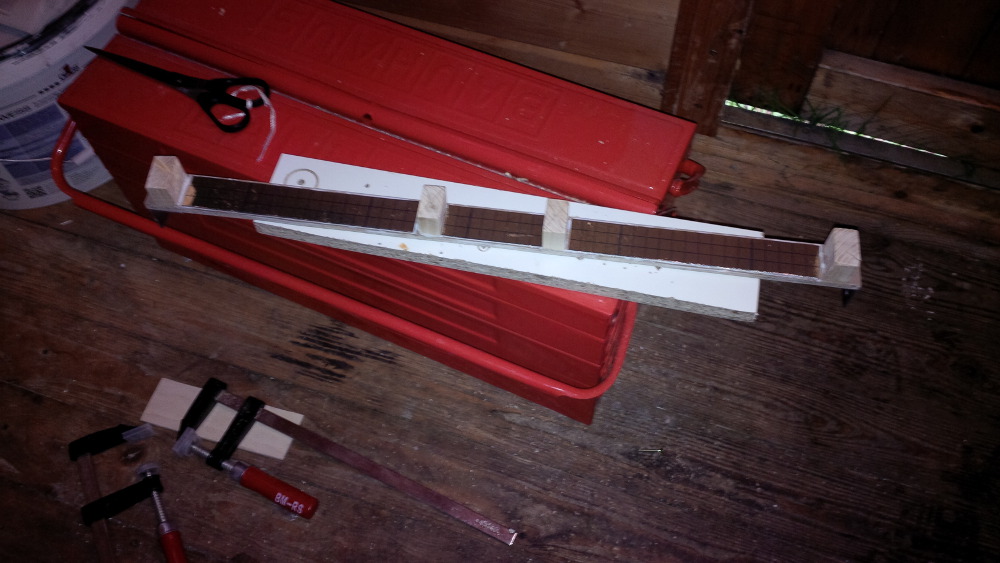
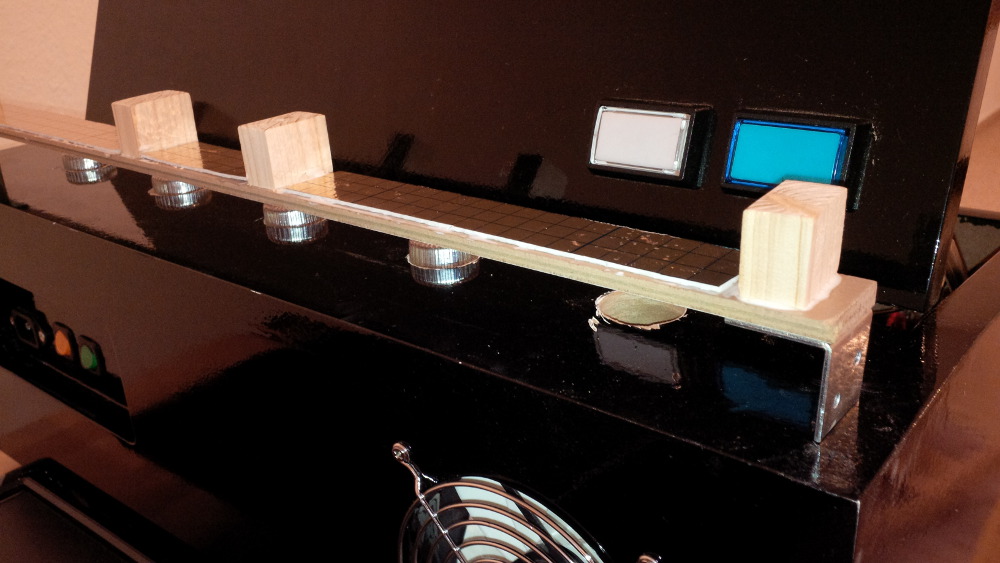
So I decided to build a mounting helper bar that should press the heat sinks to the caps from the inside. By using a bracket I could screw it to the sides instead to the top (plus two screws in the top, to get enough pressure).
 
I cut some wood and this was the first look.
 
chapter-17-27-mounting-helper.jpg
 
I glued some rests of footfall sound isolation to the helper bar to get a a more flexible layer to push the heat sinks against the caps.
 
chapter-17-28-mounting-helper.jpg
 
My finished helper bar.
 
chapter-17-29-mounting-helper.jpg
 
It was a very hard and tight screwing job, but in the end I was successful.
 
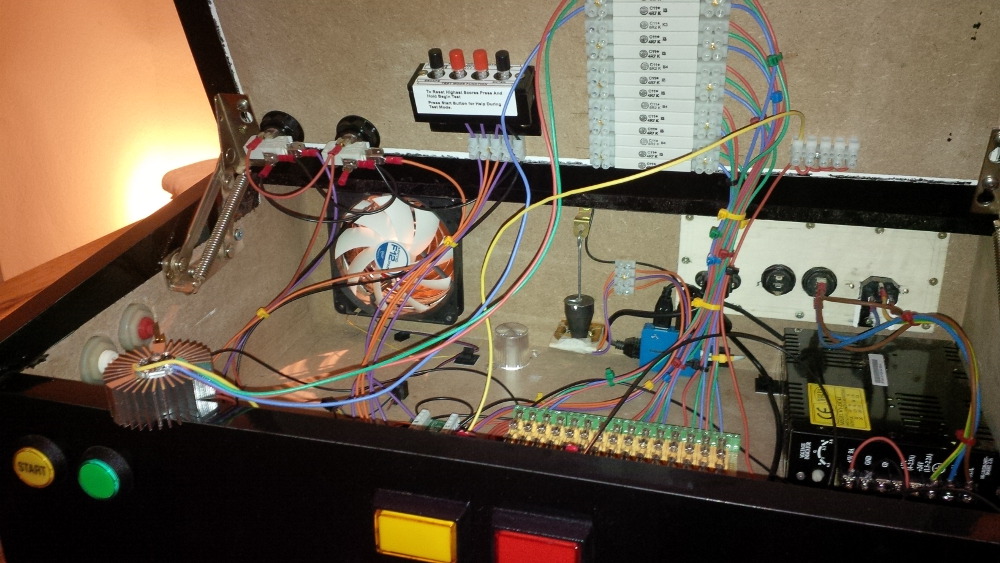
chapter-17-30-mounted-flasher.jpg
 
chapter-17-31-mounted-flasher.jpg
 
chapter-17-32-mounted-flasher.jpg
 
chapter-17-33-mounted-flasher.jpg
 
chapter-17-34-mounted-flasher.jpg
 
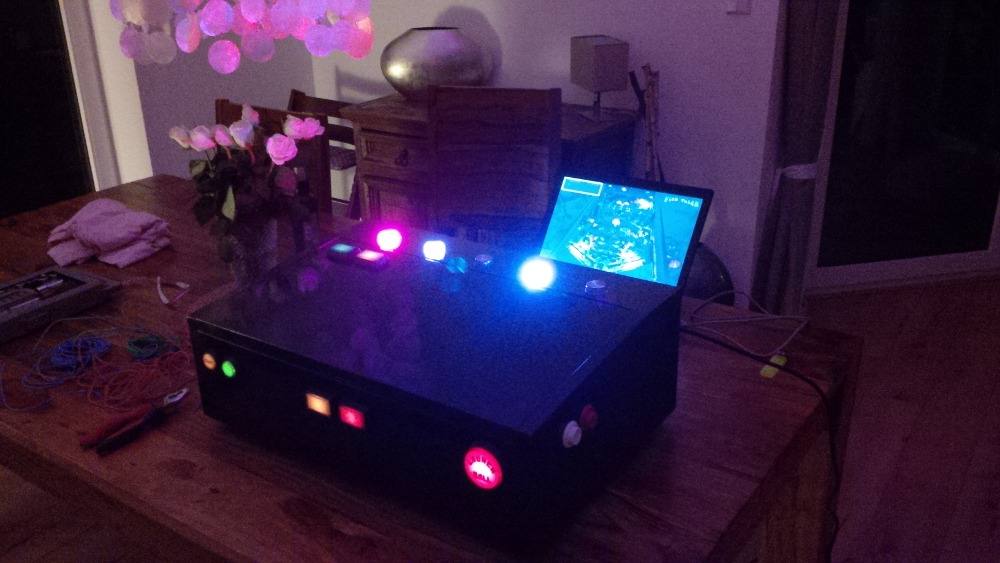
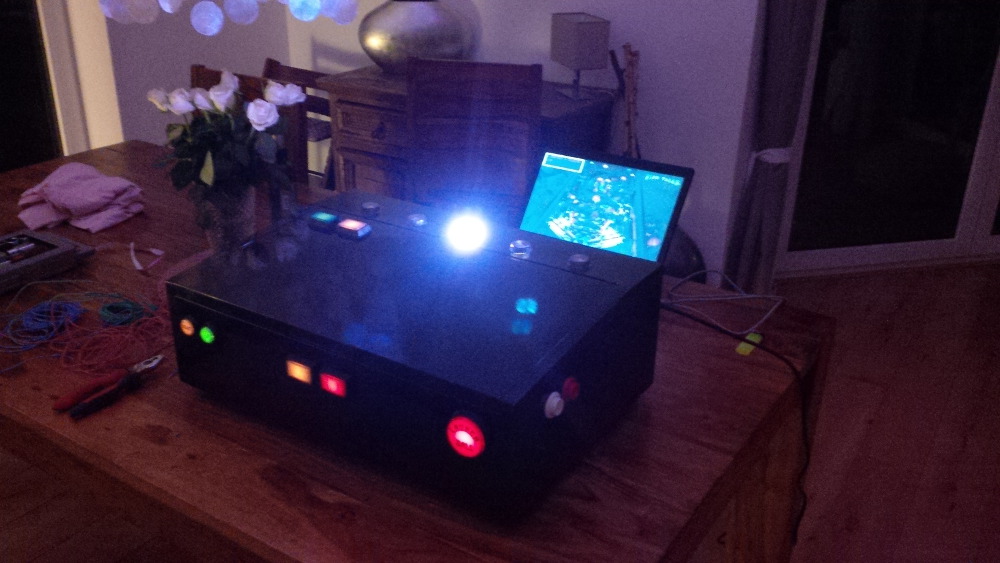
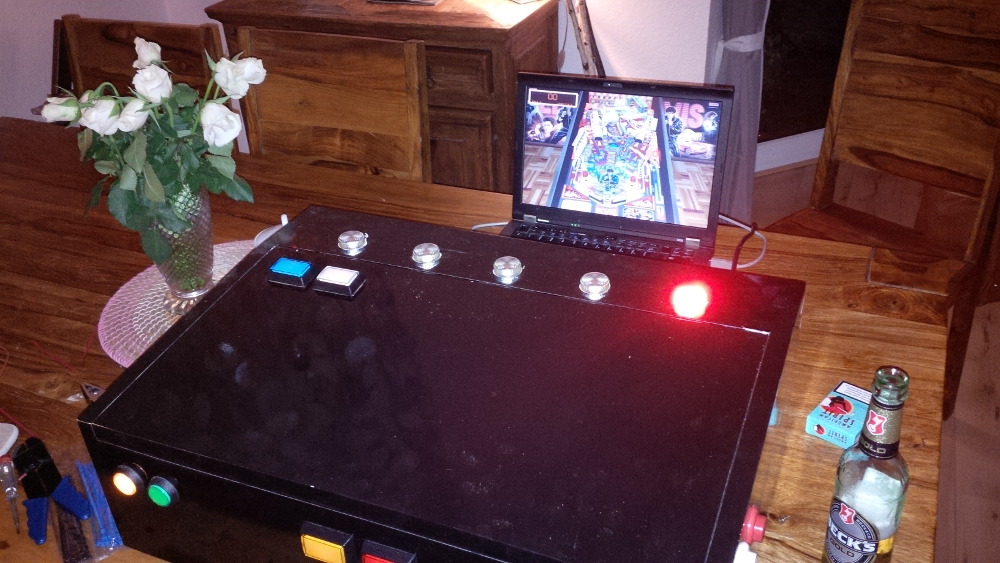
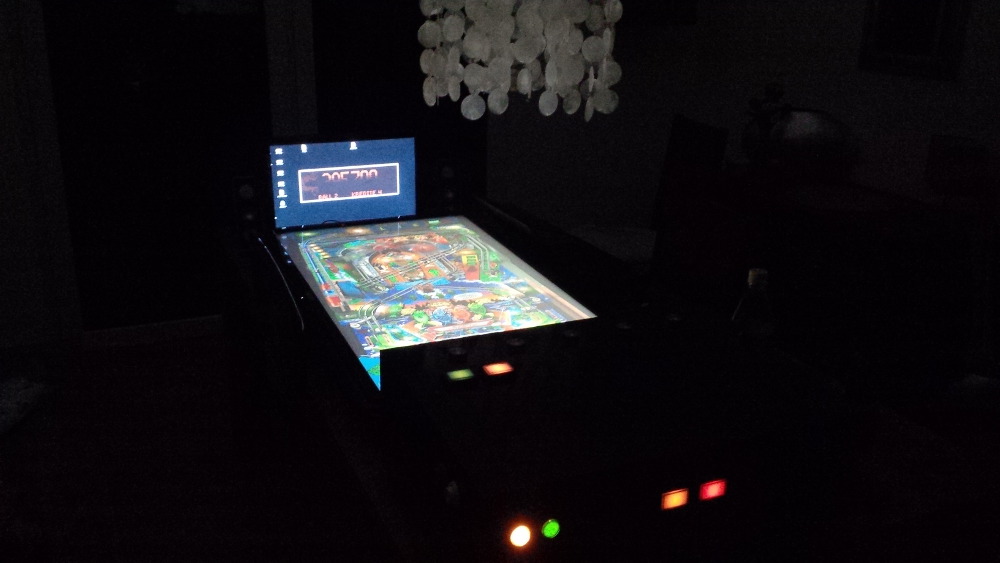
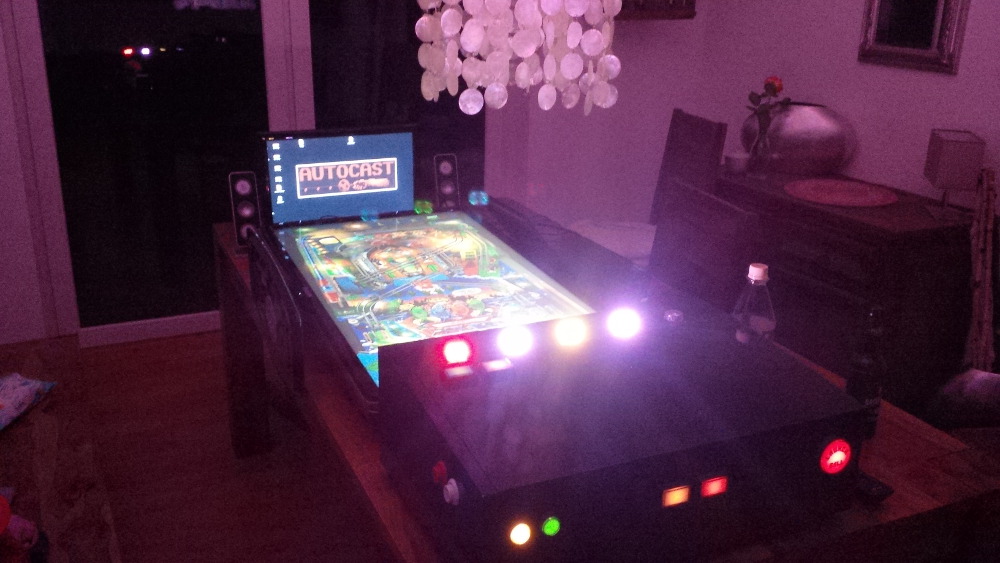
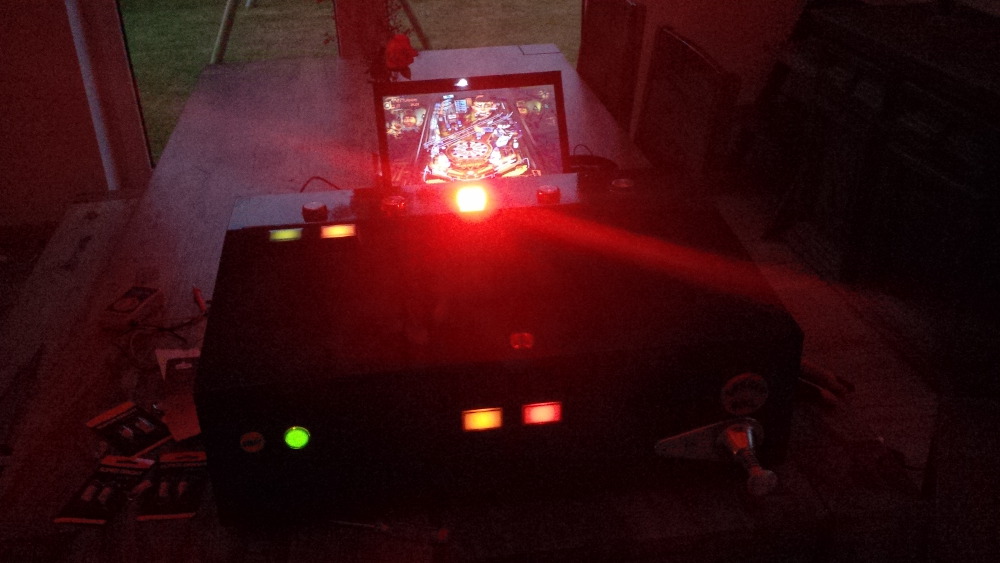
Let's play a first session... Wow! The flashers work very well and flashed ultra bright directly to my face - a heavy effect. Now pinball feels much more like disco. I was happy.
 
chapter-17-35-flasher-test.jpg
 
chapter-17-36-flasher-in-action.jpg
 
chapter-17-37-flasher-in-action.jpg
 
It makes much more fun, to have effects like the flashers, but something is still missing: force feedback to feel at least the flippers. 
 
Coming soon: Chapter 18 - First force feedback 

Visit my build: Yet another build thread


#32 randr

randr

    I'm just a hardware guy so...

  • VIP
  • 2,650 posts
  • Location:Minnesota

  • Flag: United States of America

  • Favorite Pinball: Twilight Zone

Posted 24 May 2014 - 11:14 PM

Great thread! Your doing a great job and I enjoy your posts! Keep them coming.

randr___pinball.png                         


#33 vampirolatino2

vampirolatino2

    Pinball Fan

  • Members
  • PipPipPipPip
  • 1,430 posts

  • Flag: Spain

  • Favorite Pinball: Medieval Madness

Posted 25 May 2014 - 03:03 AM

Agree with randr .... A+ :D


#34 The Loafer

The Loafer

    Pinball Wizard

  • VIP
  • 3,471 posts
  • Location:Embrun, Ontario, Canada

  • Flag: ---------

  • Favorite Pinball: Superman, Firepower & Tron


Posted 25 May 2014 - 01:34 PM

Great humor too, a la the carper repair via the rocking horse. :). You are an excellent writer and this is a fantastic thread

#35 rasm

rasm

    Enthusiast

  • Members
  • PipPipPip
  • 128 posts
  • Location:Hamburg

  • Flag: Germany

  • Favorite Pinball: currently Fish Tales

Posted 25 May 2014 - 07:42 PM

Great thread! Your doing a great job and I enjoy your posts! Keep them coming.


Agree with randr .... A+ :D


Great humor too, a la the carper repair via the rocking horse. :). You are an excellent writer and this is a fantastic thread


Oh wow, thx for your compliments. That really boost me up to do more :otvclap:.


Visit my build: Yet another build thread


#36 rasm

rasm

    Enthusiast

  • Members
  • PipPipPip
  • 128 posts
  • Location:Hamburg

  • Flag: Germany

  • Favorite Pinball: currently Fish Tales

Posted 25 May 2014 - 08:47 PM
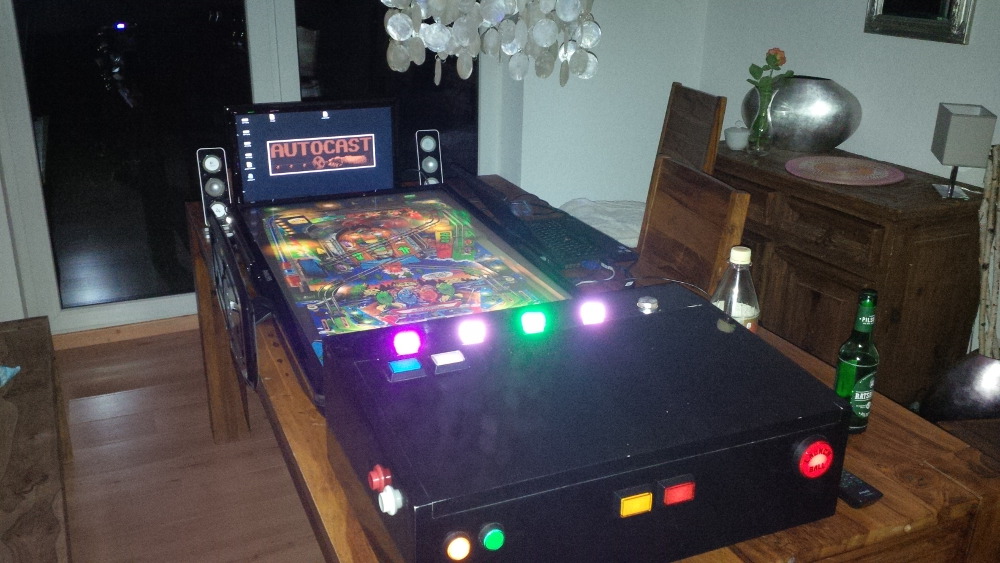
Chapter 18 - First force feedback
 
A box with some leaf buttons is okay - a bit better than a keyboard to play pinball games. Flashers allow your game to fill the room instead of being caged to your display. But if you're not able to feel a kick of your flippers it's hard to forget the fact of simulation. Every pinball event with a missing physical force (like bumbers or slingshots) confuse my subconscious and remind me that something is a fake - not real.
 
So now I want to get the next stage of realistic effects, so that I can create a deep immersion without a couple of beer. It's time for force feedback.
 
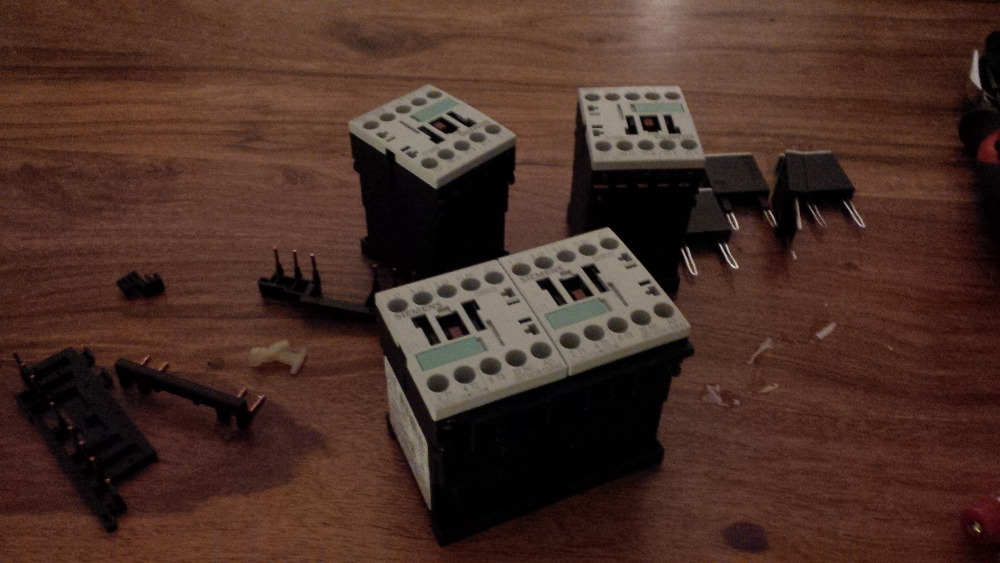
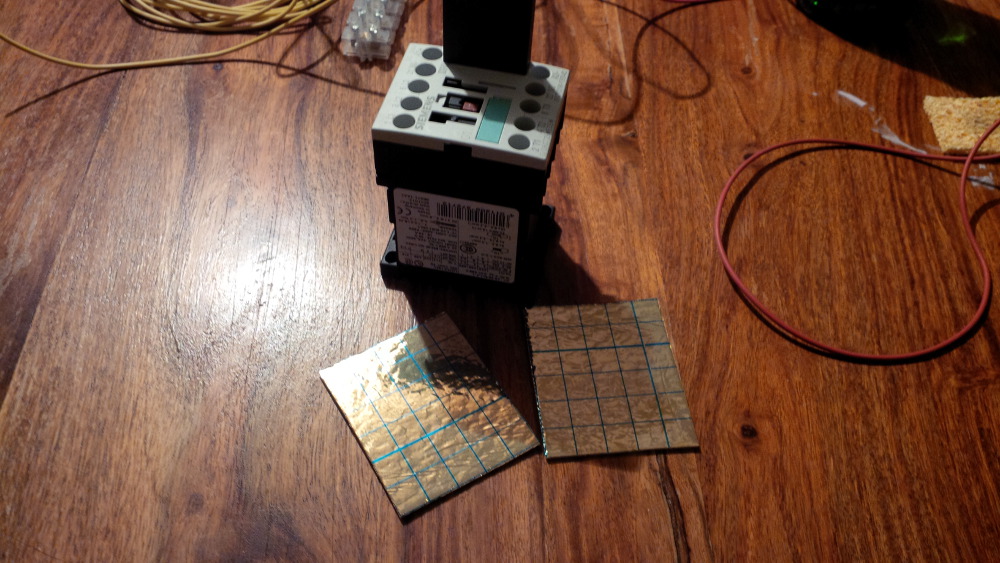
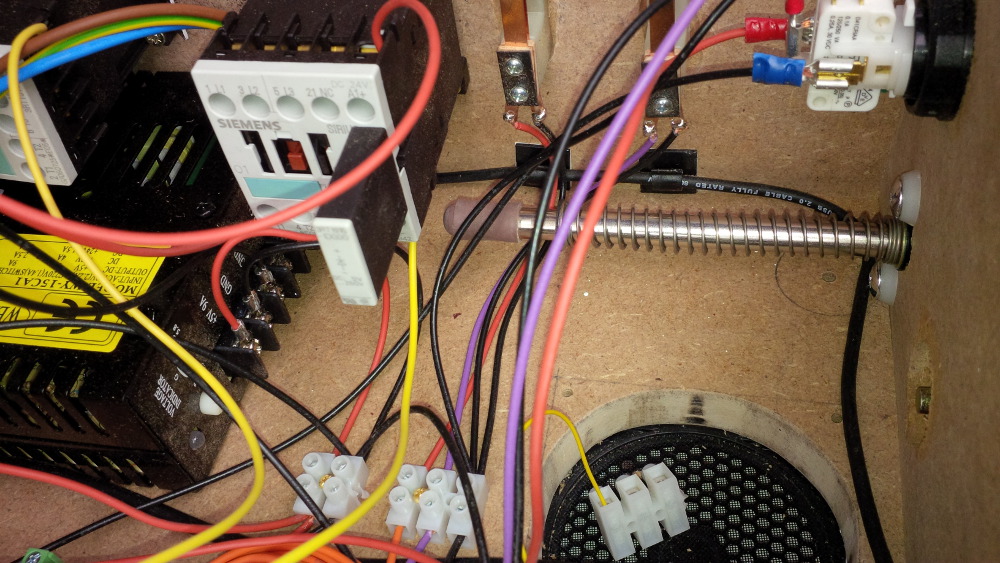
I won an ebay auction for four 24V Siemens contators (incl. original Siemens diodes). Before I also bought a set of fitting diodes to get rid of the capacity load danger (for the LEDWiz). But these Siemens diodes work also fine and can easily be attached.
 
chapter-18-01-contactors.jpg
 
Sure, the first task was to test these nice switches and yea - how to say... they create a really nice thumb. I can't wait to hear and feel them mounted directly to the case.
 
chapter-18-02-contactor-test.jpg
 
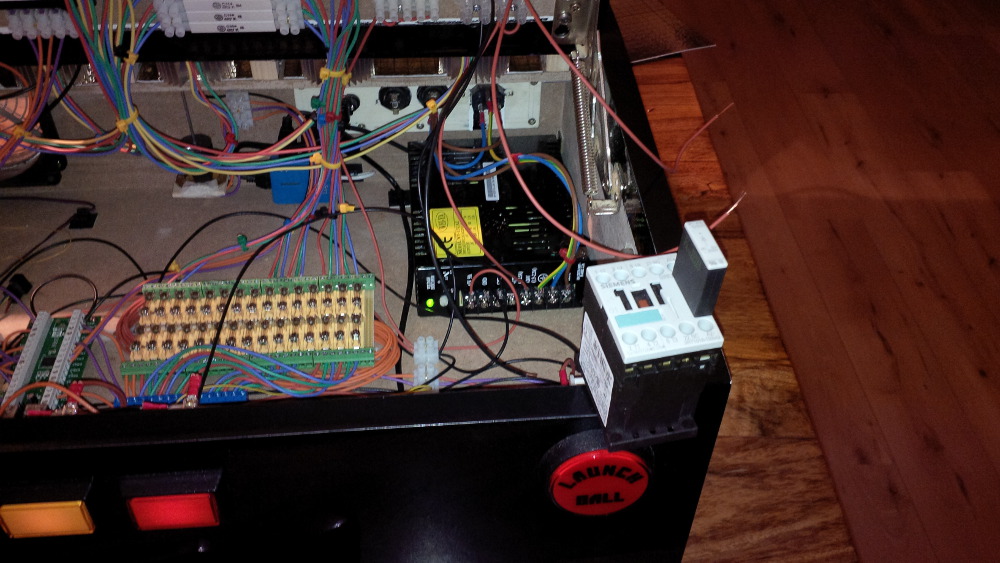
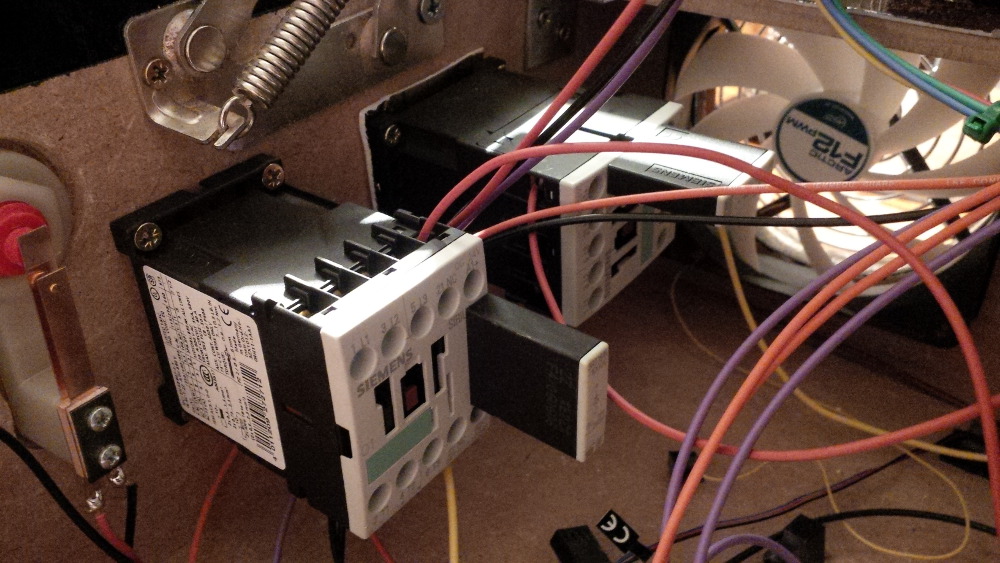
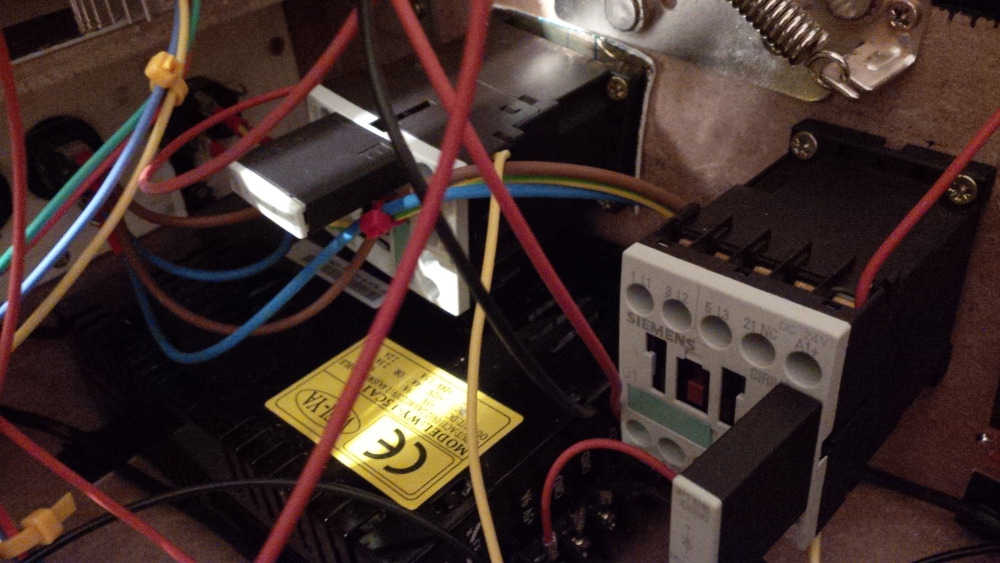
I mounted the first next to my leaf switches as flipper effect. I started on the right side to check where I had enough space left to place these mighty parts.
 
chapter-18-03-contactor-mounted.jpg
 
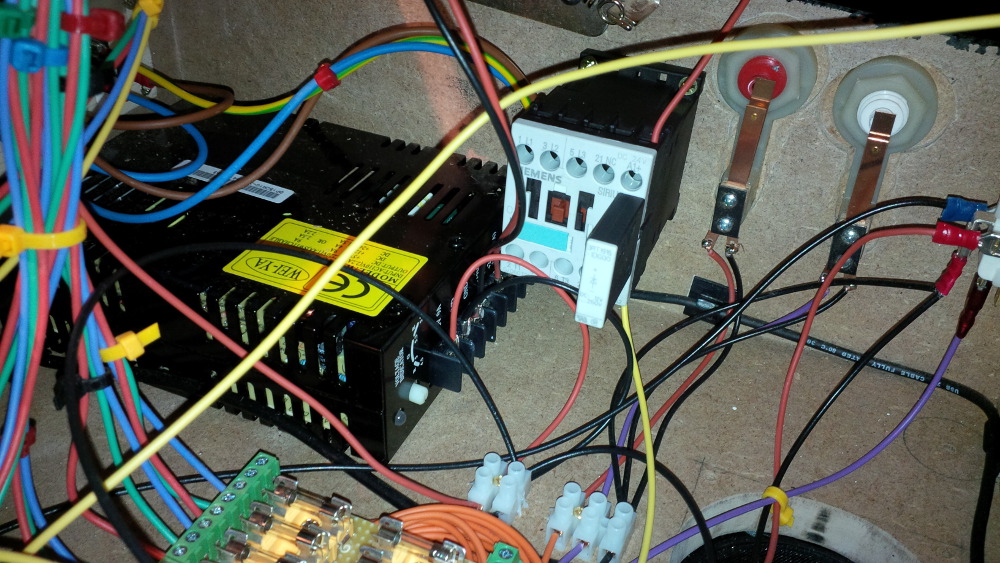
Fastly I checked the second one and mounted it to the left side.
 
chapter-18-04-contactor-test.jpg
 
Shortly I thought about for which effect I should use the other two contactors and chose the slingshots. To differ the effect a bit I searched for any kind of rubber, but don't found something useable. So I took another piece of the footfall sound isolation as layer between contactor and case.
 
chapter-18-05-slingshot-effects.jpg
 
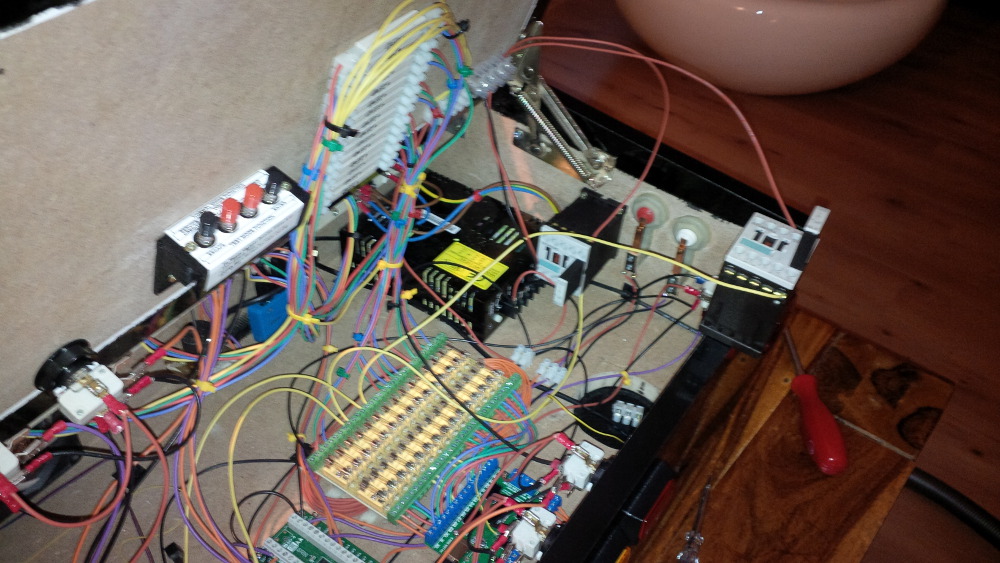
Here are some pics of the finally mounted contactors.
 
chapter-18-06-left.jpg
 
chapter-18-07-right.jpg
 
chapter-18-08-contactors-on-bord.jpg
 
Than I directly started a first test run.
 
chapter-18-09-testing.jpg
 
Wooooaaa, now I know that force feedback is the most important component of my setup. It allows so much more immersion and I can't stop playing for a while. Nice. I am not perfectly happy with the slingshot effect, because it's very close to the flipper effects what was confusing me a bit. Later I could switch the isolation layer to something else like rubber. But what is clear is: I want more feedback components. I definetly need a shaker, some contactor/solenoids for bumber effects and a knocker.
 
Before ordering more parts I needed some time to enjoy the result.
 
chapter-18-10-enjoy.jpg
 
chapter-18-11-enjoy.jpg
 
chapter-18-12-enjoy.jpg
 
My build thread is now in sync with my progress. I had time to write so much, because I am waiting for a package from China that includes four solenoids and a relay board to control them.
 
Furthermore I started to search a real cab as base for my next steps. I asked local dealers and looked around at ebay and a German pinball community. It's hard to find empty cabs. I cannot murder a working table, if I would buy one I would start to refurbish it. The only option is an empty cab or an individual build to make progress with a virtual pinball.
 
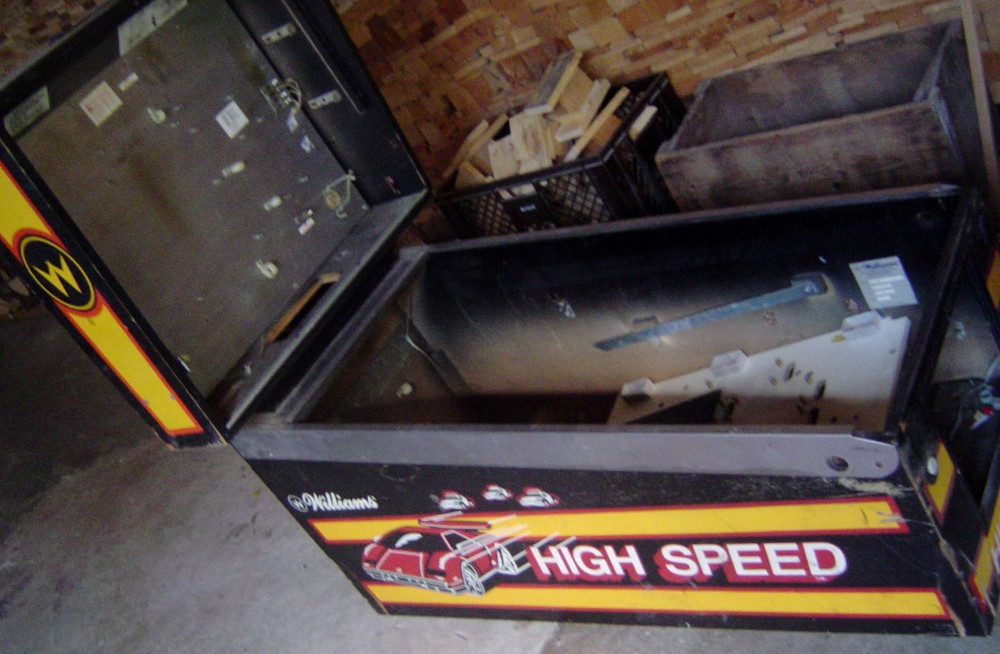
Luckily I won an ebay auction for an empty Williams High Speed cab for 1.50 EUR - really cheap, but the shipping costs will be extremly high. Sounds like a nice deal, but unfortunately all interessting parts are missing (glas, coin door, lockbar, legs, etc.). It's only the raw case. Hmmm...
 
high-speed-cab.jpg
 
Coming soon: Planning (The next chapter depends on which parts will arrive first.)

Visit my build: Yet another build thread


#37 rasm

rasm

    Enthusiast

  • Members
  • PipPipPip
  • 128 posts
  • Location:Hamburg

  • Flag: Germany

  • Favorite Pinball: currently Fish Tales

Posted 01 June 2014 - 08:55 PM

Chapter 19 - Plunger
 
I had some work in organizing the shipping of my old empty cab. Furthermore I am still waiting for my Solenoid package from China :coffee1:.
 
While checking prices for Legs and related brackets, a coin door, a glass and a lockbar with receiver I began to seek an additional cab with included parts.
 
But something already arrived. I got a plunger for only three Euros at ebay - lucky :tup:.
 
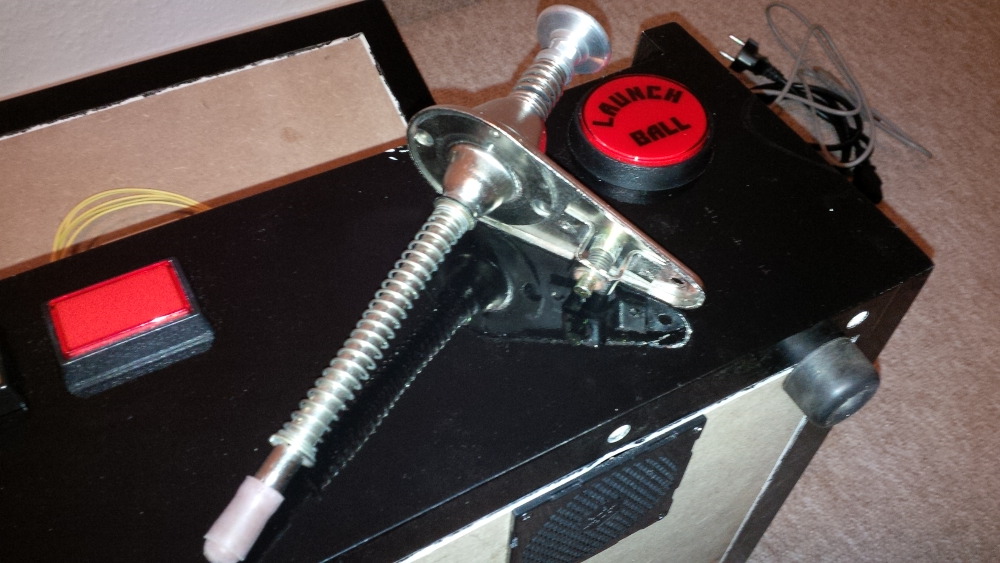
chapter-19-01-a-plunger.jpg
 
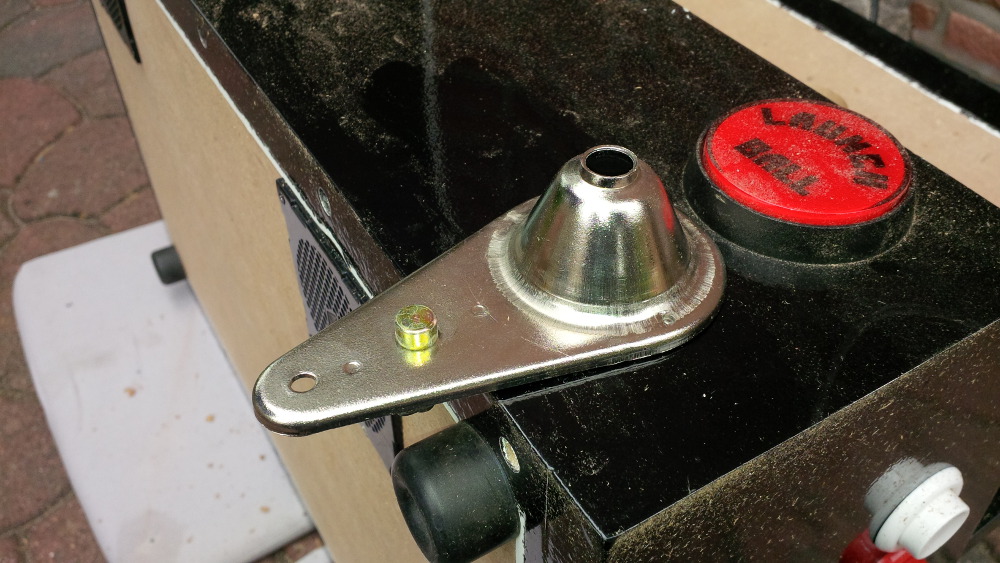
I had more luck, because I found two screws that perfectly fit the plunger when using a set of washers. So I began to plan a mouting to my limited case - a tight job.
 
chapter-19-02-plunger-planning.jpg
 
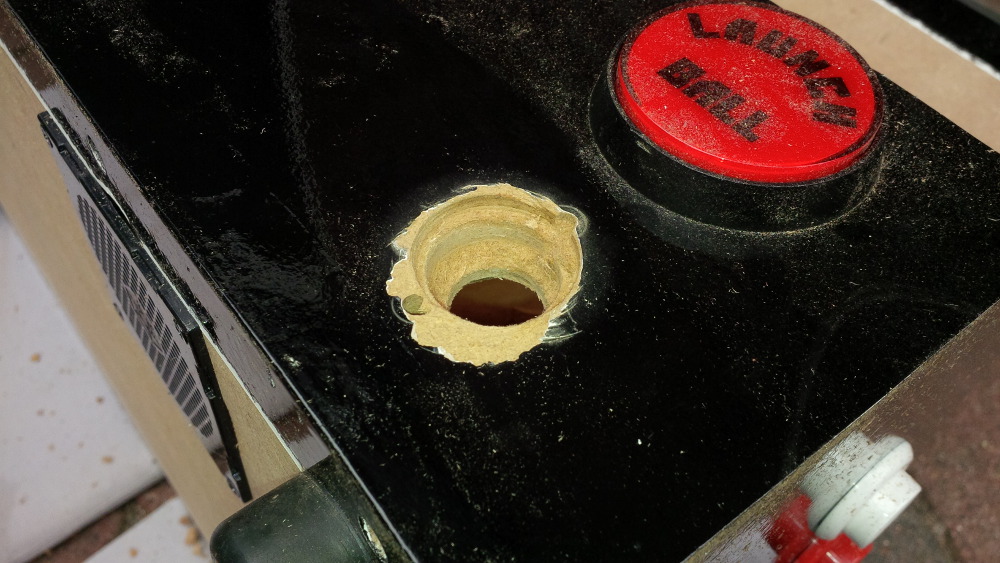
I drilled a first center hole, so that I can use it to center different drill adapters. I planned to drill step-by-step from a bigger hole to some smaller sizes.
 
chapter-19-03-plunger-first-hole.jpg
 
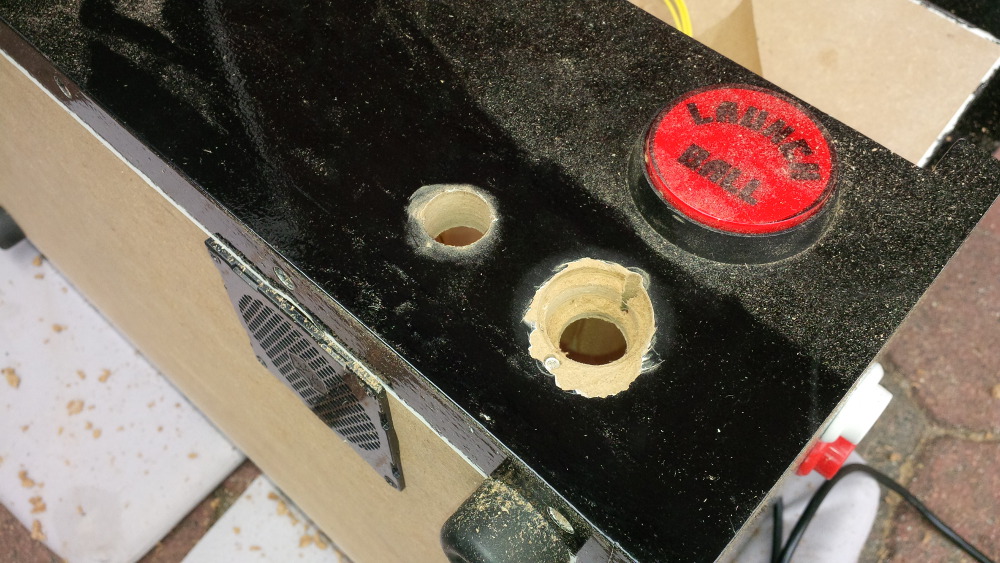
After my center control hole, I drilled two holes for the screws. It was important to drill these holes before the fat one, because they will overlap a bit. For an exact work I would had to drill a 28mm hole, but I only have a 30mm and a 25mm one.
 
chapter-19-04-plunger-more-holes.jpg
 
Hehehehe, take a look to the result of my master plunger hole - looks not very professional, but the plunger fits. I started my drill job with 30mm overlapping the smaller screw holes. Unfortuately I drilled not excatly and tried to modify the result a bit what results in more damage. Than I switched to 25mm and to 15mm. But I had to correct the hole a bit by another 20mm task. For me it's okay. The plunger plate will hide the ugly hole.
 
chapter-19-05-plunger-master-hole.jpg
 
chapter-19-06-plunger-fits.jpg
 
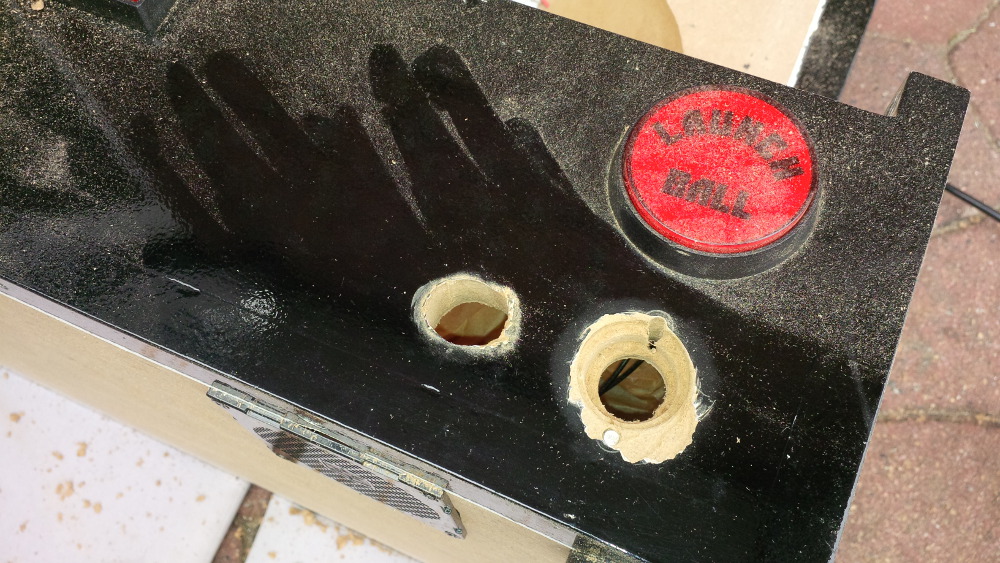
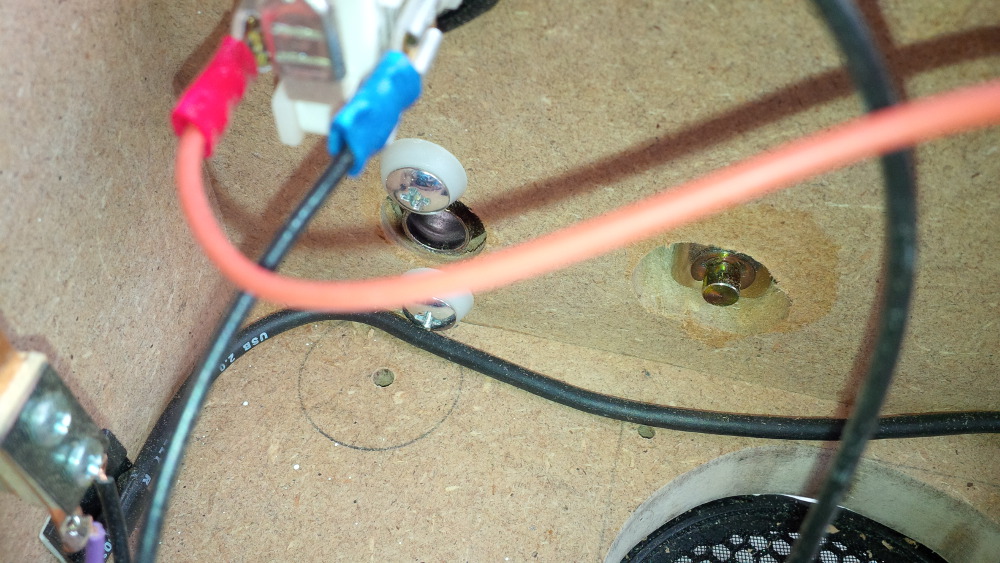
I had to drill an other hole for this strange button integrated in the plunger assembly - no idea for waht it is. After drilling an exact and nice 20mm hole I realized that the rect button assembly didn't fot, so that I used a 15mm for some dirty widening left and right.
 
chapter-19-07-plunger-more-holes.jpg
 
chapter-19-08-plunger-fine-tuning.jpg
 
It fits! Great, the plunger is mounted!
 
chapter-19-09-plunger-fits.jpg
 
chapter-19-10-plunger-fits.jpg
 
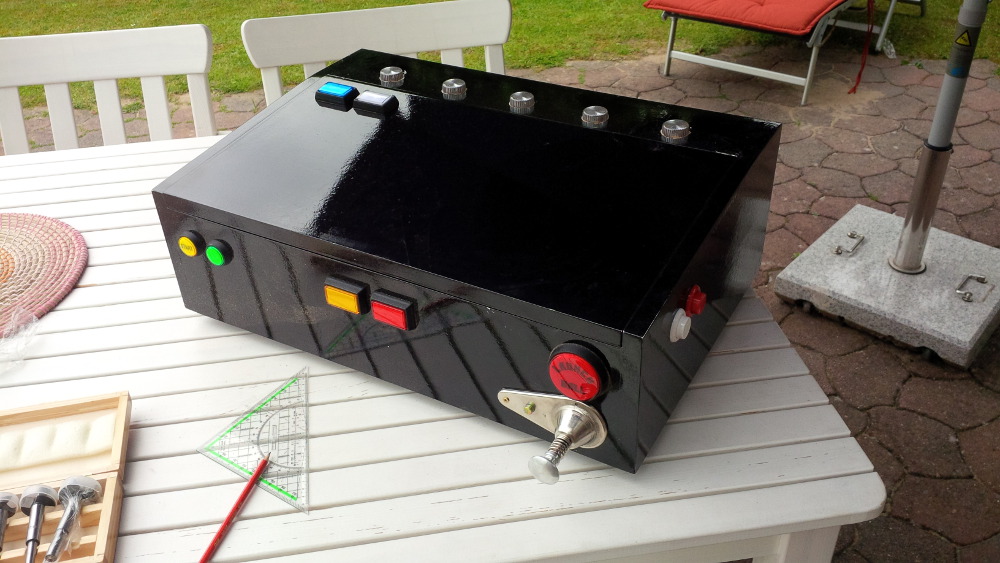
chapter-19-11-plunger.jpg
 
chapter-19-12-plunger.jpg
 
chapter-19-13-plunger.jpg
 
chapter-19-14-plunger.jpg
 
Now it's time to integrate a simple switch, before a more advanced solution...

Visit my build: Yet another build thread


#38 rasm

rasm

    Enthusiast

  • Members
  • PipPipPip
  • 128 posts
  • Location:Hamburg

  • Flag: Germany

  • Favorite Pinball: currently Fish Tales

Posted 01 June 2014 - 09:33 PM
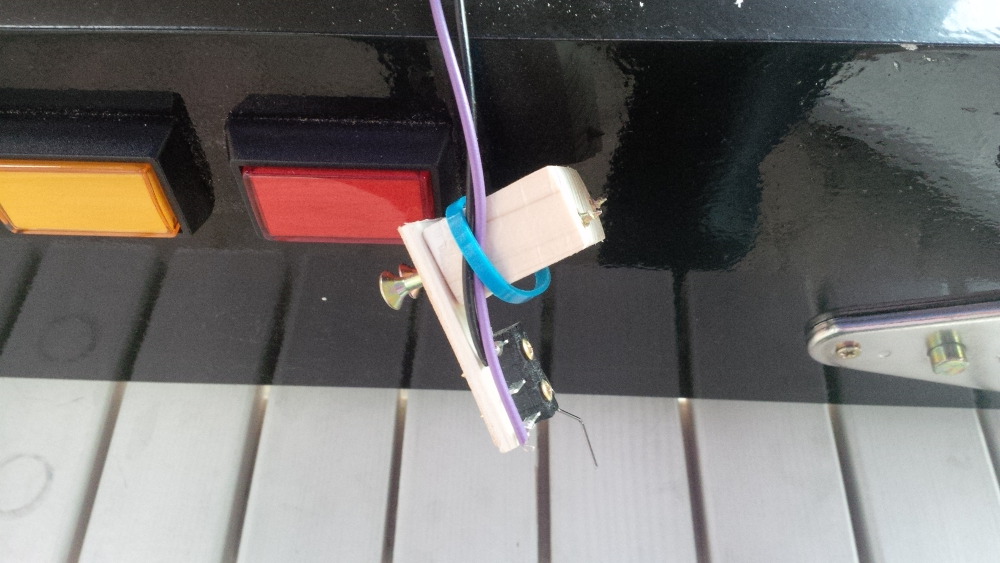
If you followed my thread you know that I already planned to integrate a (no-coin-door switch. I got a great hint from gtxjoe - in case of my hinges the approach doesn't worked 1:1, but I could create a detailed plan. But for now... I decided to use my micro switch for the plunger.
 
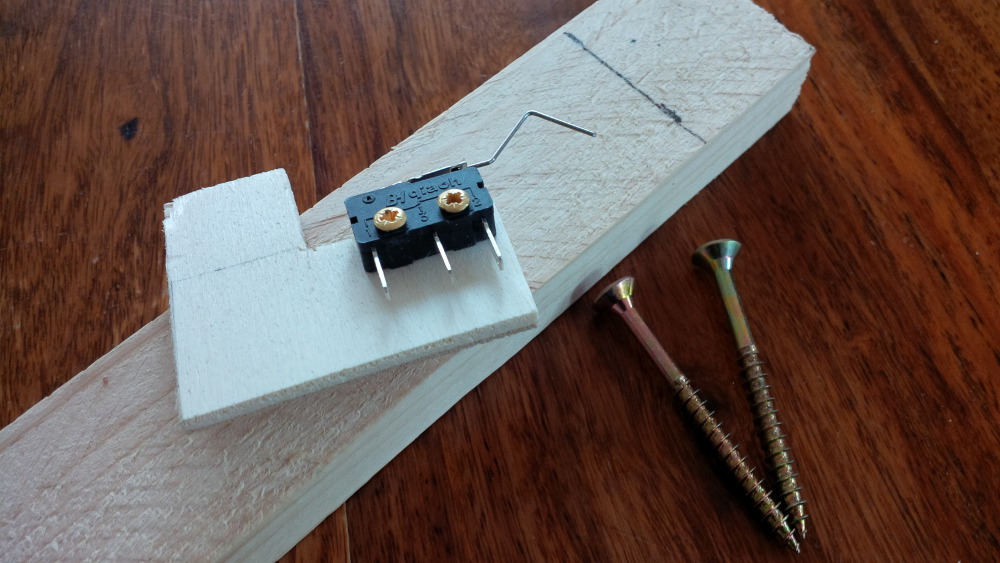
chapter-19-15-plunger-switch.jpg
 
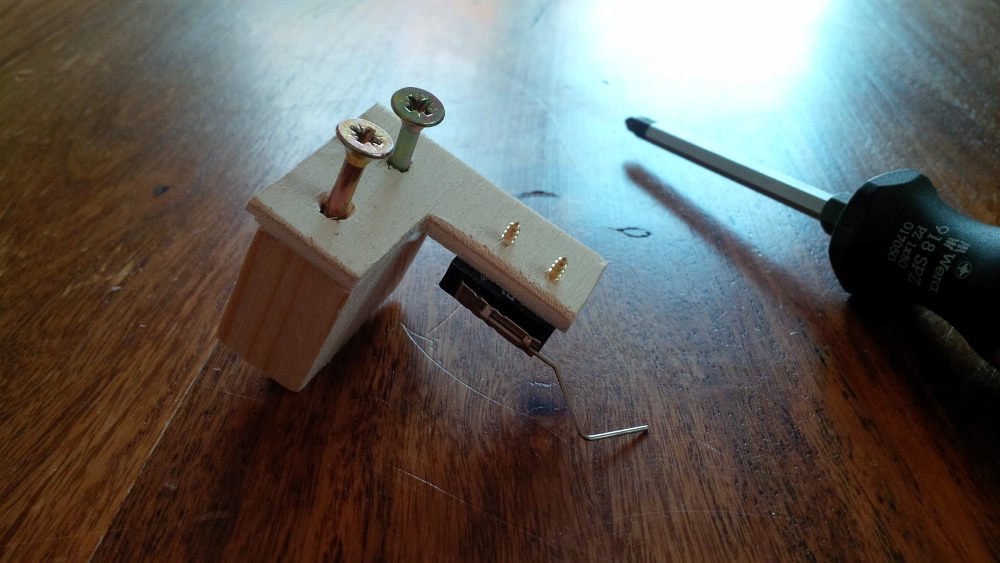
I checked the height of my plunger and cut a small wood block as mounting helper.
 
chapter-19-16-mounting-helper.jpg
 
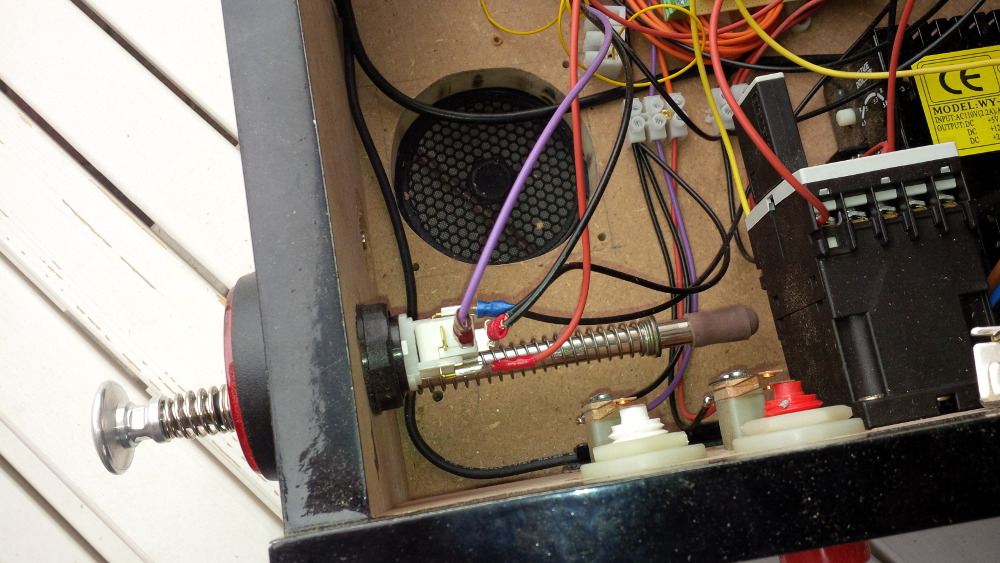
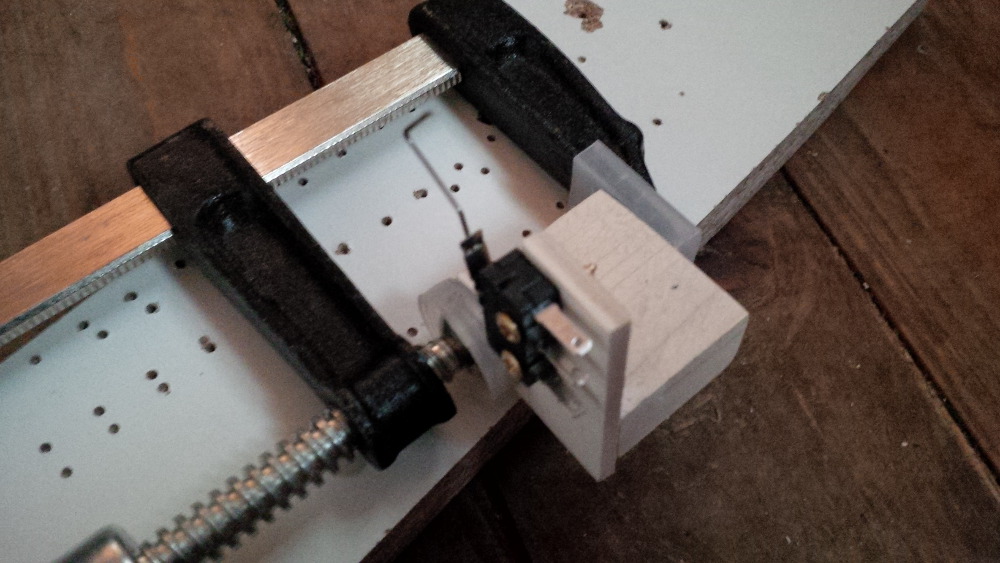
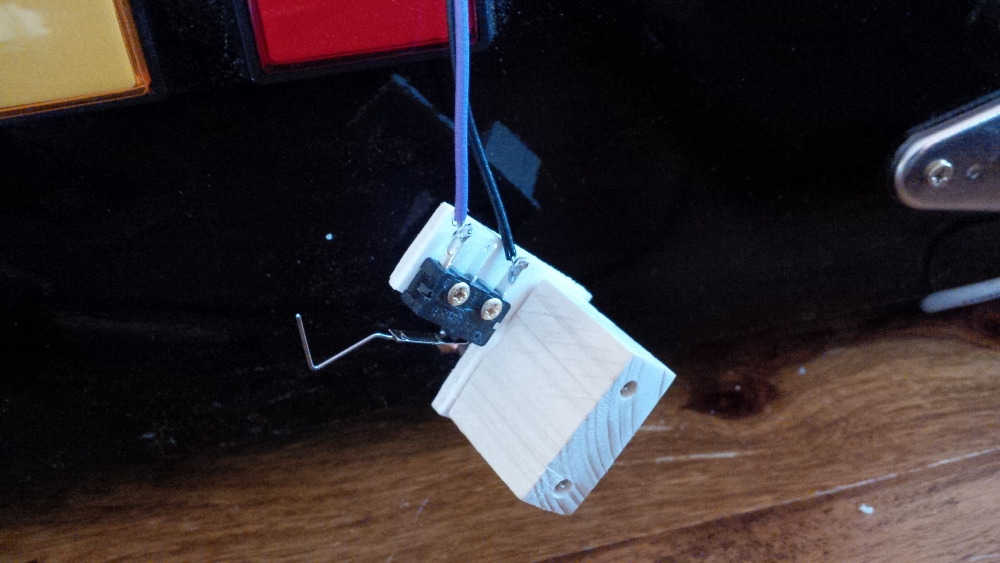
Here's the complete plunger switch assembly.
 
chapter-19-17-plunger-switch-assembly.jp
 
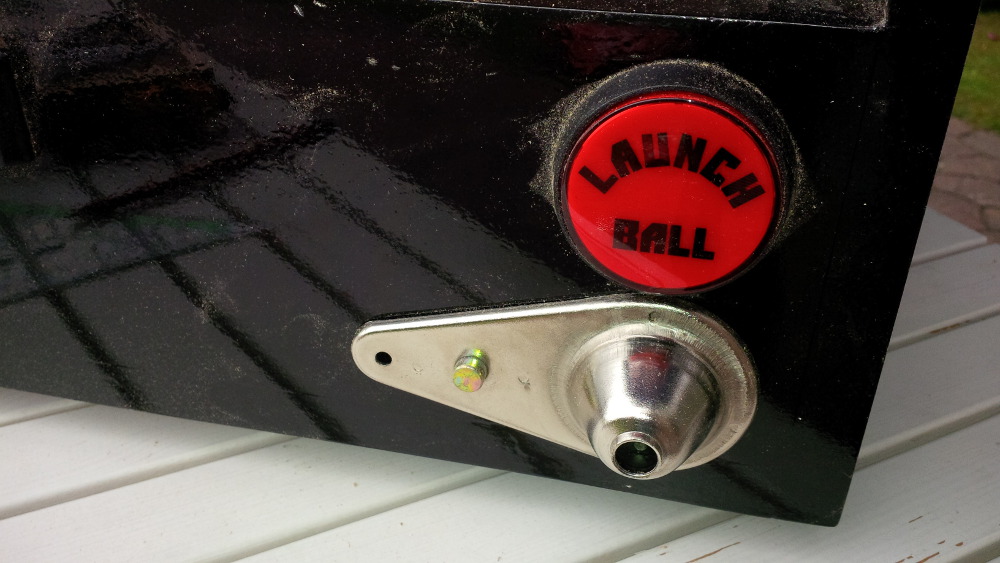
Sure, I tested the switch before mounting it. In my scenario I will use the switch in the normaly closed mode (NC), so that a key-pressed event will be send from my IPAC if the switch is released while the plunger is pulled off. When the plunger pushes back on the switch a key released event shall be fired to shoot the ball in VP. While testing this scenario everything worked fine. I use a launch ball button as aternative ball shooter and booth switches can be wired on the same IPAC port.
 
After the successful test I soldered my wires to the switch.
 
chapter-19-17-plunger-switch-soldering.j
 
Than I screwed the complete wired assembly to my case, so that the plunger makes some pressure to the switch. (It's also possible to push aganst the plunger instead of pulling it to surprisingly create a button event, but I am sure that this setup will not result in a coresponding shooting force - it's a cheap and simple solution.)
 
chapter-19-18-plunger-switch-mounted.jpg
 
chapter-19-19-plunger-switch-mounted.jpg
 
I directly tested the setup in WinIPAC.
  • First shoot works well - yeaaaaa...
  • Second shoot works well, cool let's start a game after some more tests...
  • Third shoot fails, the key still keeps pressed without an release event - damn...
 
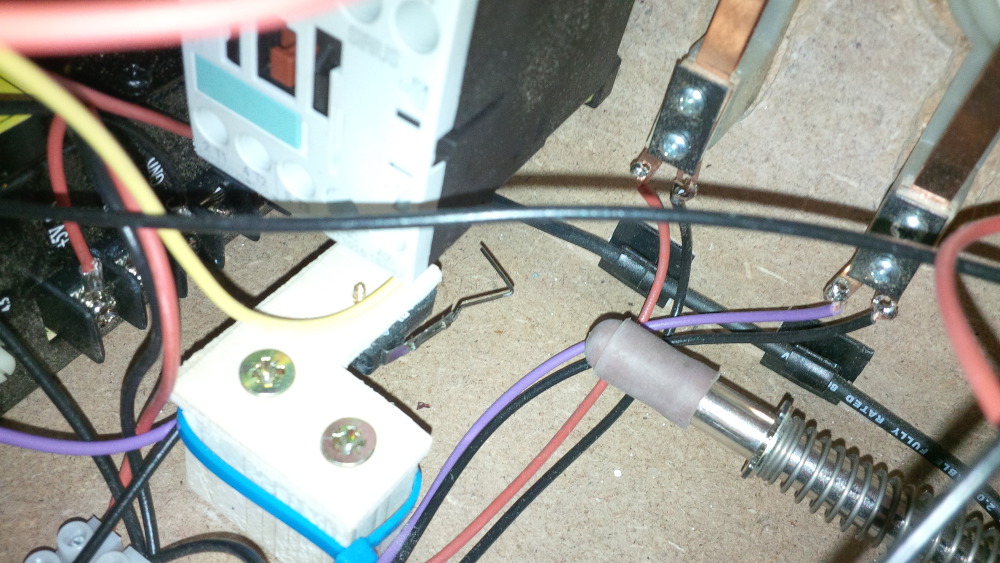
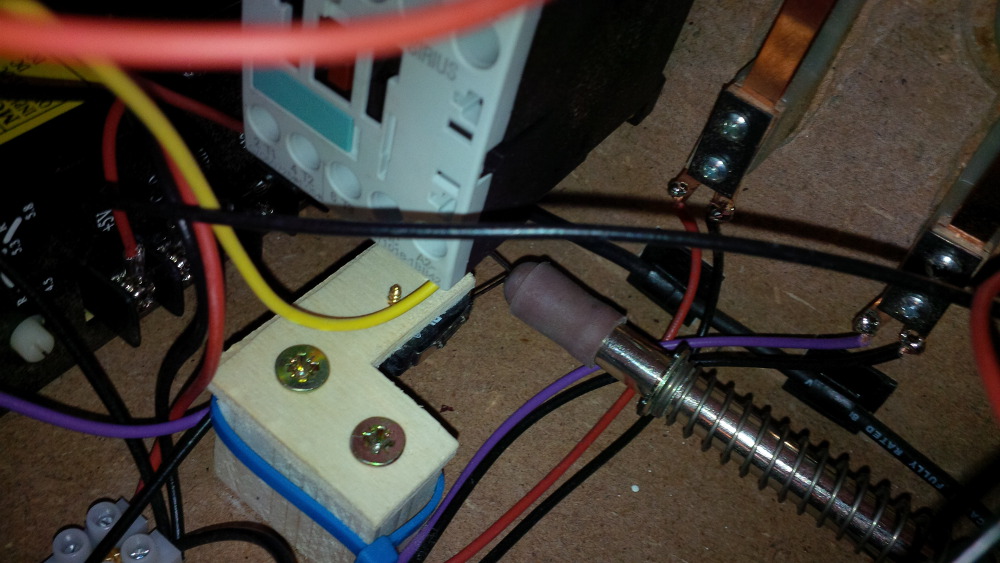
It tooks not much time to find the issue. If the plunger pushes into my switch it deforms the thin conductor mounted on the switch, so that the plunger cannot close the switch for a release event. I bend the conductor back to the original position and the plunger works fine for some tries, but than the same issue happend again. The plunger is so strong that it bend my switch!
 
Please help me with some ideas what to do to create a reliable setup.
 
Here are some detail pics...
 
...key pressed... 
 
chapter-19-20-plunger-switch-closed.jpg
 
...key released...
 
chapter-19-21-plunger-switch-open.jpg
  
...and last but not least an overview of the current status to round up this chapter.
 
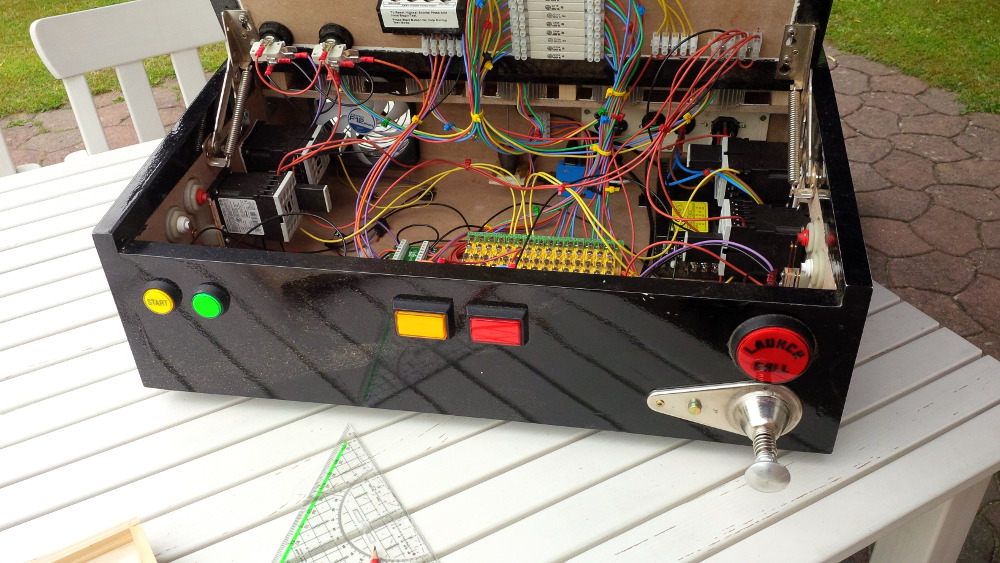
chapter-19-22-overview.jpg

Edited by rasm, 01 June 2014 - 09:34 PM.

Visit my build: Yet another build thread


#39 rasm

rasm

    Enthusiast

  • Members
  • PipPipPip
  • 128 posts
  • Location:Hamburg

  • Flag: Germany

  • Favorite Pinball: currently Fish Tales

Posted 02 June 2014 - 08:41 PM

Today my first task was to check your answers to my question how to solve my plunger issue, but my notebook didn't react as expected. I had trouble in editing an adress in my browser bar and my touch pad stops working and special keys didn't work as expected and and and... After 30 minutes I found the issue  :facepalm:... My IPac was still connected and in case of my slammed bend plunger switch I fired continously enter key events - another lessons learned.


...

Please help me with some ideas what to do to create a reliable setup.

...


Ohhh yea, I really like this community. While I thought about wild ideas how to get a reliable and simple plunger setup I got a couple of great answers. Did you ever heard something about a "Tubular Inductive Proximity Sensor Approach Switch"? Hehe, yea... sounds like ninja or rocket science.  :ph34r: But it's a serios plunger switch solution. But the most genius idea came from BigBoss, thank you so much... It's so simple... I could simply mount my switch perpendicular instead of slamming directly into my switch and instead of creating a more creative solution. Could it be so simple? I tried it asap...


Firstly demounting my current switch assembly...
 

chapter-19-23-plunger-switch-demount.jpg


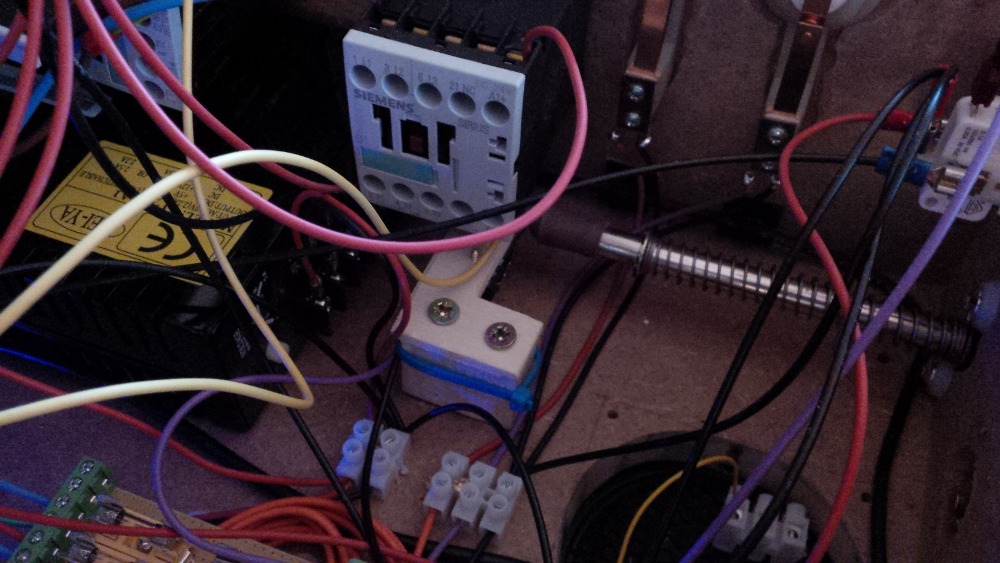
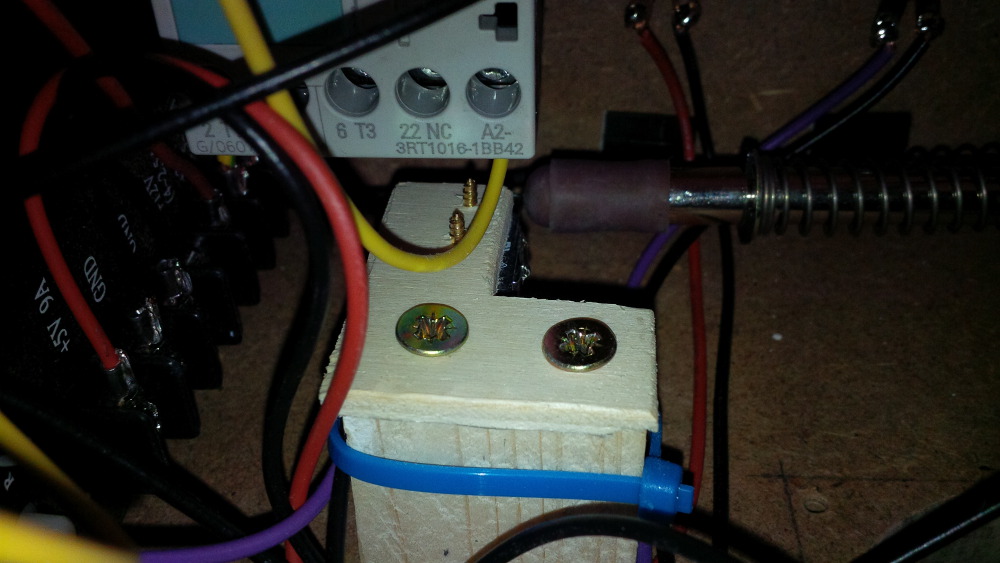
I had to re-adjust the assembly a bit and remounted it perpendicular.
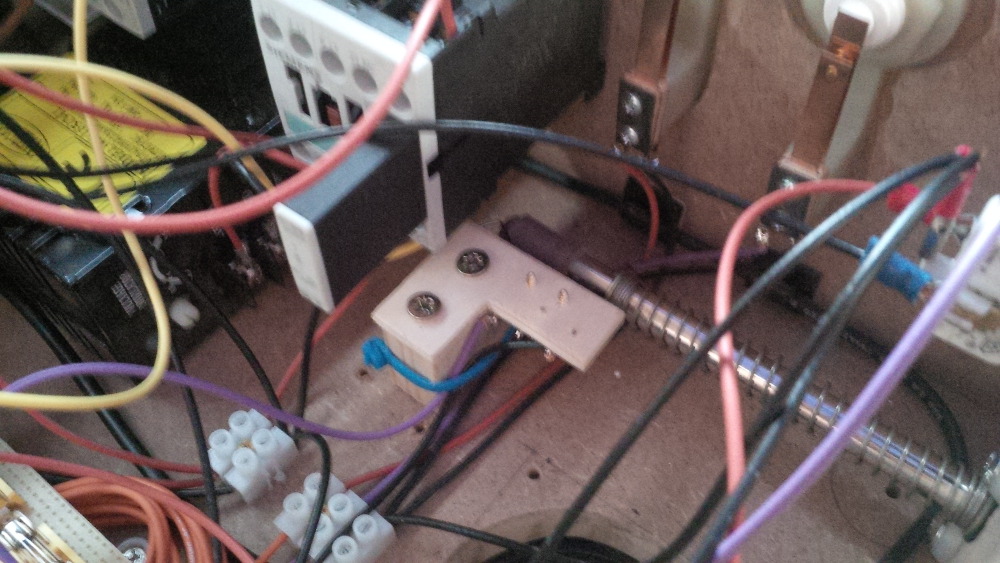
 

chapter-19-24-plunger-switch-remount.jpg


And it works like a charm! Yipee!


Pull...
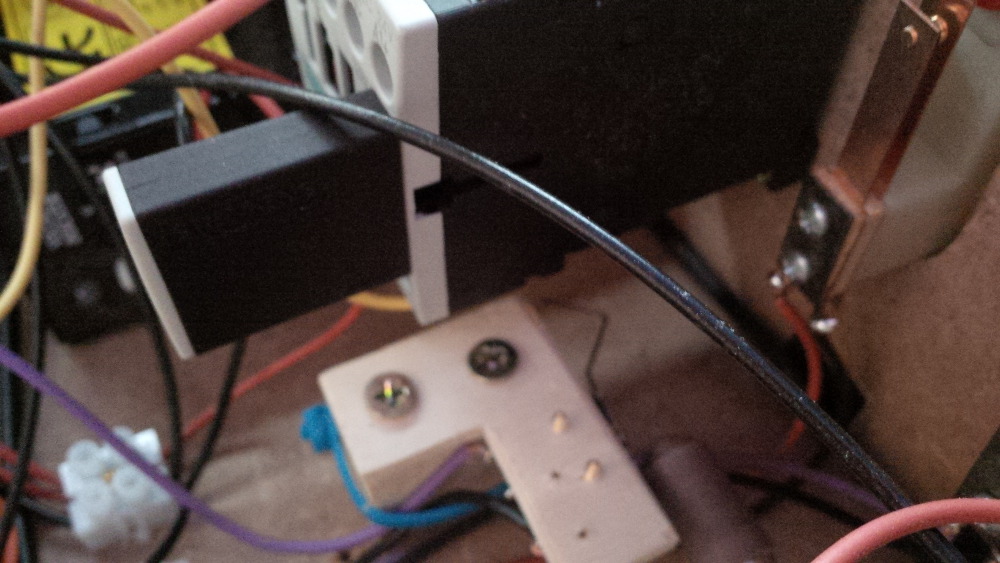
 

chapter-19-26-plunger-switch-remount.jpg


...and SLAM... BAAAAAM... and again and again!
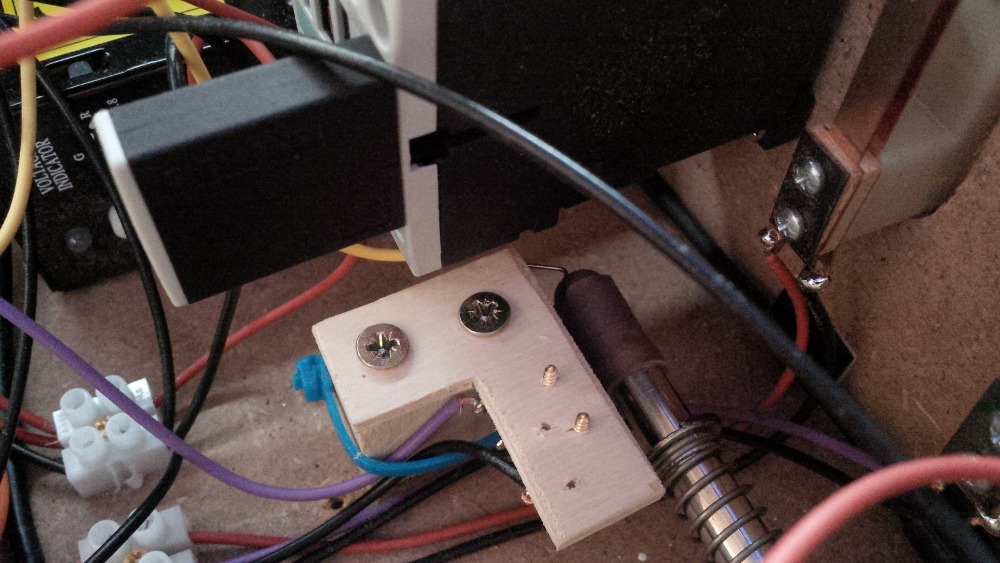
 

chapter-19-25-plunger-switch-remount.jpg


Fantastic - my plunger is working!


Coming soon: Chapter 20 - A disappointing bulb replacement


Edited by rasm, 02 June 2014 - 08:53 PM.

Visit my build: Yet another build thread


#40 rasm

rasm

    Enthusiast

  • Members
  • PipPipPip
  • 128 posts
  • Location:Hamburg

  • Flag: Germany

  • Favorite Pinball: currently Fish Tales

Posted 02 June 2014 - 10:12 PM

Chapter 20 - A disappointing bulb replacement
 
Maybe you noticed that I am a bit worried about my power situation. Sure, I already switched from my cheap 5 Euro power supply to a nice 130 watt supply, but it is obvious that I cannot drive all planned toys with it - 1.5 amps on the 24v rail isn't enough.
 
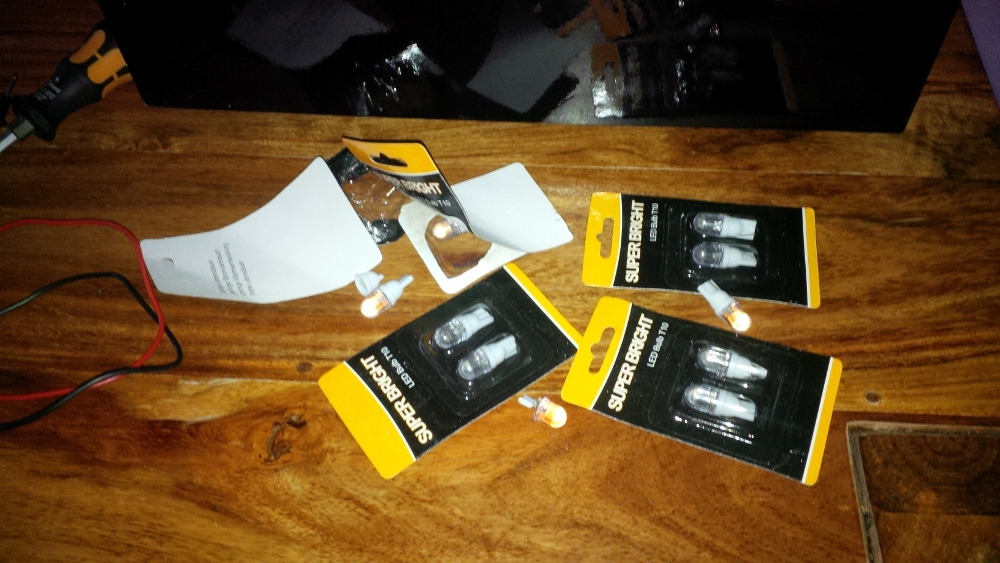
So, luckily I found a set of 6.3V T10 LEDs which should work as a replacement for my button bulbs to save at least a bit of power :tapping:. Addionally I hoped to get a brighter lightning, because my buttons looks very smooth like candle light. I paid only 1 Euro + shipping for a set of 10 LEDs - lucky.
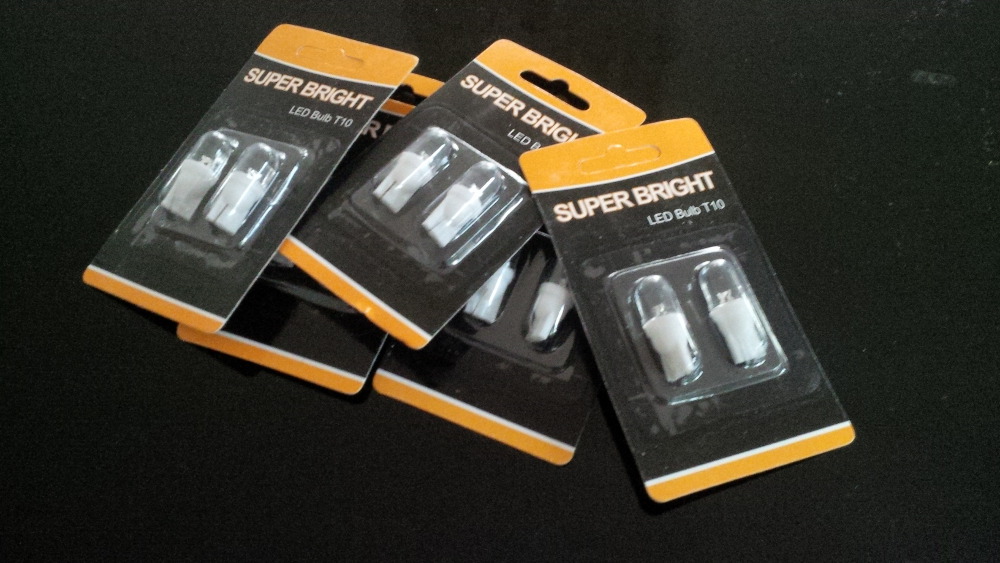
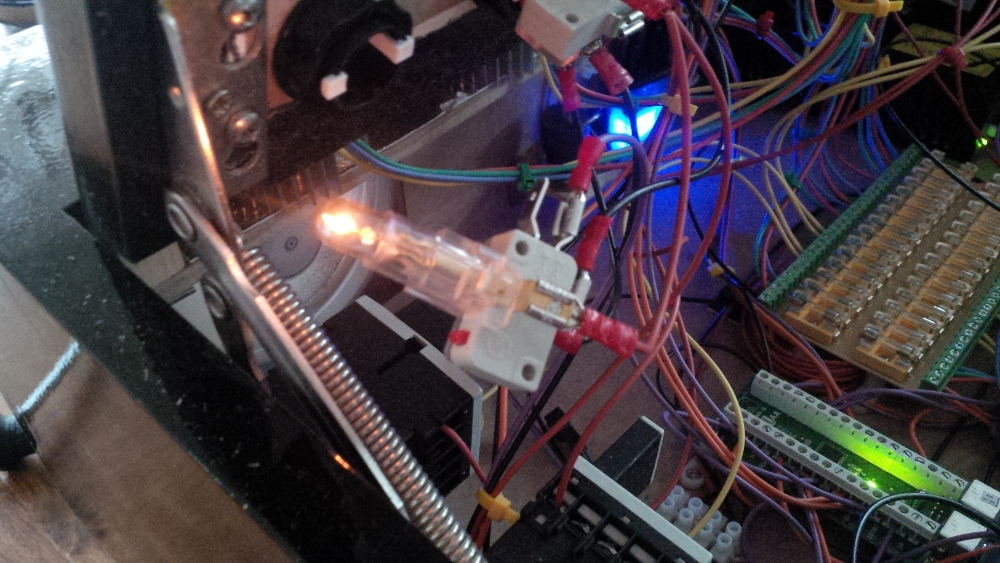
 
chapter-20-01-button-leds.jpg
 
While taking a look to a first bulb the low candle like effect was wonderful visible.
 
chapter-20-02-bulb.jpg
 
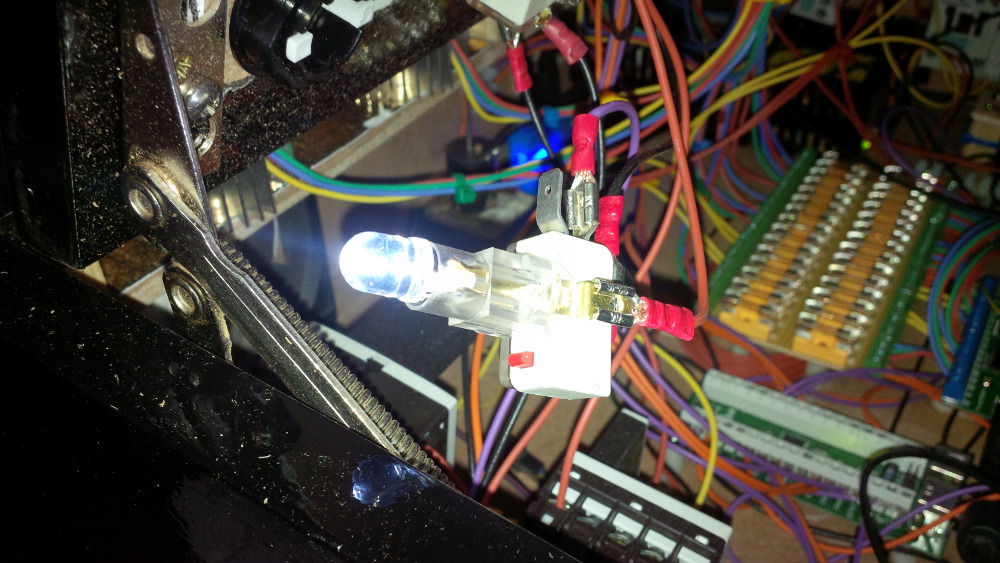
It's simple to put the bulb out and replacing it by a fitting T10 LED. Wow, it's bright!
 
chapter-20-03-led.jpg
 
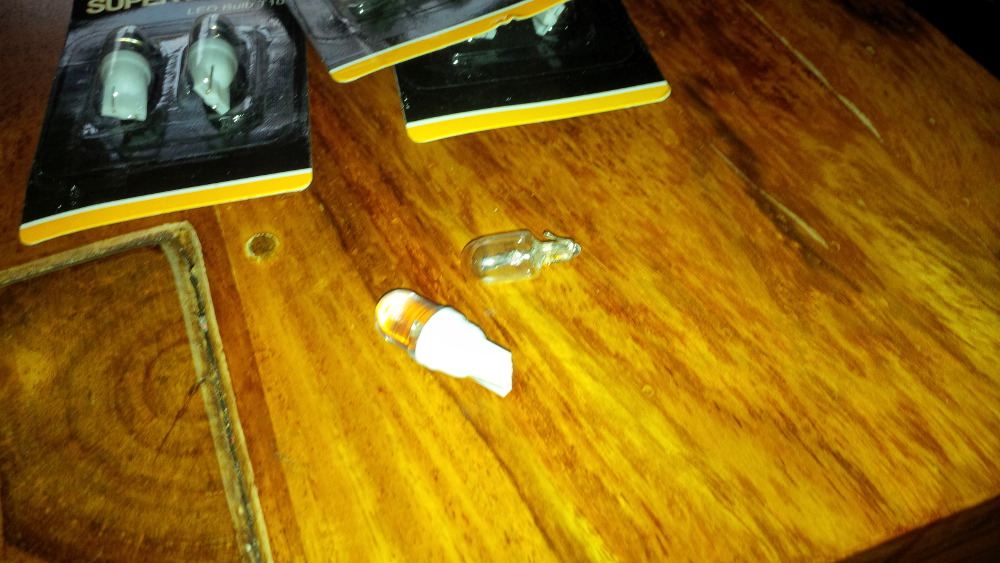
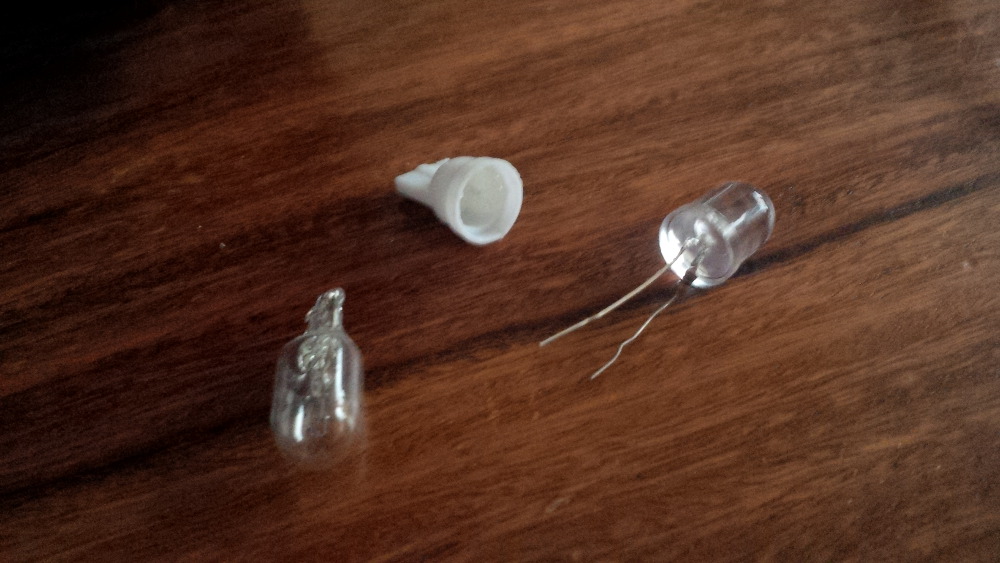
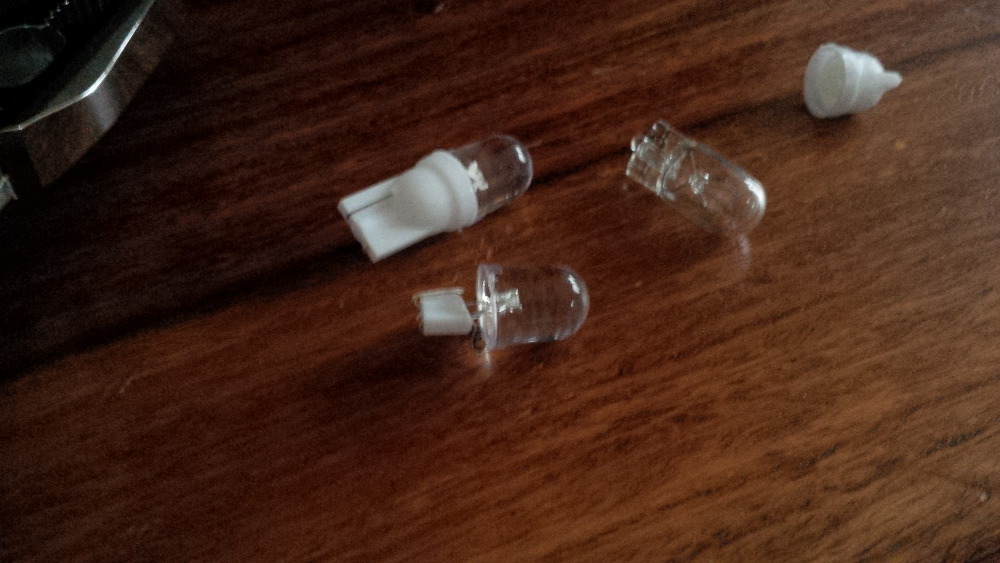
Unfortunately I can't mount the lamp assembly back to the button. The new LED is simply too big - f**k. Here is a direct comparison.
 
chapter-20-04-size-comparison.jpg
 
Hmmmm...  :hmm:
 
In the last weeks I learned the DIY way. So if something doesn't fit than let's make it fit. I decased the LED.
 
chapter-20-05-led-decasing.jpg
 
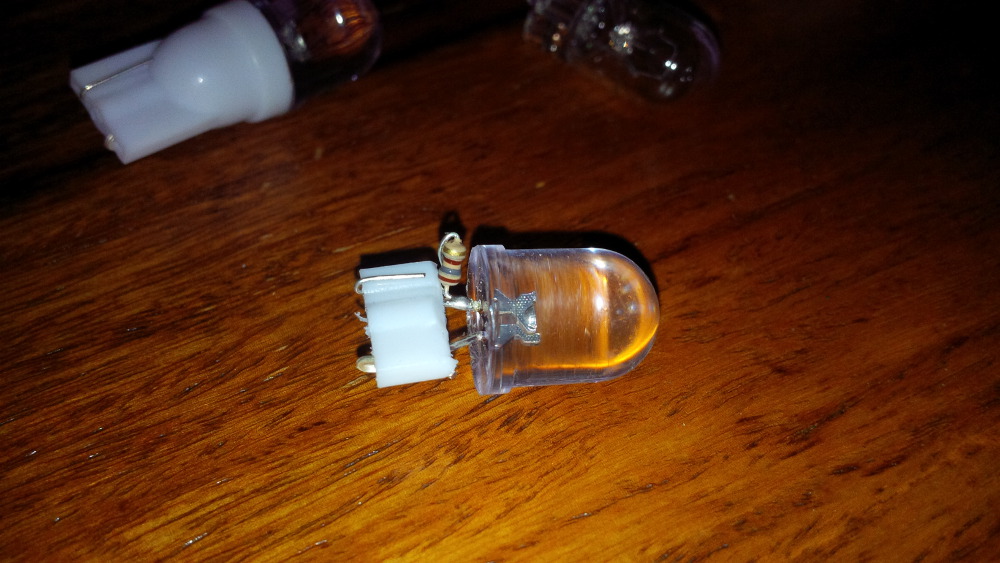
But how to mount it into the T10 bulb holder? Soldering? No, not very flexible! I decided to cut the decased base and to arrange the pins and the small resistor by a bit of bending.
 
chapter-20-06-modified-led.jpg
 
chapter-20-07-modified-led.jpg
 
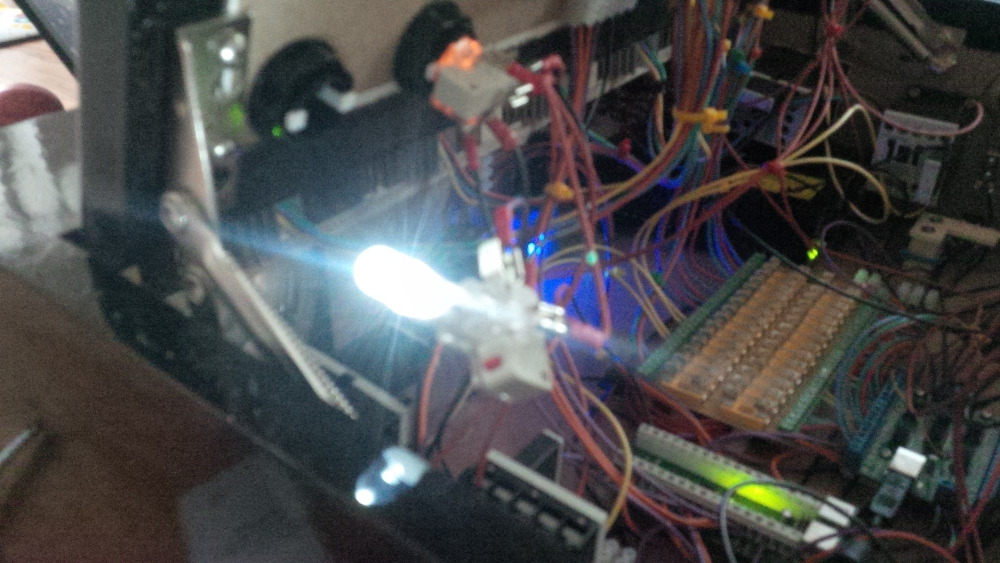
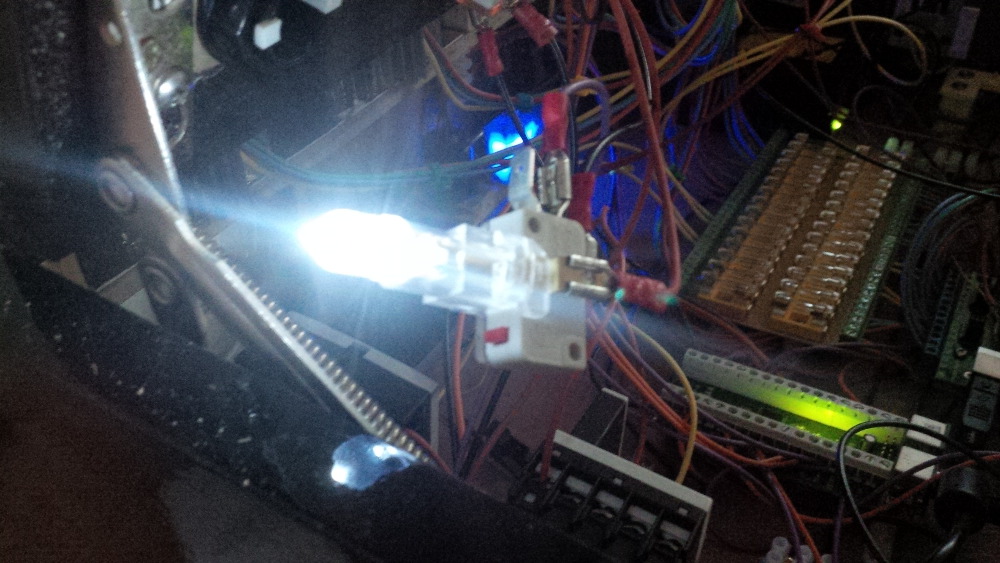
It works (sure, the mounting wasn't as easy as before, I had to use a small screw driver to push the base into the holder, but eventually it works)...
 
chapter-20-08-it-works.jpg
 
chapter-20-09-it-works.jpg
 
...and more important now the lightning assembly fits to the button.
 
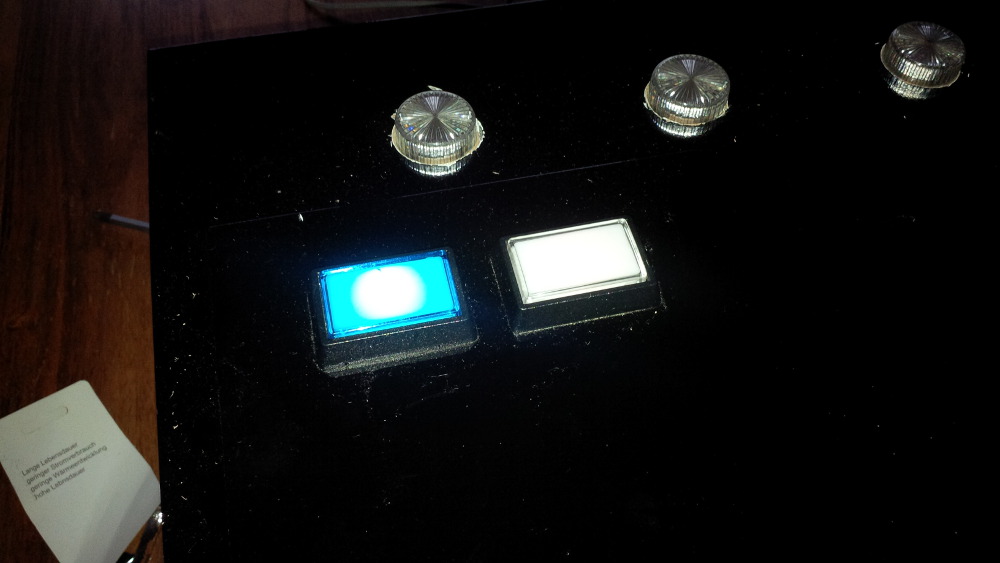
chapter-20-10-bright-button-led.jpg
 
The lightning effect is much brighter and I lost my candle light atmosphere. For me it would be good to have brighter buttons, so that I can find them also after playing 3 balls with dazzle high-power flasher support. But unfortunately I would get an ugly spot effect within my buttons that is definetly unacceptable!
 
chapter-20-11-ugly-spot-effect.jpg
 
I compared both buttons a bit (led vs. bulb) and decided to keep the candle light bulbs (at least until the bulbs will burn). Ahhhhhhh wait a moment. I've an adjustable 5V rail! So, what happens if I increase the 5V tension a bit? I took a screw driver and slowly increased the power for my bulbs... Hm, okay when concentrating to the light there was a low effect. Okay better low than nothing.
 
Oh man - don't do this if you've more sensitive components on ya rail! While I closed my case I saw my resistor bank and in the next moment I can't believe how stupid I am. Fastly I grab my voltmeter and reconfigured my rail to exactly 5v. Otherwise I could burn my flasher LEDs (the resistors expects 5v to provide suitable LED input voltage - not 6v and not 7v). Puh... and btw I wouldn't save power by increasing the voltage.
 
So I will count this LED experiment as fail! (Luckily a cheap fail.)
 
chapter-20-12-failed-led-experiment.jpg
 
I thought: don't worry! And I took some comfort from playing a table and enjoying my brand new working plunger setup.  :tup: I am fine.
 
chapter-20-13-taking-comfort.jpg

Visit my build: Yet another build thread


Also tagged with one or more of these keywords: Pinball Wizard, DIY, Pinball Controls, Small, Box