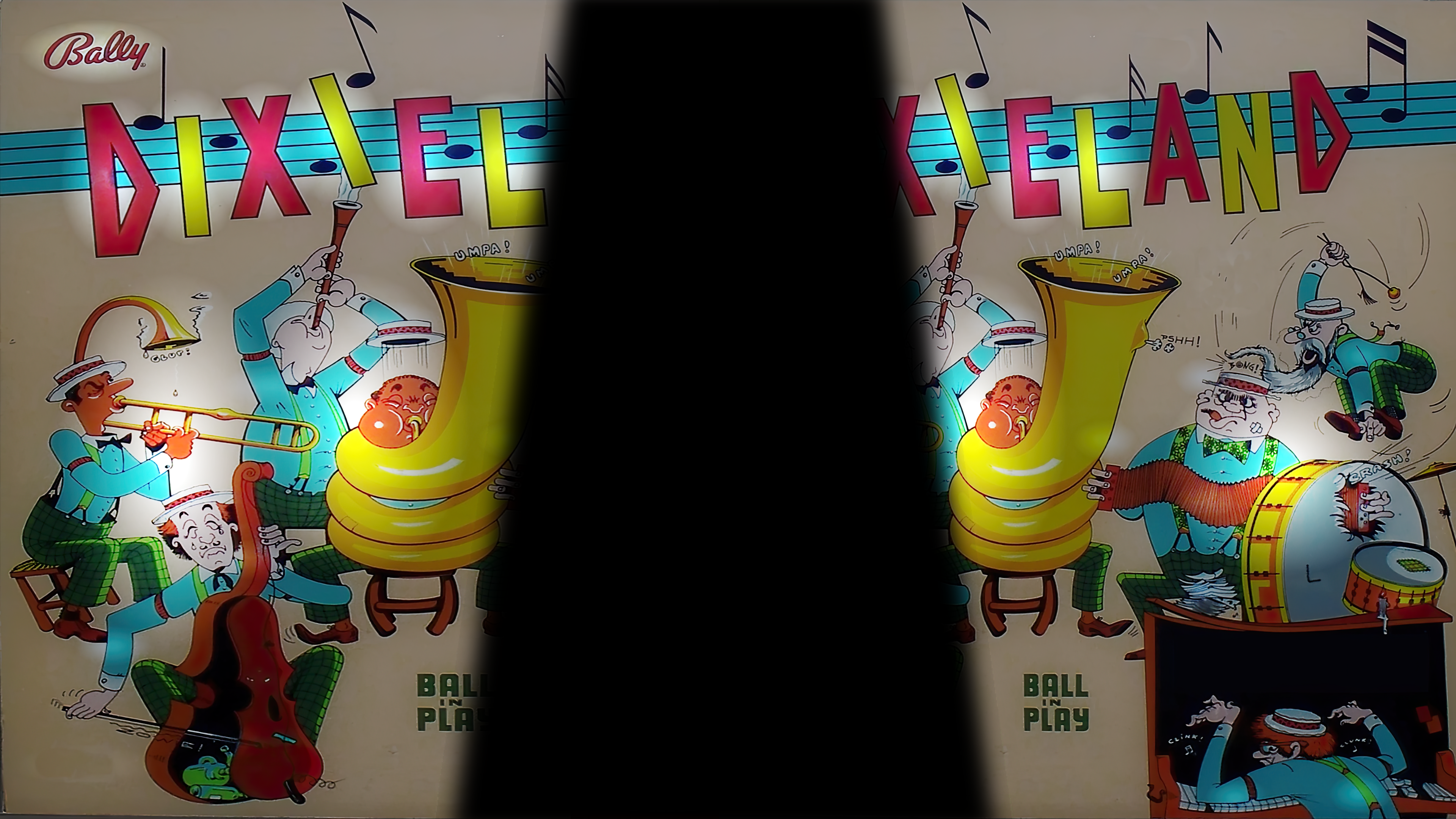
I wonder if I can ask one more question in relation to Dixieland. How do I get the lovely image of the game backglass? I have a default "4 player" image at the moment.
TIA
I have the same issue, it seems. Nowhere do I see a "backdrop" option in the Image Manager.
Not sure if this is what you are looking for....but to add or change the desktop backglass you need to:
1. Have an image file you want to use as a backglass. You can either download one...rip the image from the B2S...or create something.
2. Open VPX but do not load a table.
3. Click file > open > find the table file for Dixieland. Click open.
4. On top menu click on Table > Image manager.
5. Click import. Select your file from step 1. Click open. Back in image manager. Click OK.
6. In the Upper Left Toolbar there is a toggle to toggle the backglass view. Toggle this On.
7. In the Upper Right Properties you should see a drop down for DT Image. Click on the drop down and select your image.
8. Clcik play button on Upper left toolbar. Decide if you like what you see. If you do the press Q twice and click File > Save.
9. Exit VPX.
When you play the table now it will have that backglass.
Here is a super quick DT beckglass I put together for Dixieland. Feel free to use it if you want. https://static.wixst...bae49db~mv2.png
Edited by jino0372, 19 June 2023 - 04:02 AM.



 Top
Top







 are all trademarks of VPFORUMS.