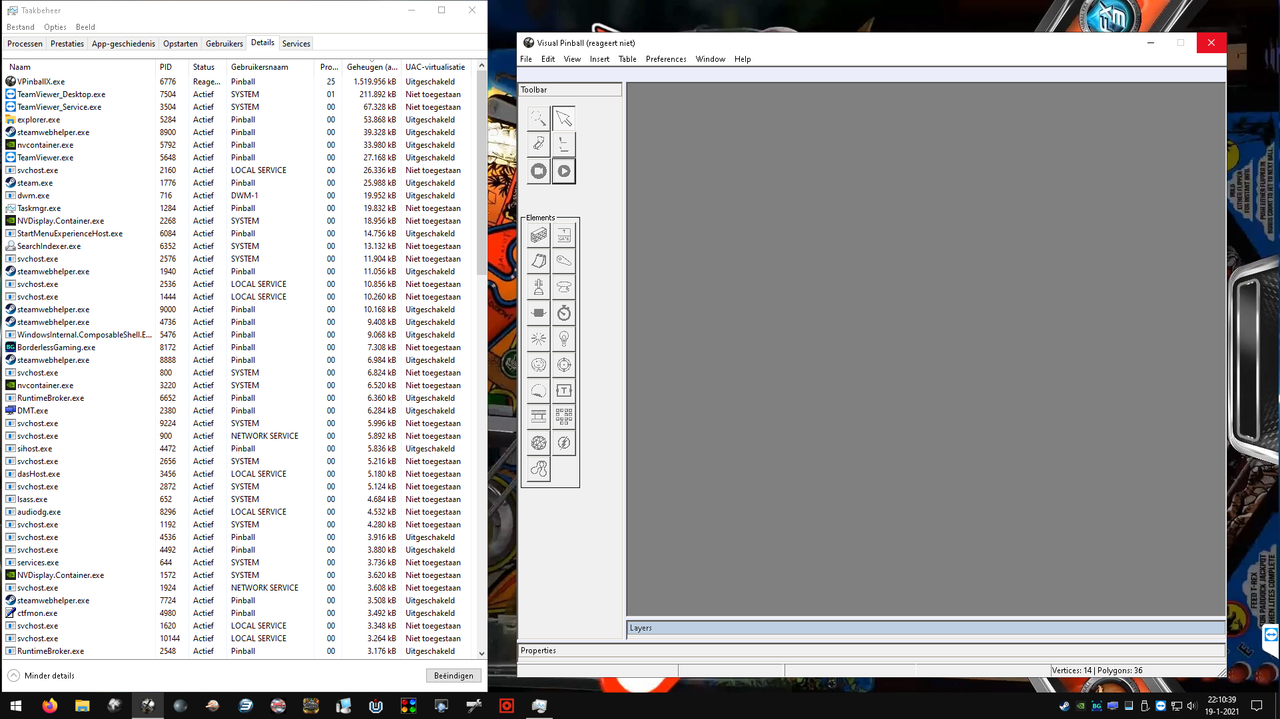
Pretty weird. Could you please check in the task manager under details if its only VPX 10.7 that occupies the CPU, or also other processes?
Nothing strange there, did you see the video I posted under my message? Looks like the cpu, ram and drive are doing nothing...
Today I restored my backup, so back to Win10 1909 and what do you think? Still the same issue, so it's not Win10 20H2 related (as wiesshund already tested).
Some more tests, starting some vpx tables from the tables folder in seconds before the game is fully loaded:
NBA Mac (MAC S.A. 1996) - table 60MB and B2S 12MB: under 10 seconds
Night of the Living Dead '68 (Original 2018): 115MB and 23MB: 22 seconds
Bugs Bunny's Birthday Ball (Bally 1991): 109MB and 32MB: 110 seconds
America's Most Haunted (Spooky Pinball 2014): 152MB and 20MB: 17 seconds
Also closing VPX takes some more time then normal.
Then I renamed the Visual Pinball folder and downloaded the all-in-one VPX installer 10.6.0 and installed it as a fresh install.
Updated to VPX_7_beta_rev4377 and only have the Bugs Bunny table in there, but still the same problem.
Clean install of the Nvidia drivers...same issue.
Tried instead of 2 x 8GB ram, first the one 8GB module and then the other one, but also same problem.
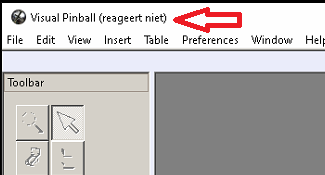
Sometimes when I start Bugs Bunny it's not only the blue circle not turning but also "not responding"
Edited by BlackPredator72, 19 January 2021 - 06:09 PM.





 Top
Top










 are all trademarks of VPFORUMS.