Lets build the cabinet around our playfield. Import the following lockdown bar image into your table:

We need to add an object with a height higher than our apron so we can have our lockdown bar image appear at this height. Add a wall object to the right side (off the table) and set it’s top height to 110. Uncheck Top and Side visible. Rename the object Lock-height. By doing this we make the object invisible (or not show).

Add a decal object to your table and set the dimensions to:
X=501
Y=3281
Width=1075
Height 110
Tell it you want the lockdown bar for the image. Under Surface, select the Lock-Height object:

Add a wall object at the top edge of your table. Set the top height to 225 and leave the bottom at 0 and set both the top and side colors to black.
Set the left edge control points X value to -31. Set the upper left point Y value to 17.5 and the bottom left point Y value to 26.5
Set the right two control points X value to 1035 and use the same Y values as you did above:

Now add a wall object on the left edge of your table. Set the top and side colors to black and the top and bottom height to 50.
Set the upper left control point to X=-30, Y=17
Set the upper right control point to X=6.5, Y=17
Set the bottom left control point to X=30, Y=2314
Set the bottom right control point to X=6.5, Y=2314
Now perform a copy and paste of this wall object. Set the bottom height of the pasted object to 0 and the top height to 100.
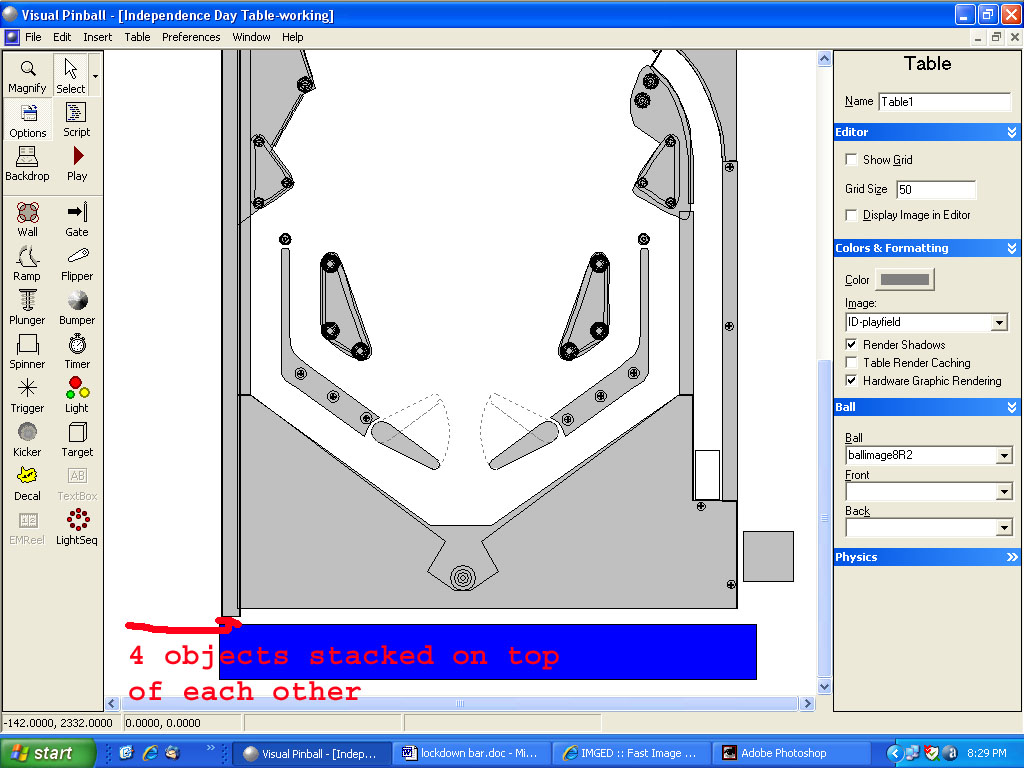
Now add a ramp object to the left edge of the table. Set the color o black. Bottom height=0, Top height=125, top and bottom width=35, left and right visible wall=100. Set the bottom control point to X=-14, Y=2313. Set the top control point to X=-14, Y=17. Perform a copy and paste on this ramp. Set the copies bottom height to 100 and the top height to 225. Set the left and right visible wall to 0. You should now have four objects (two walls, and two ramps) all stacked on top of each other:

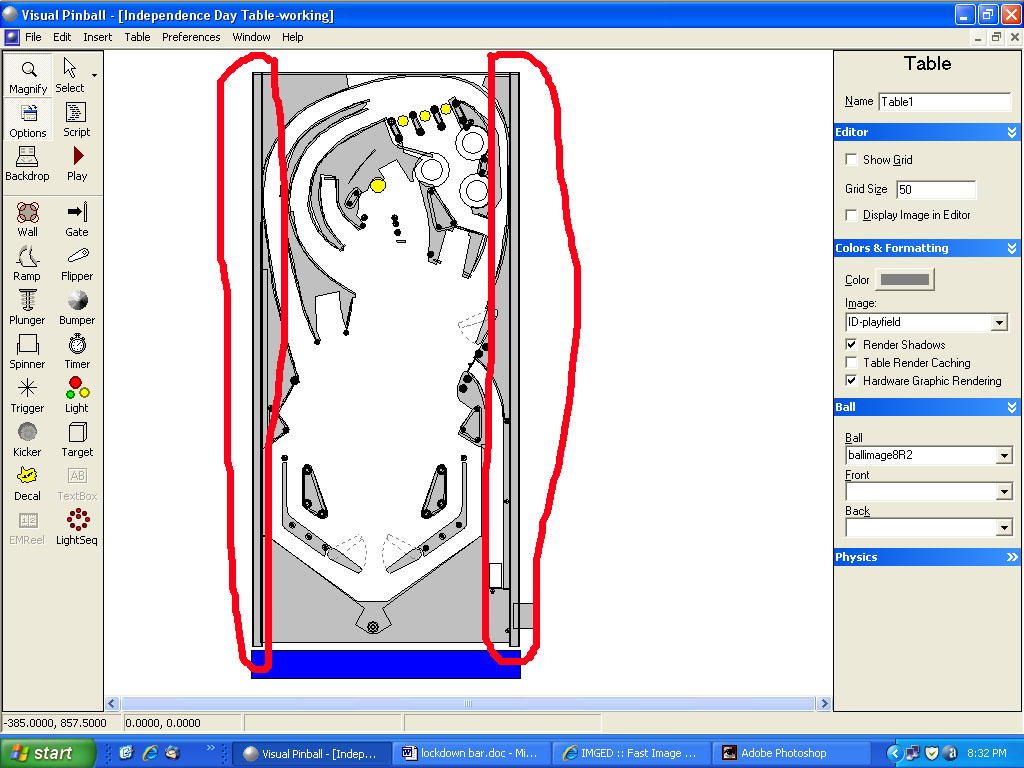
Now zoom out so you can see the top and bottom of these four objects on your screen and make a selection around them. Perform a copy and paste and then move the pasted objects to the right edge of your table:

Click on the play button and your table should look like this:





 Contributor













 Top
Top













 are all trademarks of VPFORUMS.